
...
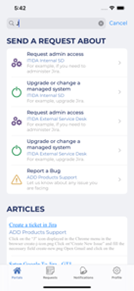
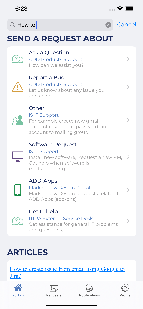
- In portals press on What do you need help with?
- Below screen will appear so you can search for confluence articles and Request Types
3.2 Search from Request type screen
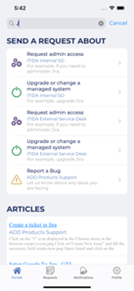
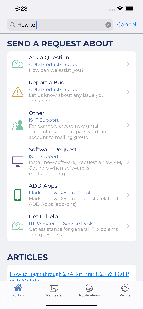
- In request type screen press on What do you need help with?
- Below screen will appear so you can search for confluence articles and Request Types
...
4- Request type screen
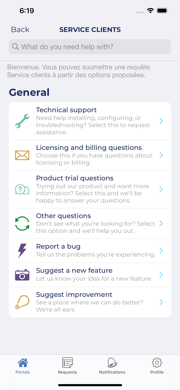
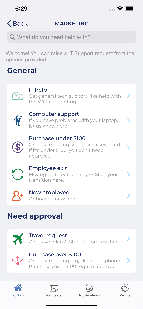
...
5- Create Issue
- Select a specific portal from Portal screen
- Then select the request type you want to create issue on
- After that create screen will appear that contains different fields
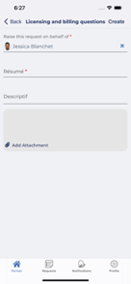
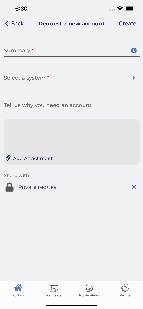
- Fill fields with data and then press Create. Detail screen with the issue created will appear
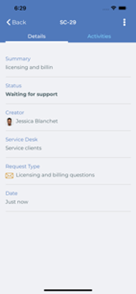
...
Suppose you received a notification, then when you press on it details screen will open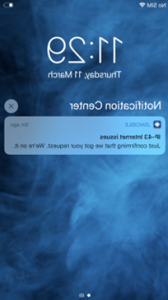
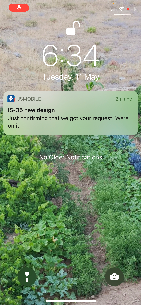
...
7- Request List Screen
...