
Creating an Issue from E-mail:
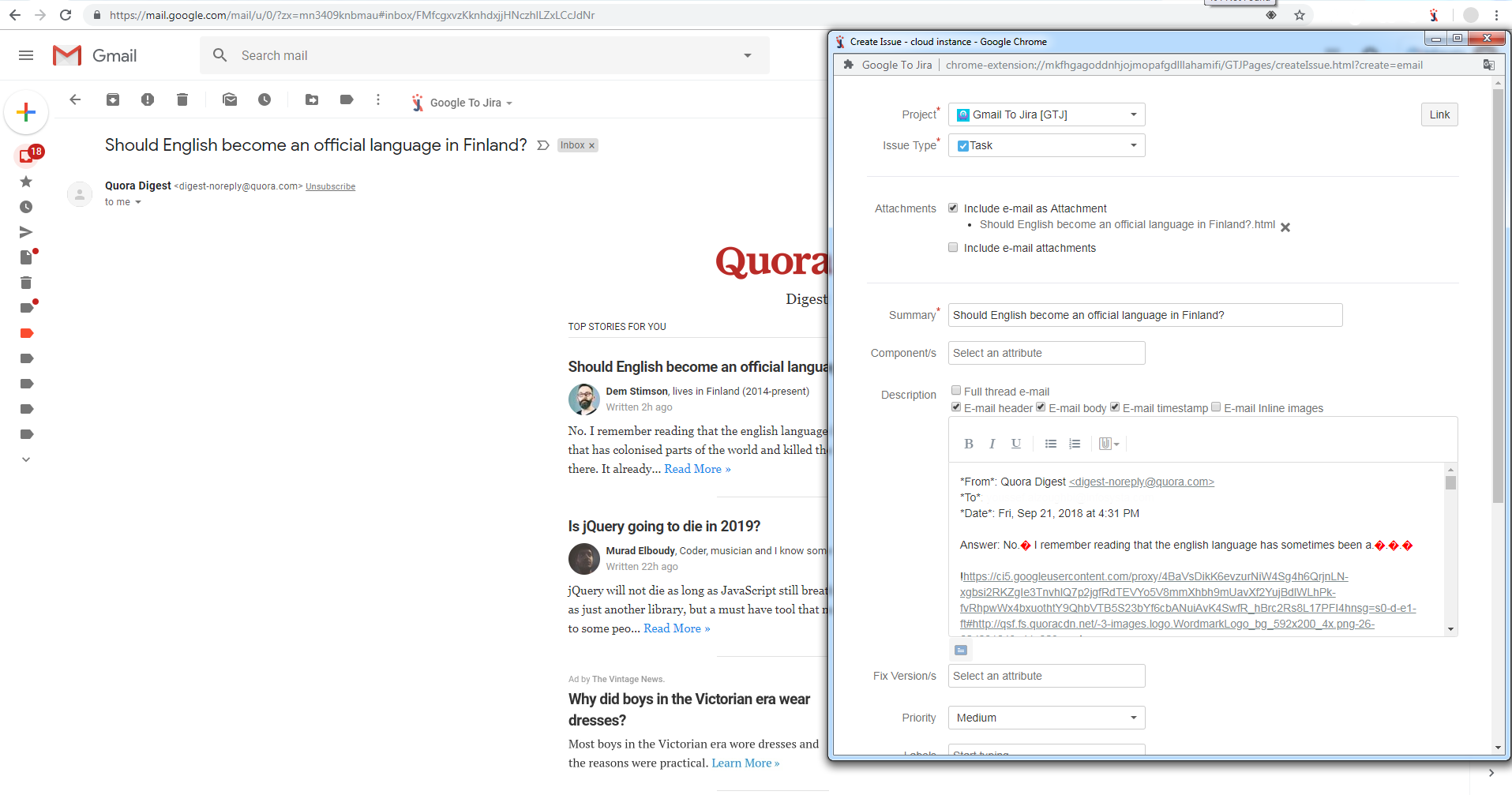
- From your inbox select any email.
- From your email click on Google to Jira menu as shown in the below image:"
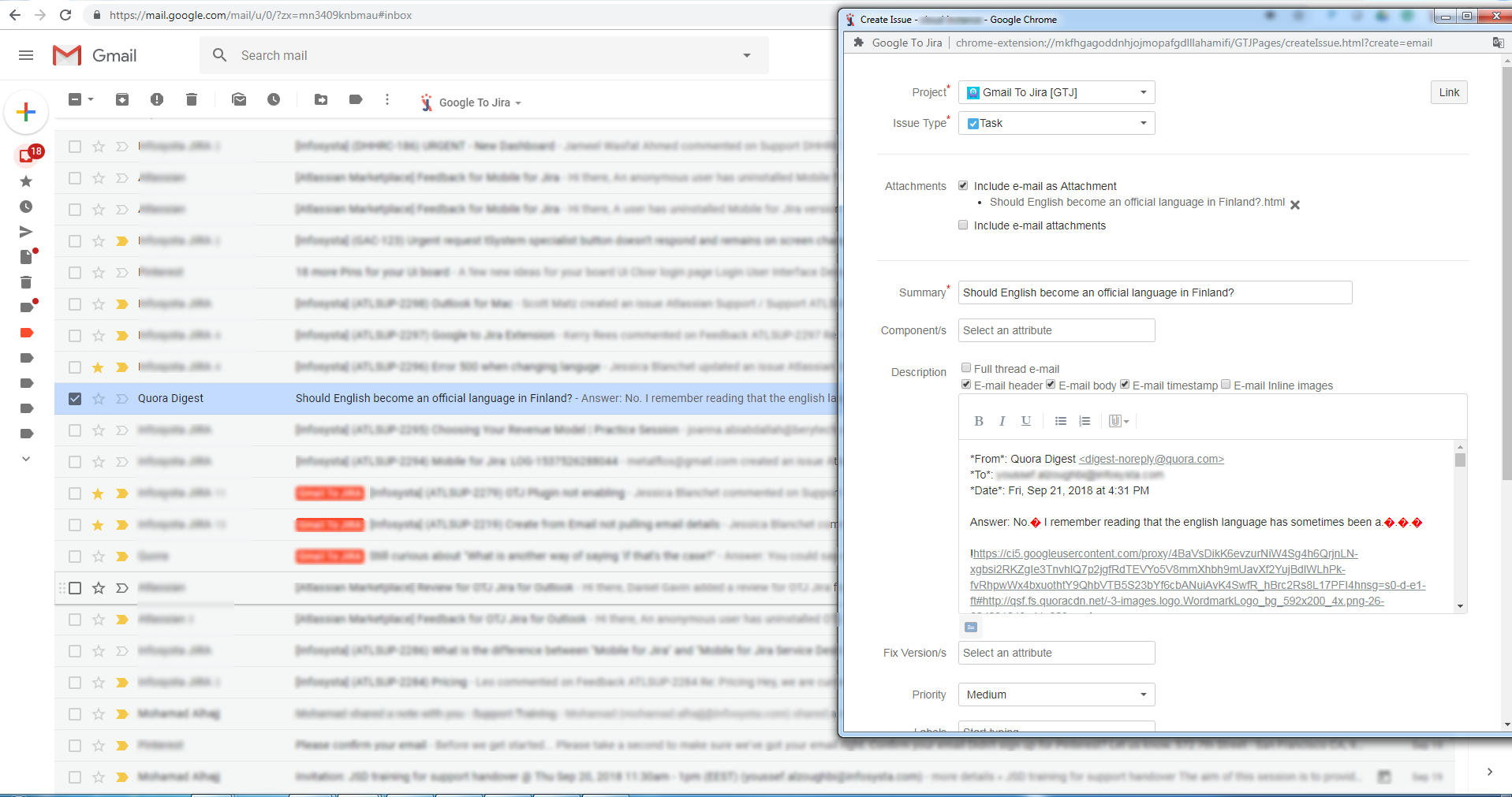
Creating an issue from E-mail List or Preview Pane:
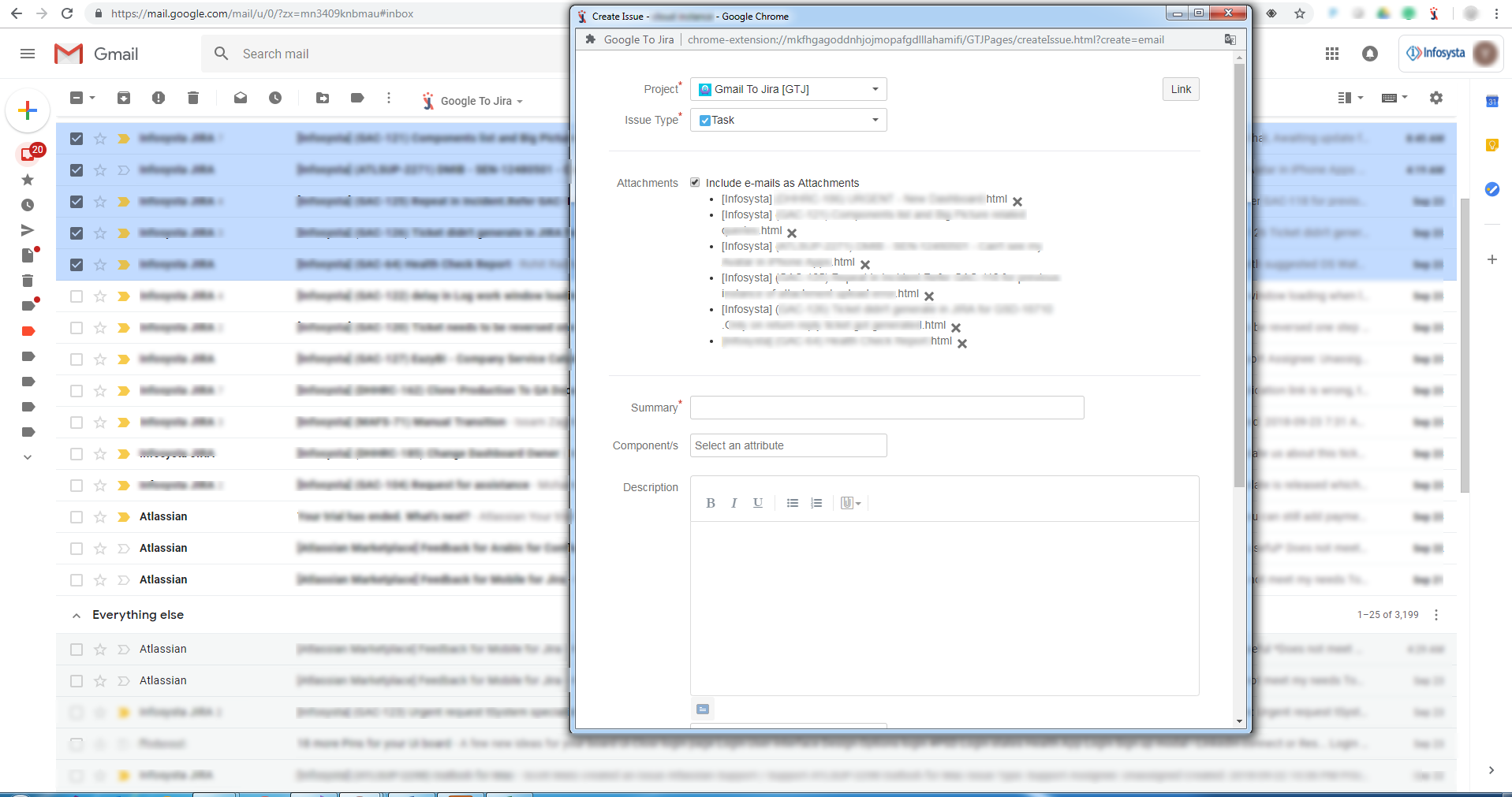
- Select an E-mail or Multiple E-mails by clicking on the related Check-Box as shown in the Image below.
- Click on Google to Jira menu and select the needed action, information of selected E-mails will be exported.
Creating an Issue from a selected text in your browser:
- Select any text from any website or blog your reading.
- Right click on the selected text and choose Google to Jira menu, and select any Jira action listed. (Check the image below)
In order to create an issue from an email using GTJ:
From google inbox open any email, then from the GTJ menu select “Create from email”. all email content will be exported in the Create form also the email will be added as an attachment “email.html”.
From the inbox mail list select email by checking the email checkbox, then from the GTJ menu select “Create from email”. all email content will be exported in the Create form also the email will be added as an attachment “email.html”
From the inbox mail list select all emails you want to upload, selected emails will be added as attachments.
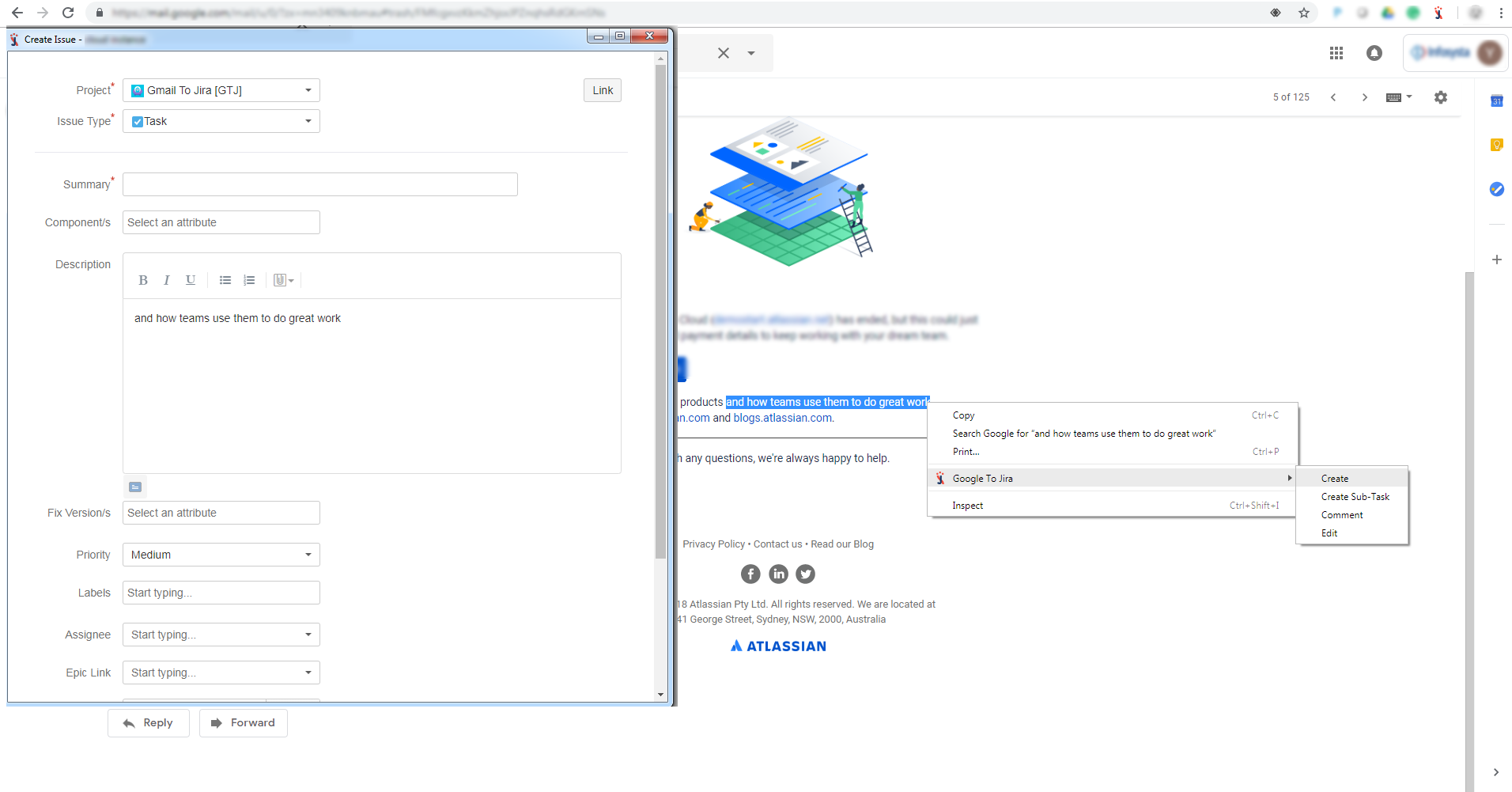
- Select text from body right-click, Google Context menu will open from “Google to Jira” Context menu select create, create sub-task, comment or Edit.
...
Related articles
| Content by Label | ||||||||||||||||||
|---|---|---|---|---|---|---|---|---|---|---|---|---|---|---|---|---|---|---|
|
...