Feature Overview
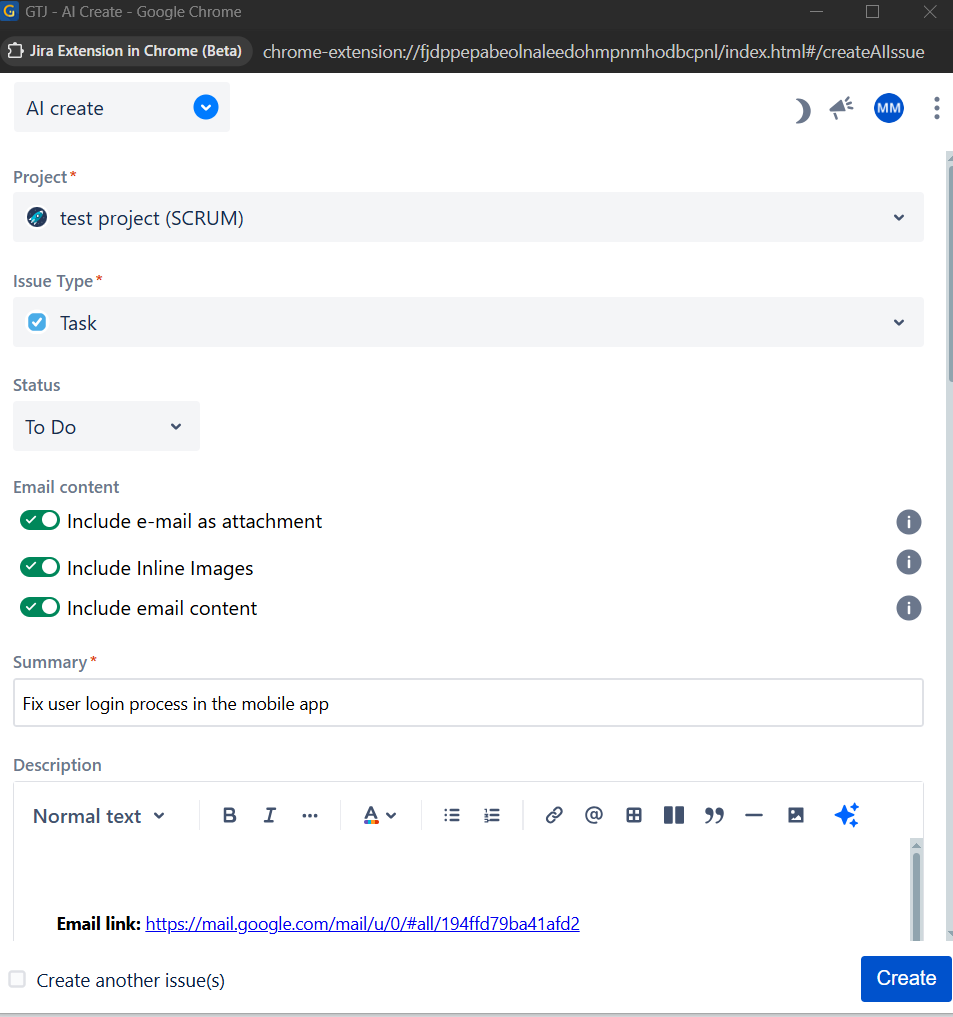
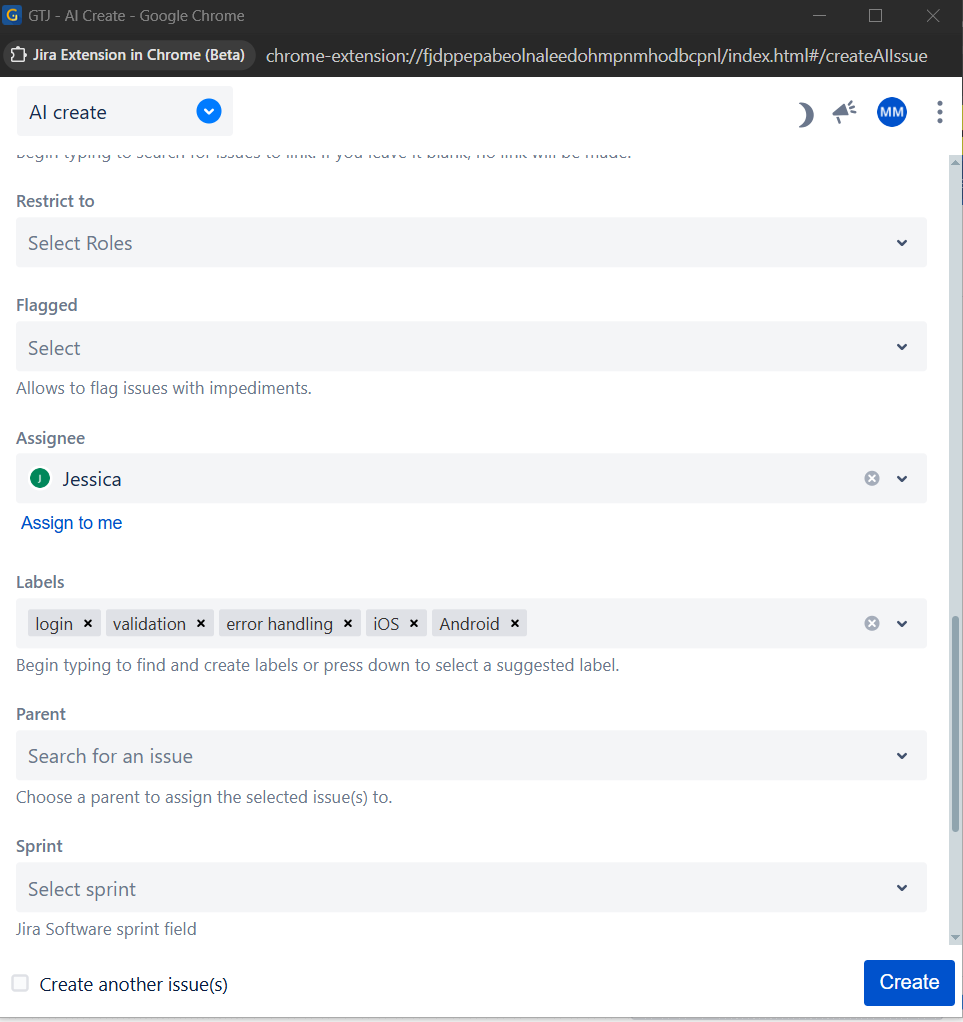
AI will analyze your Email and retrieve the needed data to automatically fill your fields like Project, issue type, Summary, Assignee, Labels, Priority, Due date & Story point estimate according to the selected Email.
Quick Steps
Step # | Action |
|---|---|
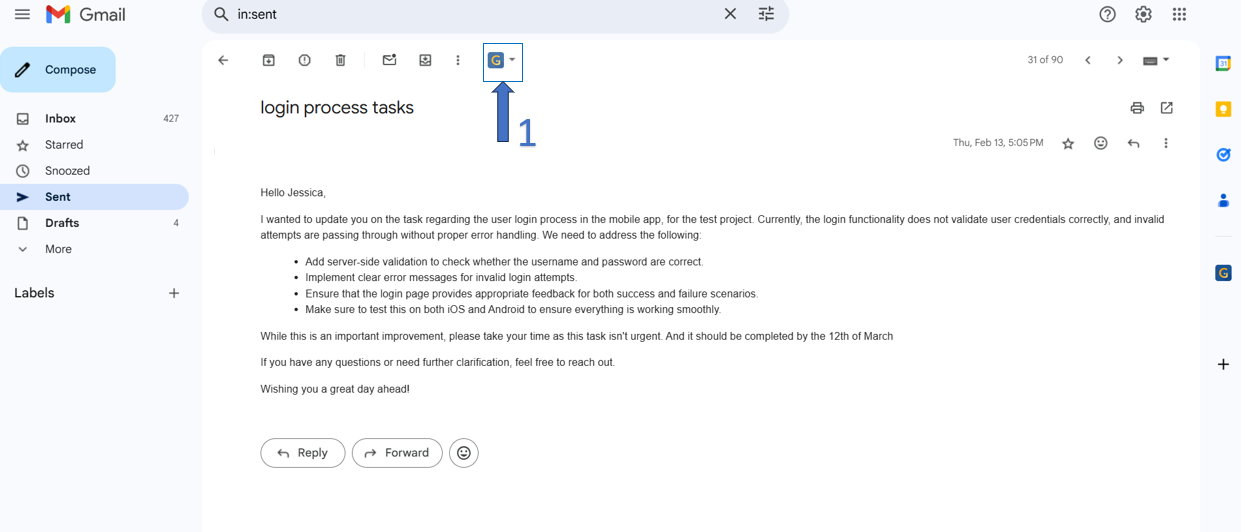
| 1 | Select the GTJ icon to show the menu dropdown |
| 2 | Click on the AI create from GTJ options menu |
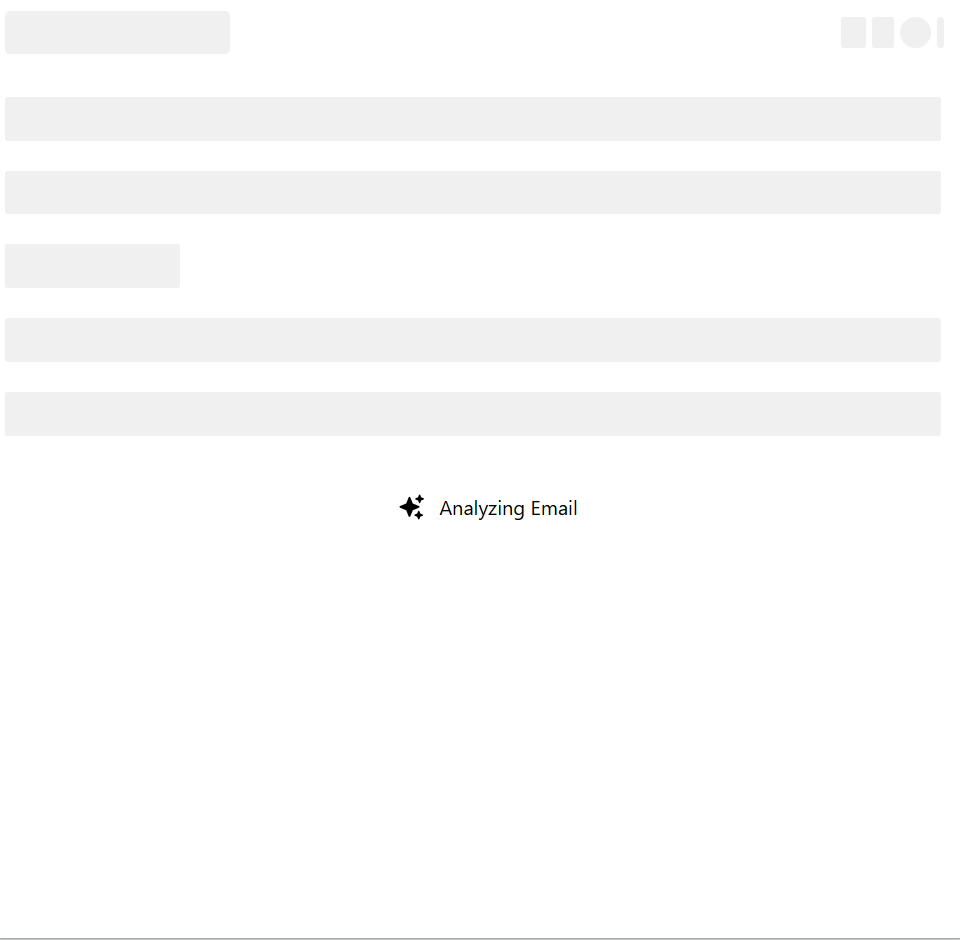
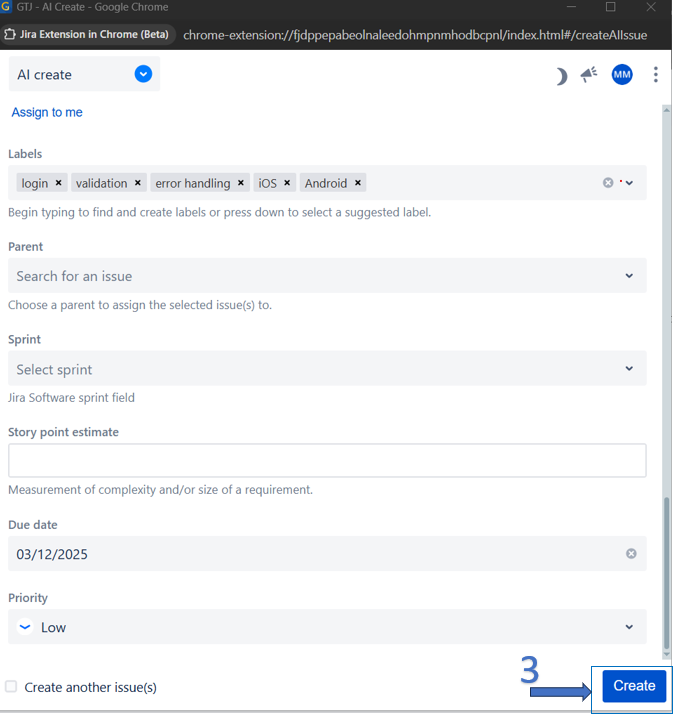
| 3 | Wait for the AI to fill the data |
| 4 | Click on the Create button |
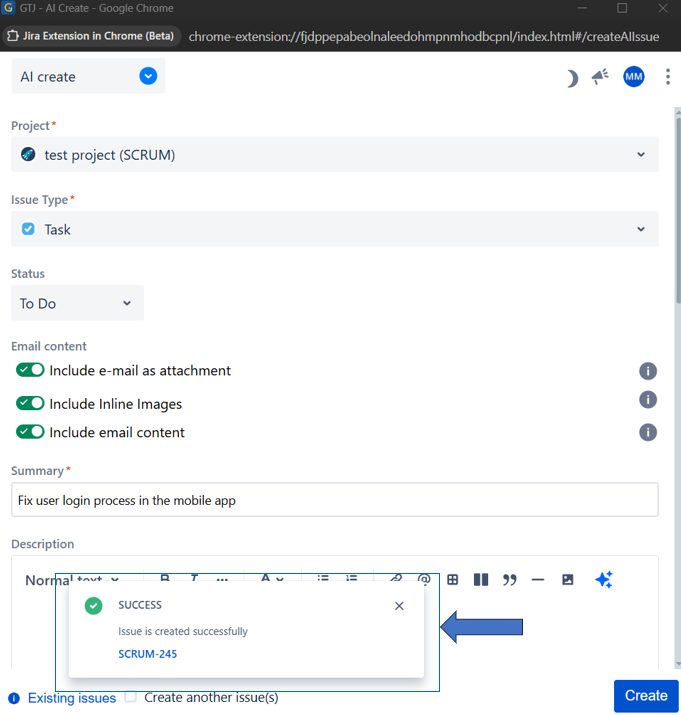
| 5 | You're ticket will be successfully created on Jira |
- Open GTJ extension, click on AI Create, and AI will start analyzing your Email to retrieve the needed fields data

- Now your fields are filled, just click on the Create button, and your Jira ticket will be successfully created
| Content by Label | ||||||
|---|---|---|---|---|---|---|
|