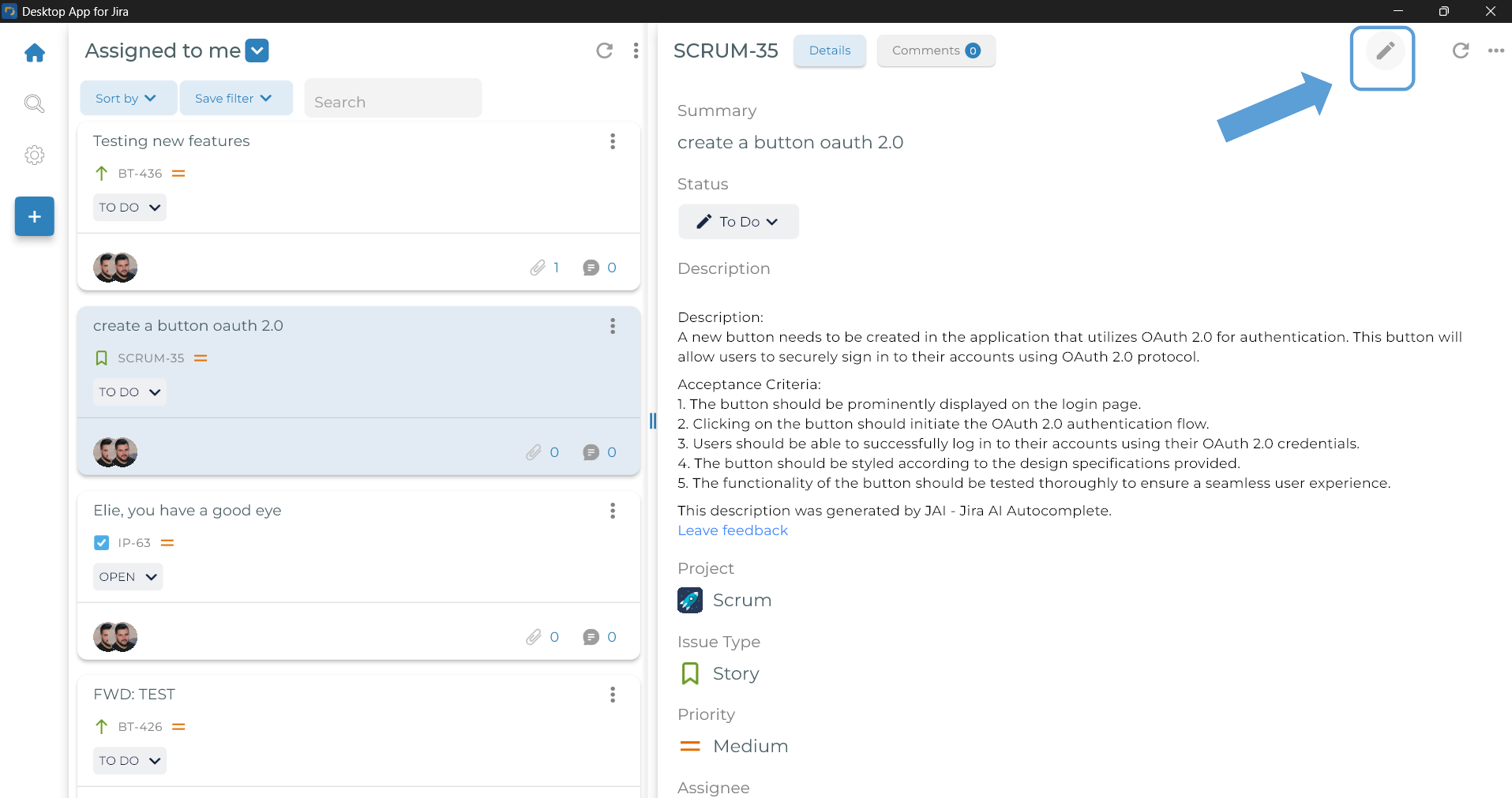
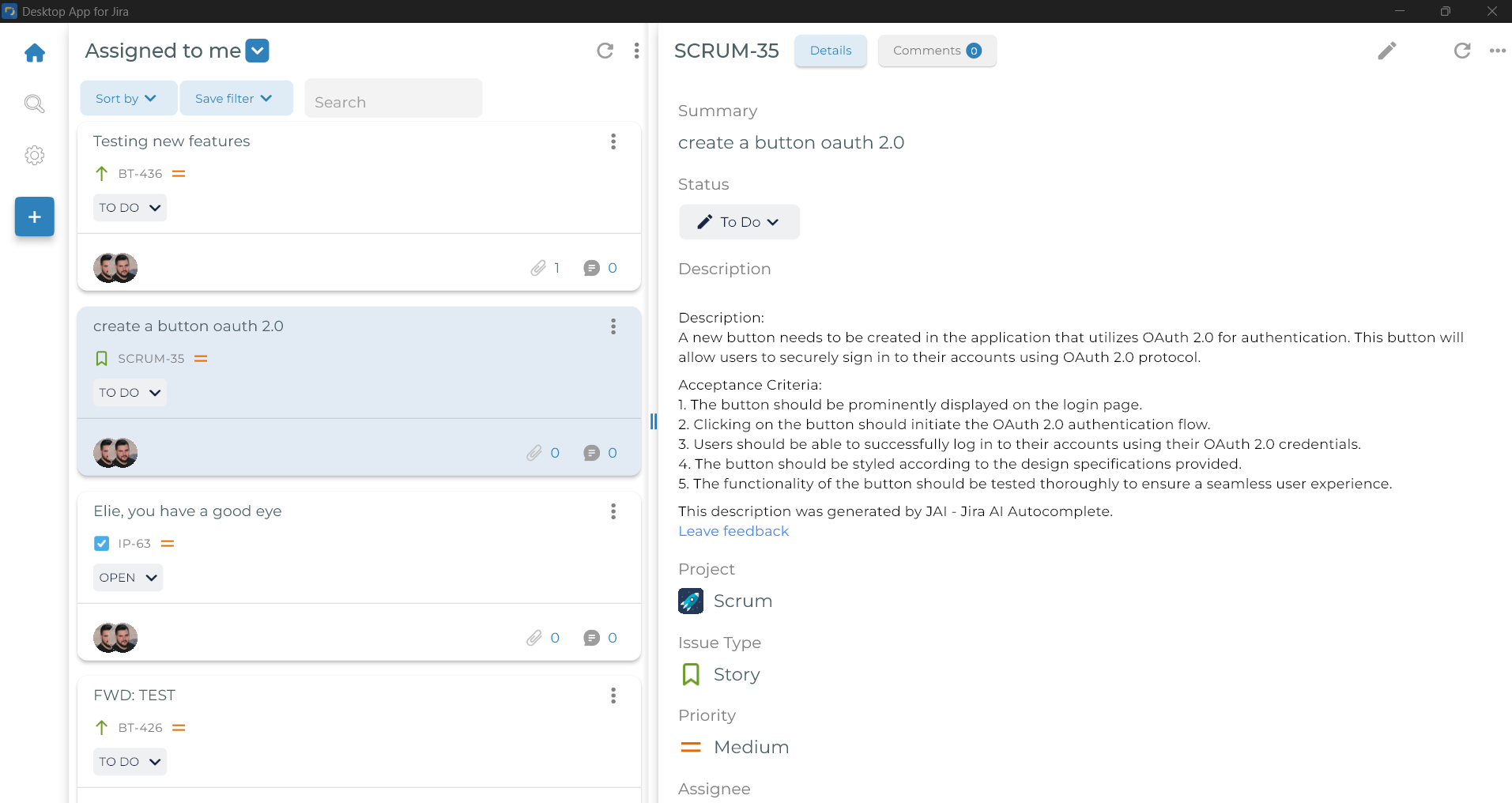
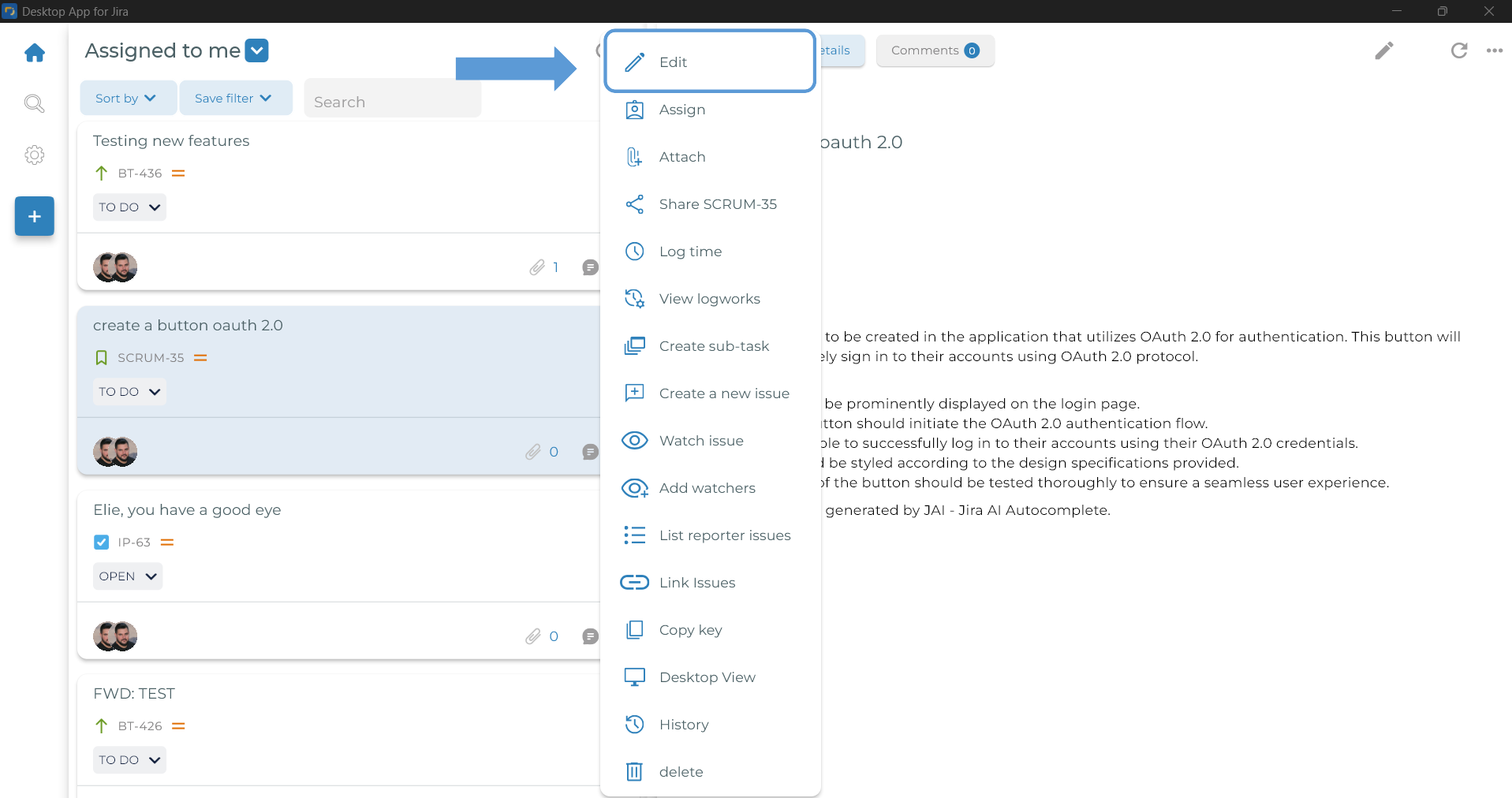
- Locate the issue and click either the top-right Edit icon or the three-dot Edit option
Top-right Edit icon:
Three-dot Edit option:
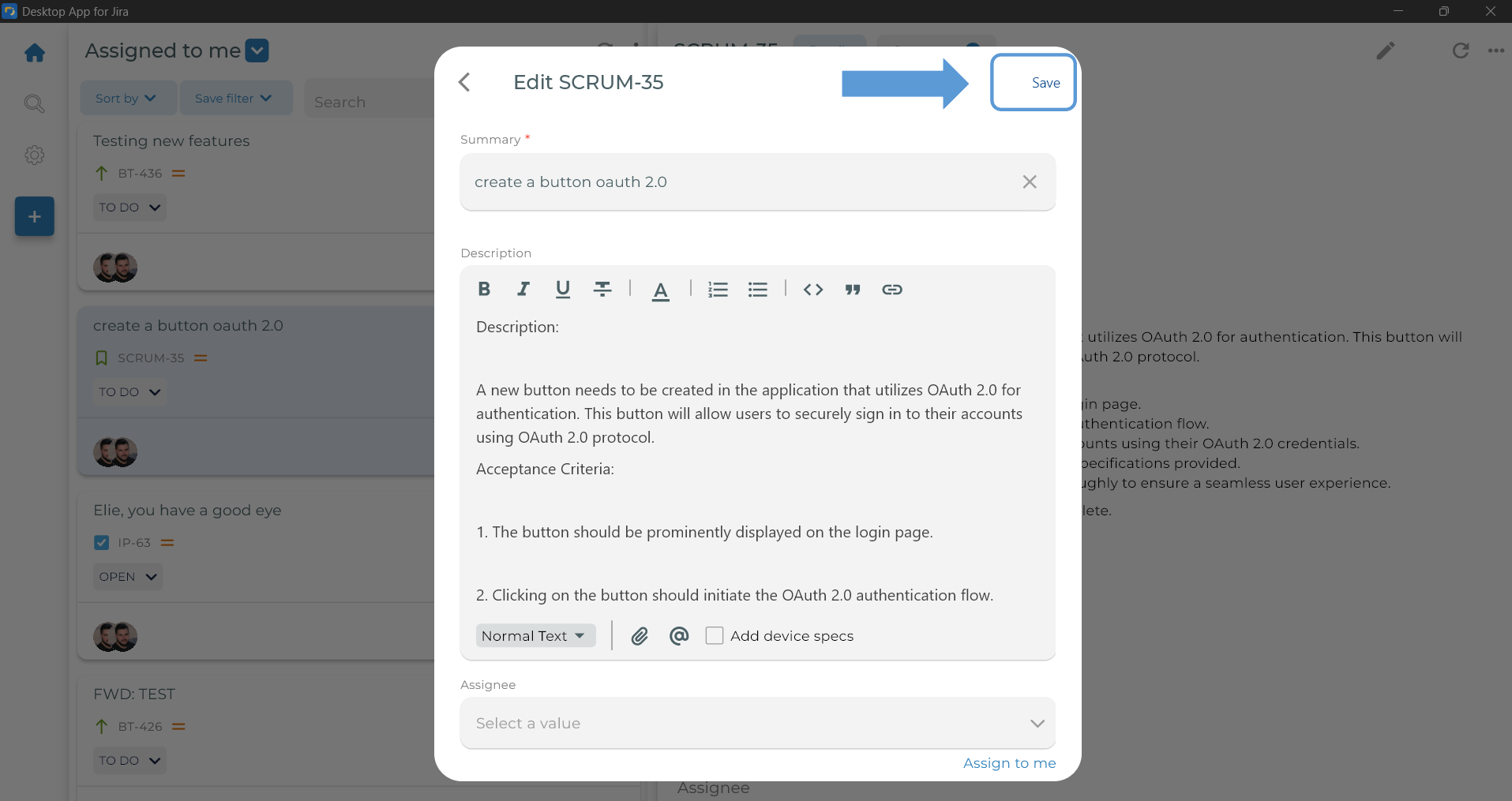
- Start Editing you Jira issue, and click Save button when you finish
Top-right Edit icon:
Three-dot Edit option: