...
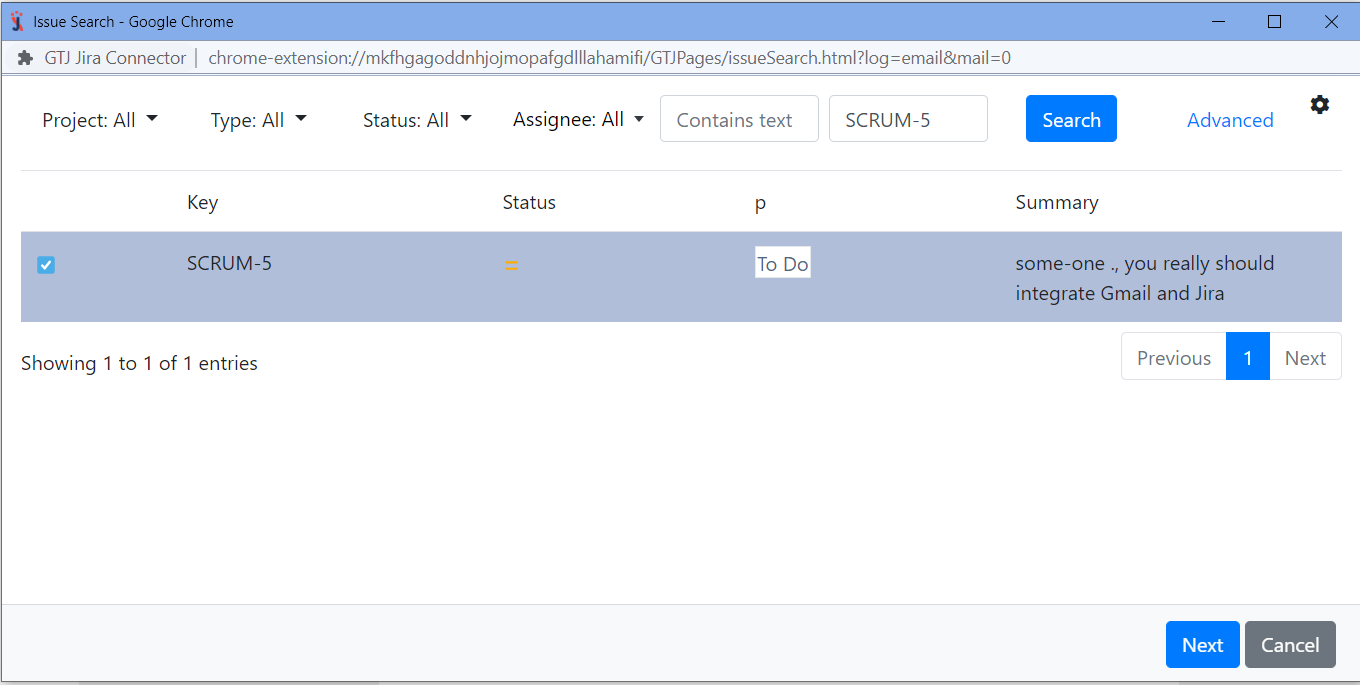
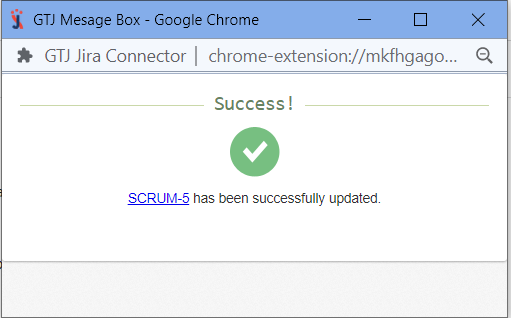
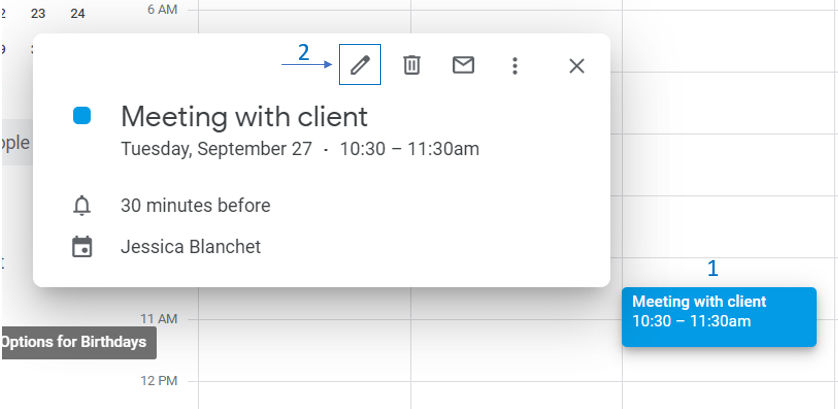
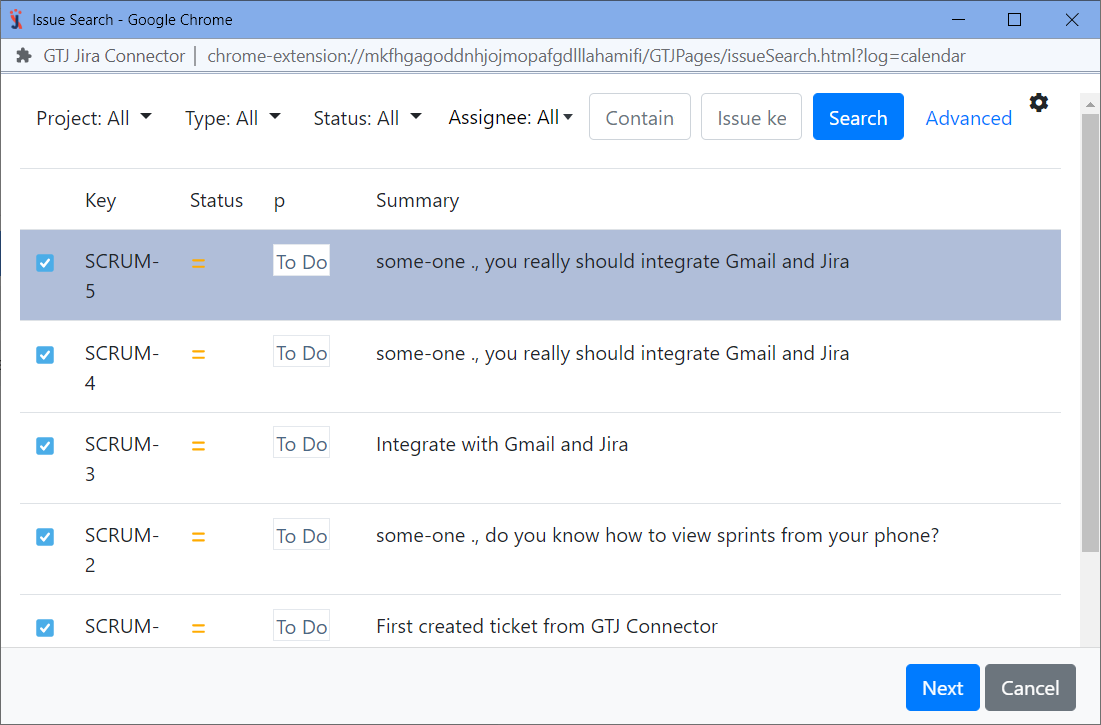
Edit issue allows you to easily add new comments, upload attachments, edit assignee, log work, and more directly from your Gmail or Calendar
Quick Steps
| Expand | ||
|---|---|---|
| ||
|
| Expand | ||
|---|---|---|
| ||
|
| Content by Label | ||||||
|---|---|---|---|---|---|---|
|
...
Edit issue allows you to easily add new comments, upload attachments, edit assignee, log work, and more directly from your Gmail or Calendar
| Expand | ||
|---|---|---|
| ||
|
| Expand | ||
|---|---|---|
| ||
|
| Content by Label | ||||||
|---|---|---|---|---|---|---|
|