Learn how to manage actions on attachments using AMJ - Attachments Manager for Jira.
Sometimes you may need to apply the same operation on several attachments, so instead of doing so one by one for each, you can do it only once and it will get applied on all the selected attachments at a time.
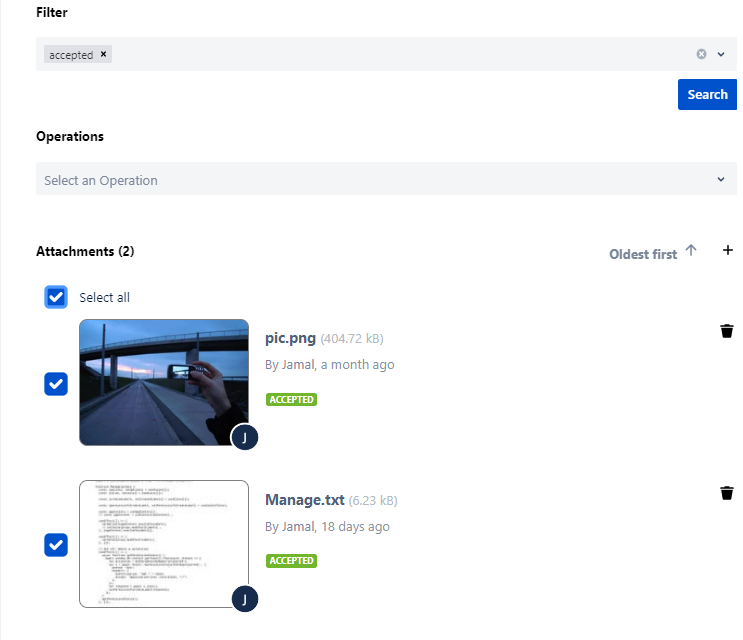
Select an attachment
To select an attachments click on the check box beside the attachment:
...
You can select all attachments :
:
The available operations are the following :
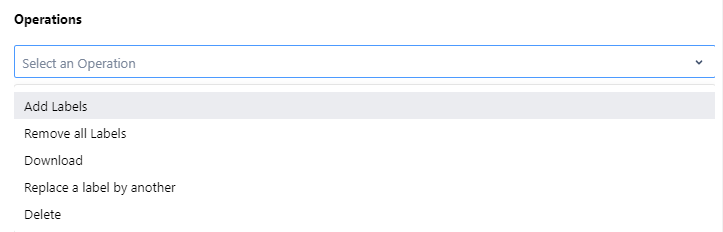
Note: Permissions of this addon are synchronized with the permission of the project, so if a user is not allowed to upload or delete an attachment he would not have this operation as an option for him.
...