In order Learn how to update the status, all you need to do is click an issue's status by transitioning it from one column to the next.
Follow these steps:
- Click on the edit icon next to the status on the task itself
- Drag and drop the card you want to the column you choose
To do that, you can now hold any card and the available transitions will be highlighted to choose which transition you want to go with.
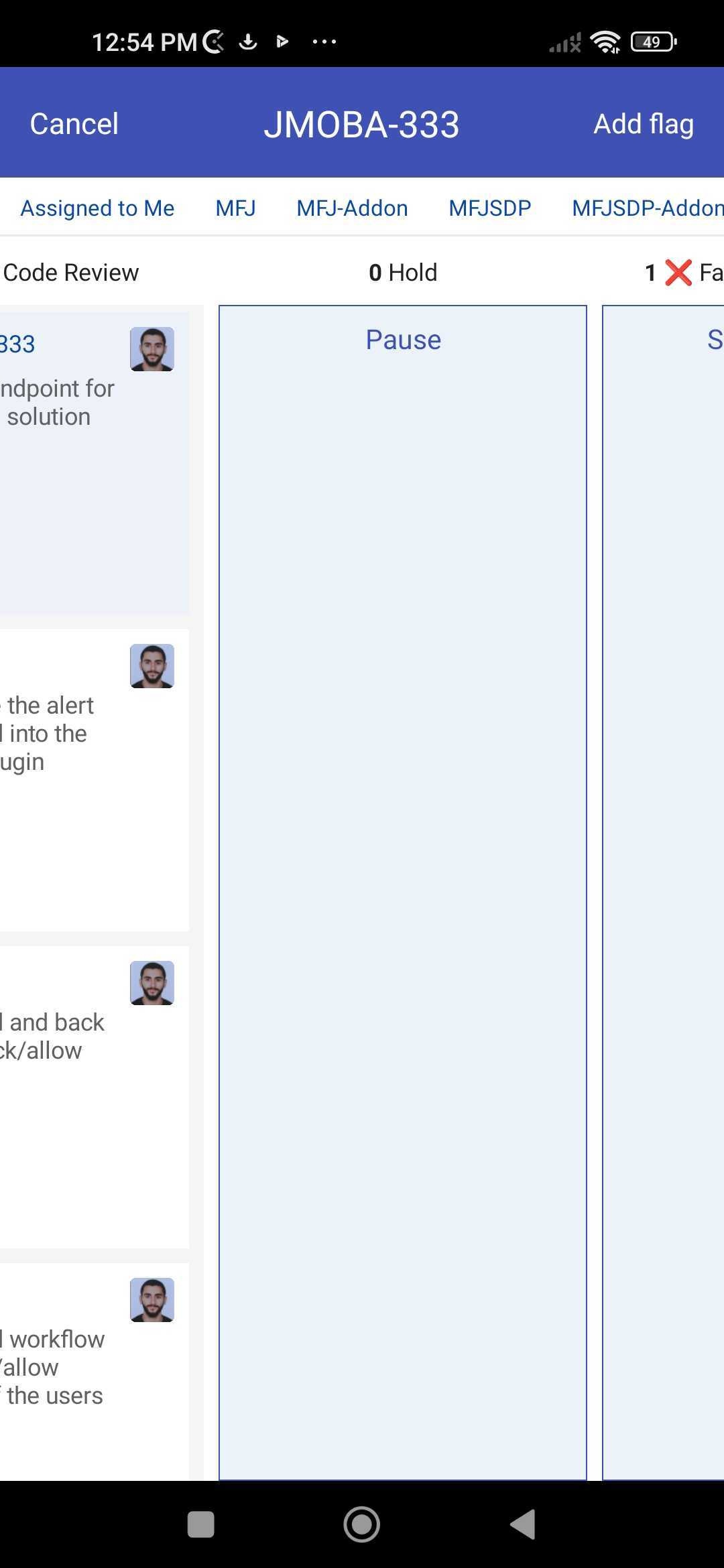 . However, we have implemented the option to drag & drop in our latest release. The drag & drop is developed in a mobile friendly way; You can now hold a card then freely scroll through columns to choose the available column based on your workflow. Noting that the old method of moving the card is still available in the configuration.