Learn how to manage your homepage filters on Mobile for Jira.
Follow these steps:
Create a new Filter and save it.
Set the created filter to one of the home page screens from "Settings" ==> "Home Page filters"
...
Once you're done head back to the app's homepage.
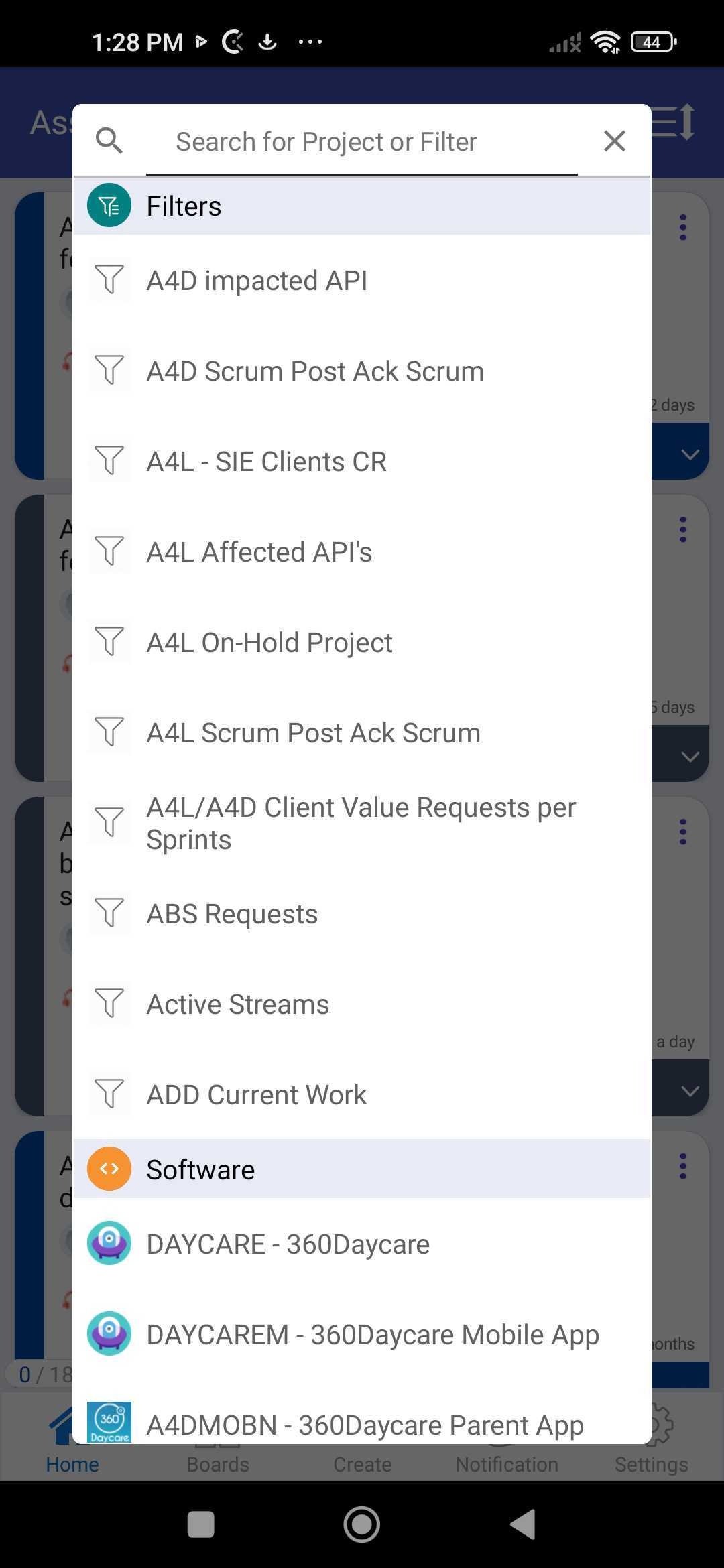
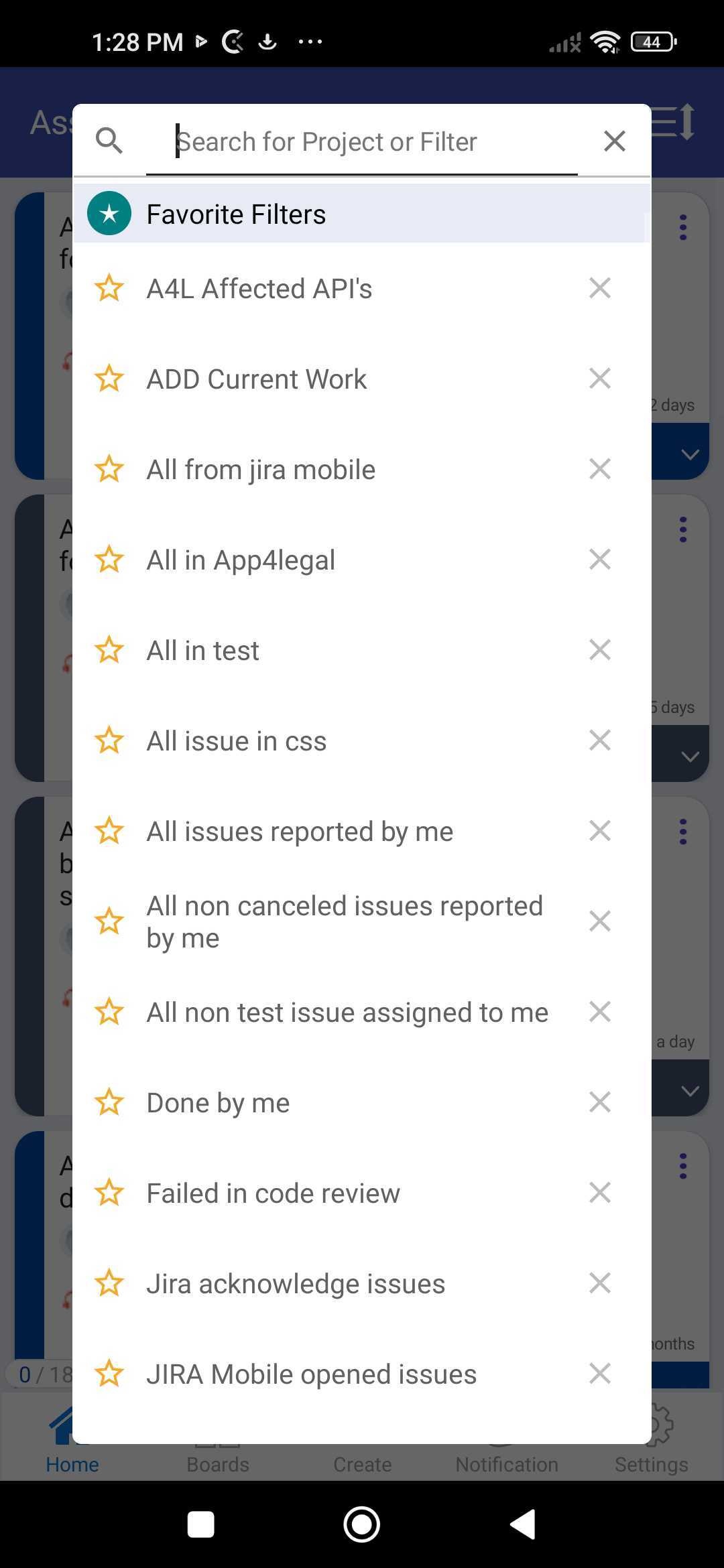
From there, you can go to search filters
| Info |
|---|
Learn how to view filters from this link here. |