Feature Overview
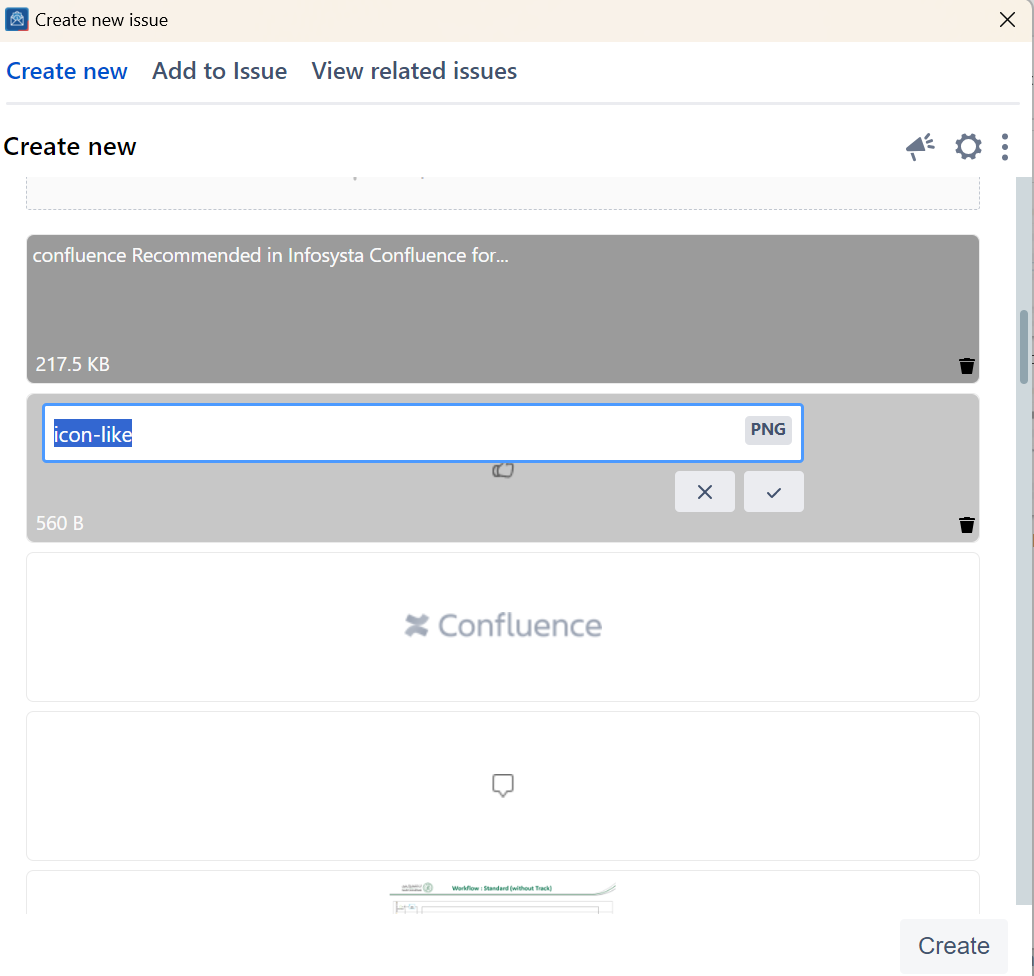
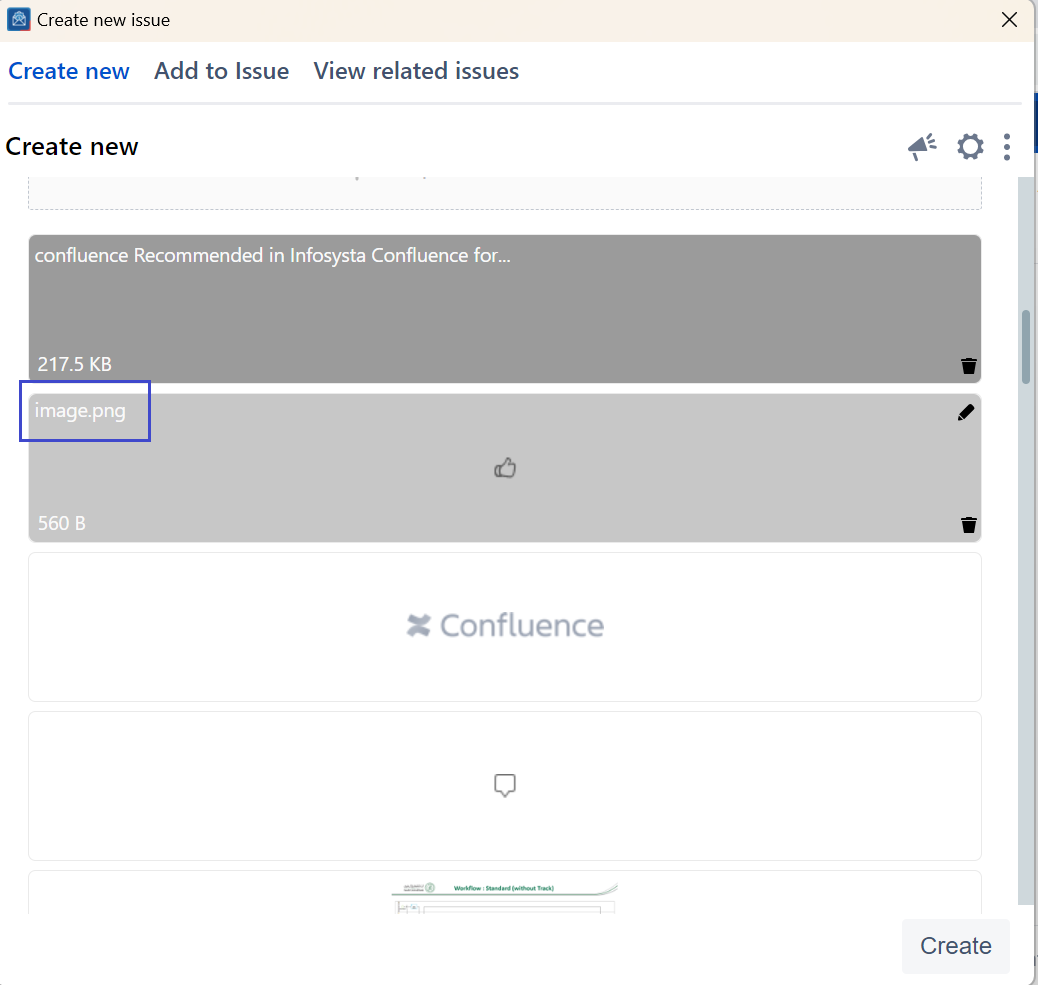
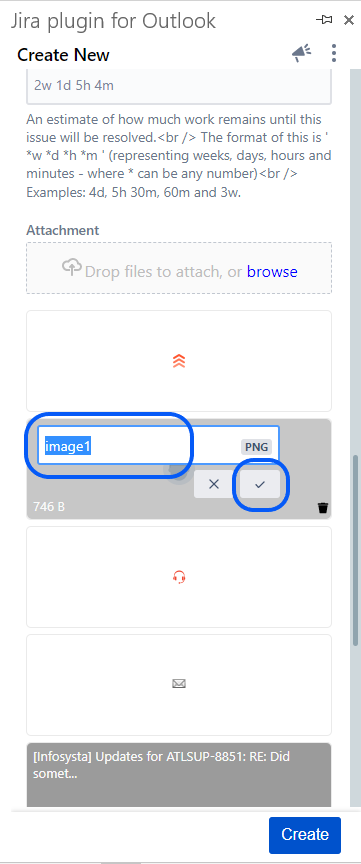
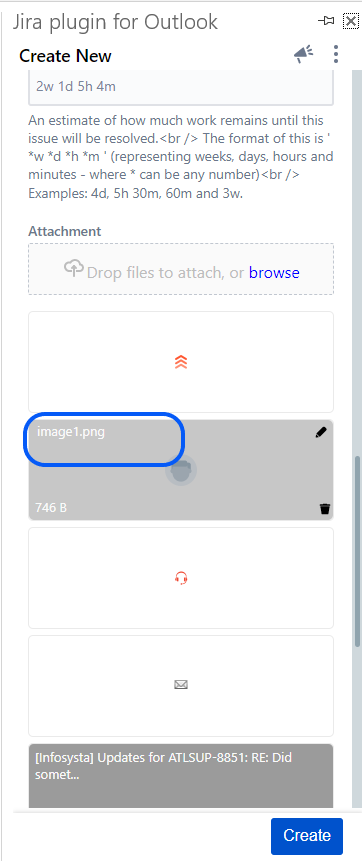
In Within the Attachments section of OTJMicrosoft Outlook for Jira, you can Rename files in Create and rename files on both the Create and Add to issue screenscreens.
Quick Steps
...
Step #
...
Action
...
Follow these steps
1. Open Create or Add to issue
...
screens
2
...
. Head to the Attachment section
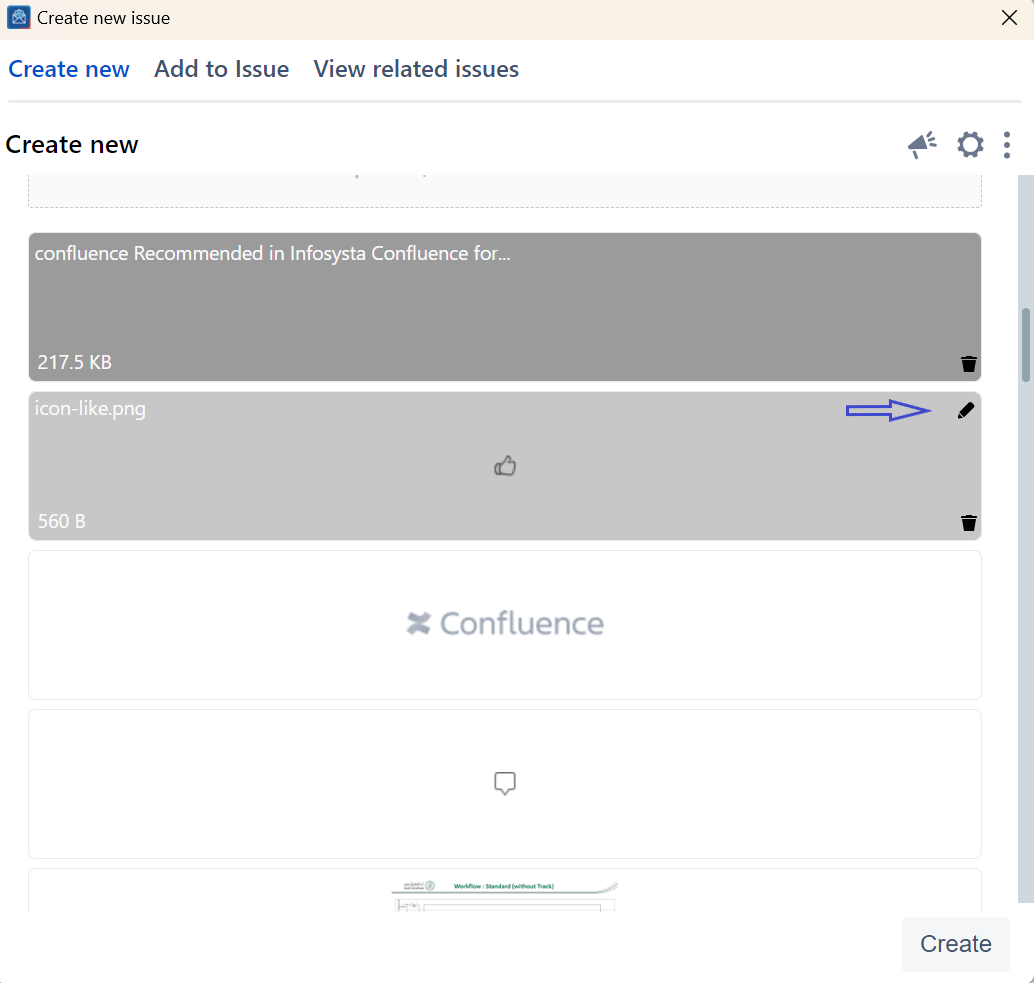
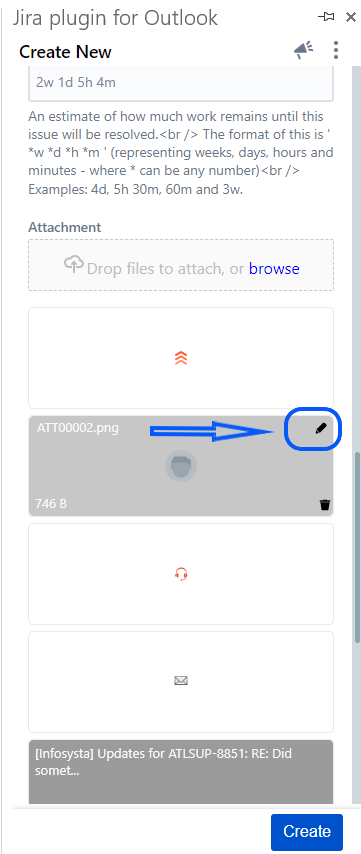
3. Click on the Edit icon displayed on the image
...
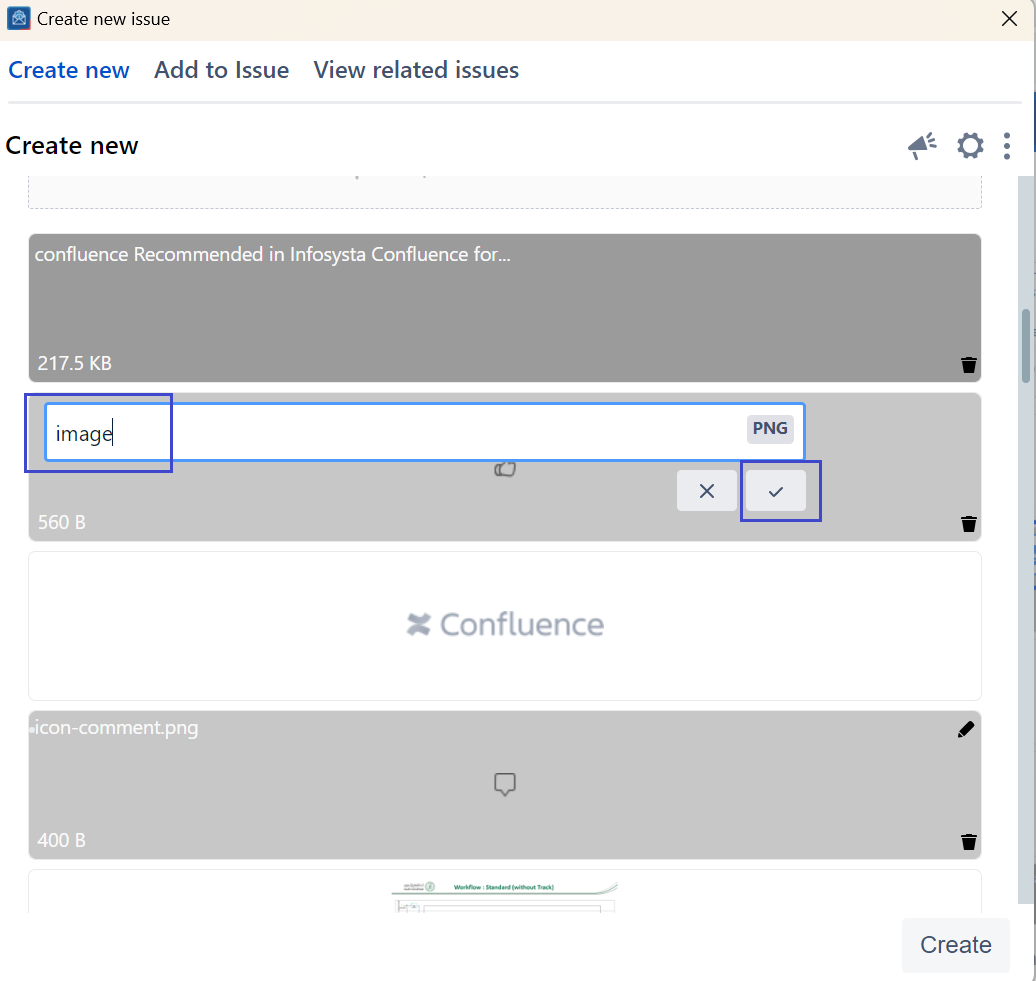
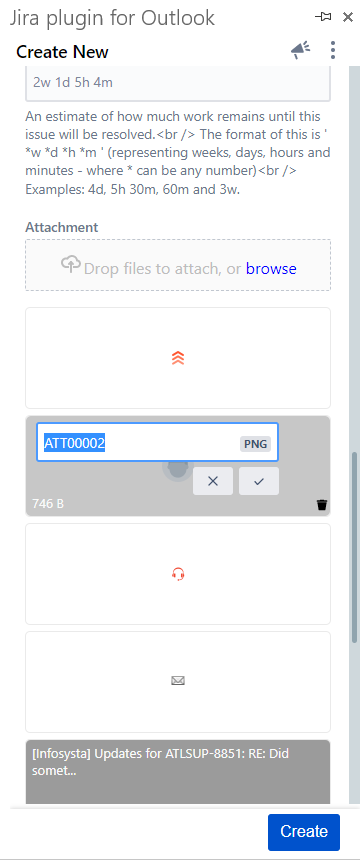
4. Change the file name and save it