- Go to your Google account
 - Go to Security
- Click on 'See all connections' from 'Your connections to third-party apps & services' section
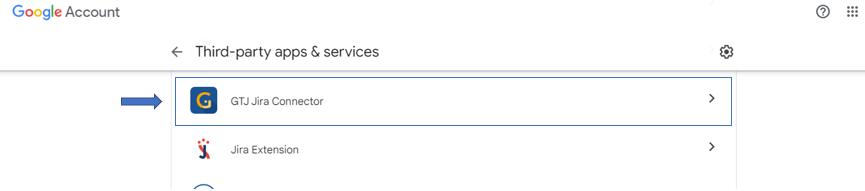
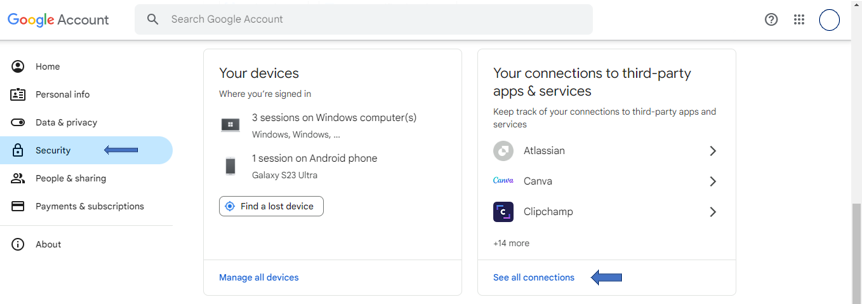 Image Removed Image Removed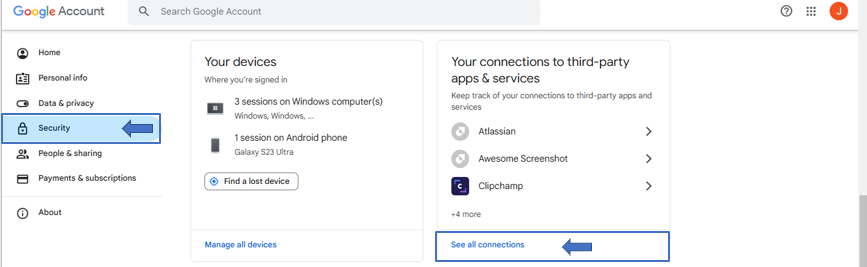 Image Added Image Added - Click on GTJ Jira Connector
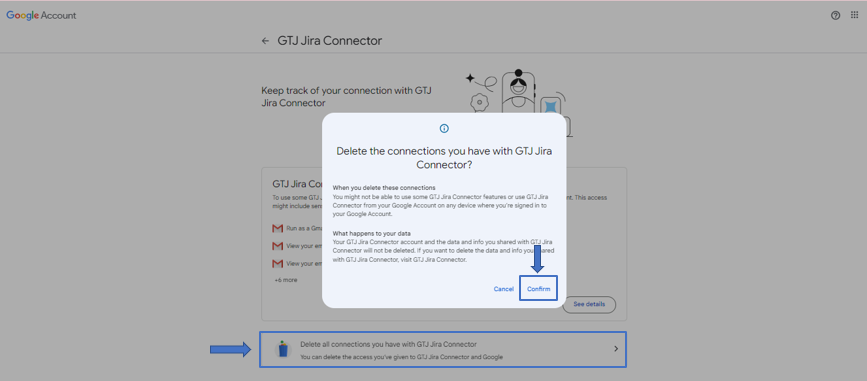
- Click on 'Delete all connections you have with GTJ Jira Connector'
 |