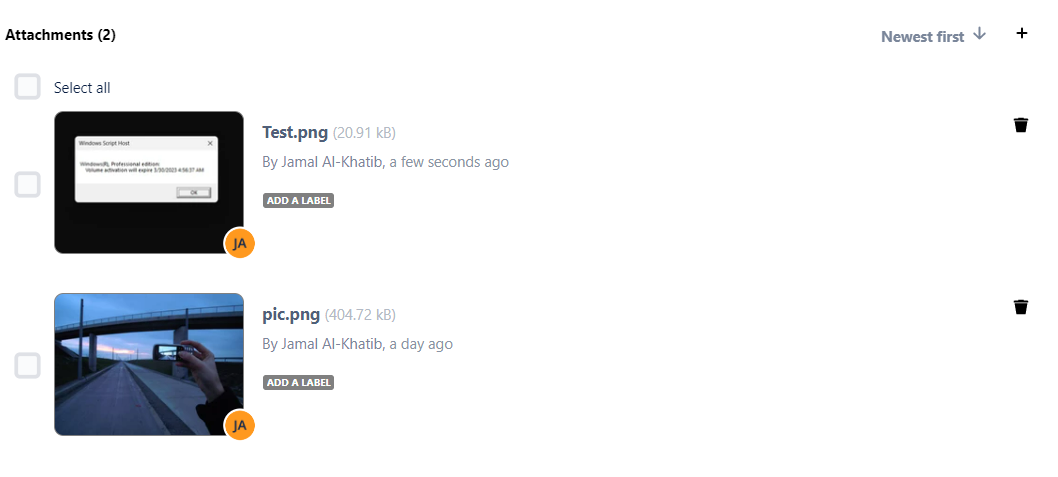
Learn how to remove all labels on attachments on AMJ - Attachments Manager for Jira.
| Info |
|---|
| You can remove all labels from multiple attachments at a time. |
Follow these steps:
- Choose the "Remove all Labels" operation
- Select the attachments you want to clear their the labels state of
- Click on the "Remove" button

Labels are The labels will be cleared from the selected attachments.