Learn how to filter attachments using AMJ - Attachments Manager for Jira.
| Info |
|---|
You can search for attachments by labels, uploader and file name. You can also filter by all 3 fields at the same time using one search operation. |
Follow these steps:
1. Head to the issue you'd like to filter
2. Go to "Filter"

The process of getting labels works similar to editing labels, meaning you start typing label name to search for it.
3. Type the name of the labels you'd like to add
(Example: accepted, logo)

4. Once done, You write anything that you want and you click enter, once finished click on the search button to filter attachments.
Example
Here we are searching for "accepted" and "logo", we get these 2 attachments because one of them has the label "accepted" and the other has "logo" in its name
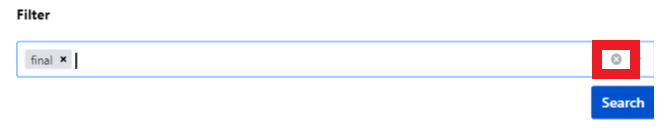
Reset Attachments
To reset attachments, just click on the cross "x" icon.