...
Learn how to effortlessly switch between multiple accounts without the hassle of constant logins and logouts, saving you time and frustration.
Quick Steps
| Step # | Action |
|---|---|
| 1 | Open the GTJ Jira Connector add-on |
| 2 | Go to the Settings page |
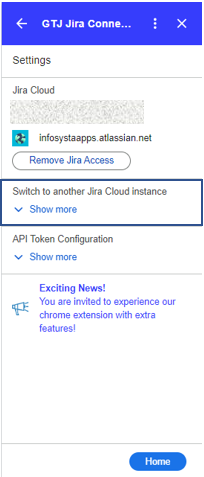
| 3 | Expand the section named 'Switch to another Jira Cloud instance' |
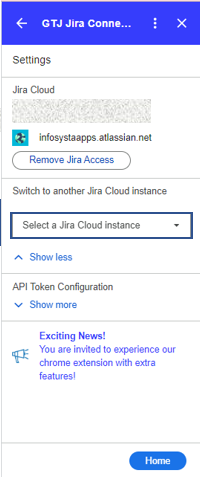
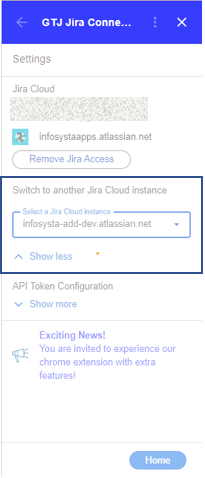
| 4 | Select your desired new Jira instance from the dropdown menu |
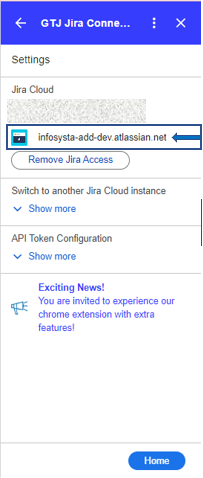
| 5 | And it's done you've switched to the new instance successfully! |

| Content by Label | ||||||
|---|---|---|---|---|---|---|
|