
| Info |
|---|
| Share an email with support@infosysta.com with these materials, and we'll get back to you. |
...
...

Click on the icon to view it
...
or
https://myAtlassian.atlassian.net
...
For example, https://css.infosysta.com is using Jira login only.
Other instances might use ADFS, OKTA, Onelogin or other login solutions
...
Login Page Title Subtitle
...
1: Title ex: Mobile for Jira
2: Subtitle ex: The ultimate solution to go mobile with Jira
...
In our case we are using the below:

...
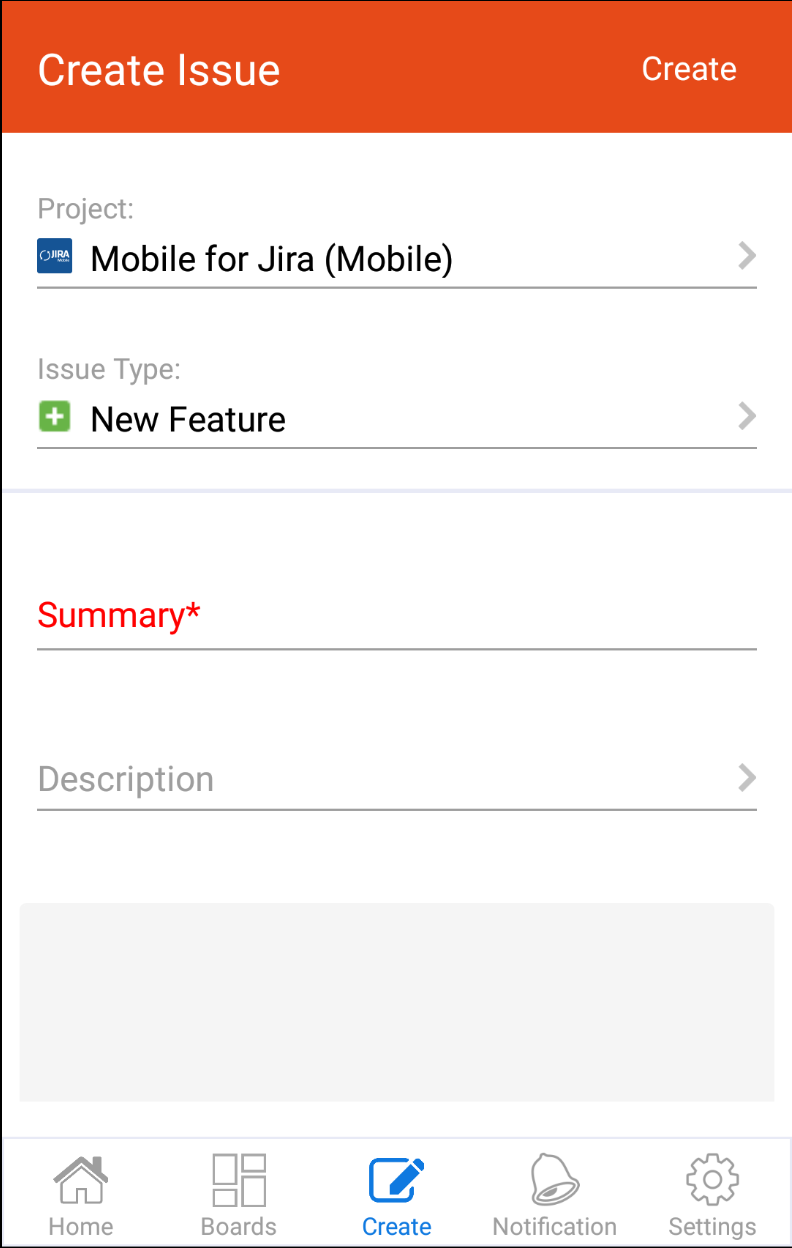
...
It will be displayed in the App/Play stores
(80 characters)
...
It will be displayed in the App/Play stores
(4000 characters)
...
ex:
Mobile for Jira Enterprise for Android is the ultimate solution to use Atlassian Jira on your Android device. it works with Jira core, Jira software and Jira service desk.
Mobile for Jira requires Mobile for Jira App installed on your Atlassian Jira instance (Server or Cloud). You can download it from Atlassian Marketplace.
Mobile for Jira is designed to view and interact with your issues on the go with a user-friendly interface.
Collaborating faster than ever:
- Create, Edit, link, delete, Watch, Vote and Transition issues
- The best Kanban and scrum boards experience for your stand-up meetings.
- Add, edit and delete comments
- Edit, crop, rename and add multiple attachments to your issues
- Get notified of important updates
- Advanced Search by key, summary, assign, report, status, custom fields..
- Record the time spent working on issues (Log work)
- View your Favorite filters and add them to your home page
- Share issues via your email
- And much much more...
...
Feature Graphic
...
ex:
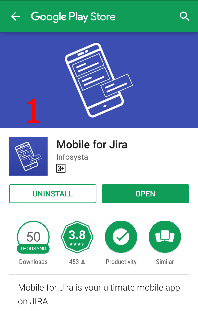
1: is the Feature Graphic
...
Screenshots (Optional)
We can provide them if no specific design is required
Screenshots displayed in App and play Stores with the below sizes:
For App Store
5 images for iPhone 6.5 Display 1242 x 2688 px
- 5 images for iPhone 5.5 Display 1242 × 2208 px
- 5 images for iPad Pro (2nd Gen) 12.9 Display 2048 x 2732 px
- 5 images for iPad Pro (3rd Gen) 12.9 Display 2048 × 2732 px
For Play Store
- Upload 2–8 phone screenshots
PNG or JPEG
Between 320 px and 3,840 px
16:9 or 9:16 aspect ratio
Up to 8 MB per screenshot
- Upload up to 8 7-inch tablet screenshots
PNG or JPEG
Between 320 px and 3,840 px
16:9 or 9:16 aspect ratio
Up to 8 MB per screenshot
- Upload up to 8 10-inch tablet screenshots
PNG or JPEG
Between 320 px and 3,840 px
16:9 or 9:16 aspect ratio
Up to 8 MB per screenshot
5 to 8 images with the size: 1440 × 2880 px
Note: all sizes displayed as follows (w x h)
...
...
ex:
username: apple
password: 12345678
...
...
Developer Account (Optional)
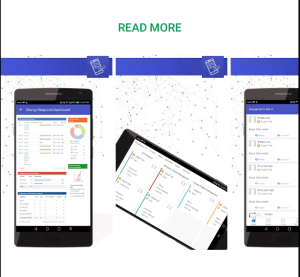
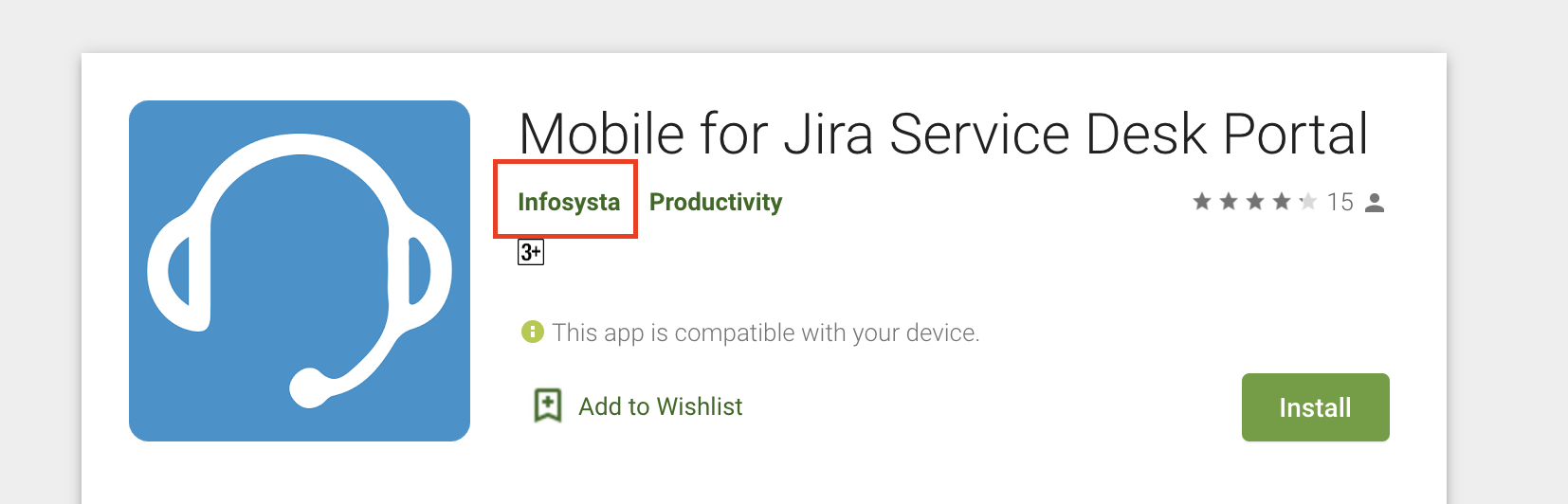
If this is not provided the app will be released through Infosysta's Developer account, where the developer will show as Infosysta on both App & Play Store as shared in the image in the next columns
...
The developer account is the account where the app will be released through
Apple Developer Account: used to release iOS application
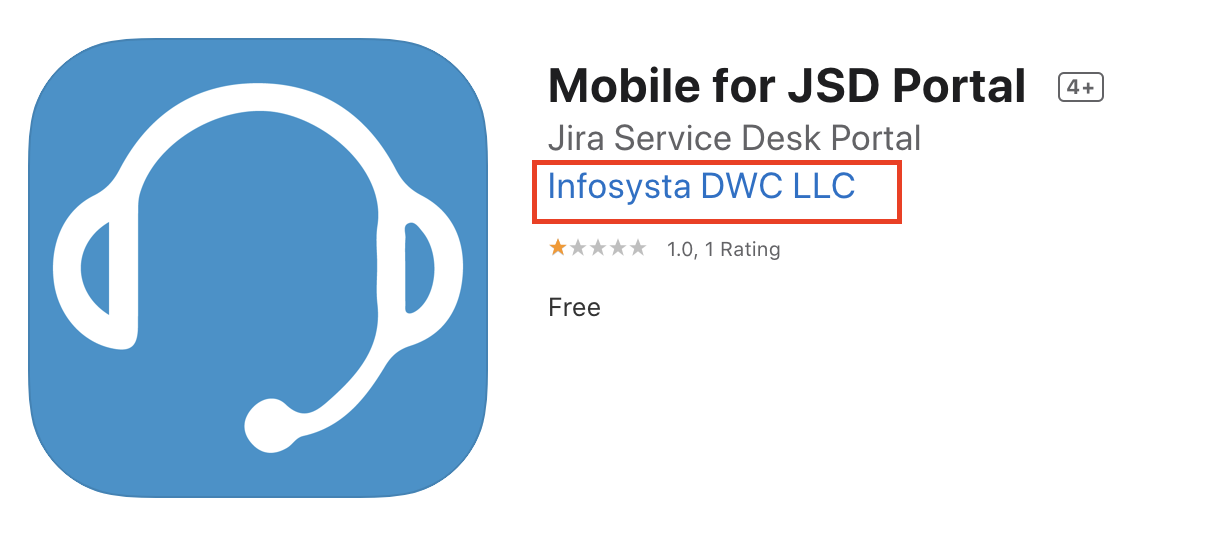
Play Console Account: used to release Android Apps
...
| Content Layout Macro |
|---|