Learn how you can seamlessly attach emails directly to your Jira tickets, whether you’re creating a new ticket or adding a comment.
This feature simplifies communication by allowing you to share entire emails as attachments, making it easier to reference conversations and maintain clear context.
Step # | Action |
|---|---|
| 1 | Go to your Gmail and select the desired email |
| 2 | Go to the GTJ add-on |
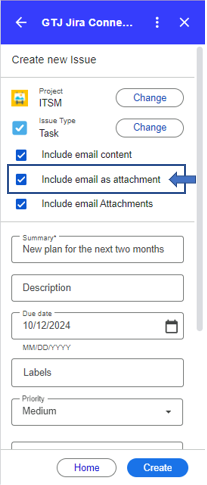
| 3 | Select Create new Issue, or Add Issue Comment |
| 6 | Check the checkbox named 'Include email as attachment' |
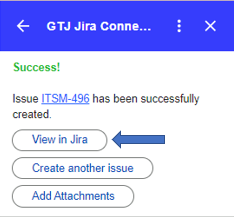
| 7 | Click on Create |
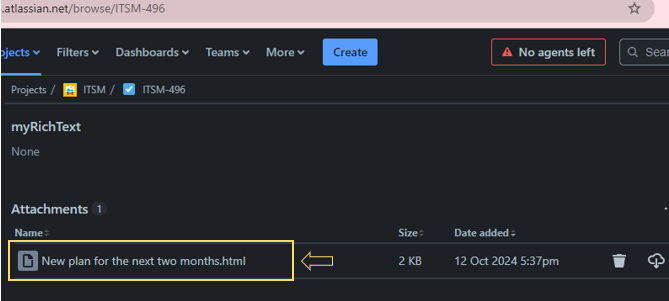
| 8 | Go to the created ticket, and you'll find the email added as an attachment |