Step # | Action |
|---|---|
| 1 | Go to your Gmail and select the desired email |
| 2 | Go to the GTJ add-on |
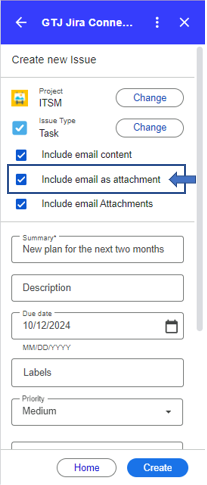
| 3 | Select Create new Issue, or Add Issue Comment |
| 6 | Check the checkbox named 'Include email as attachment' |
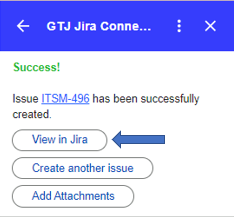
| 7 | Click on Create |
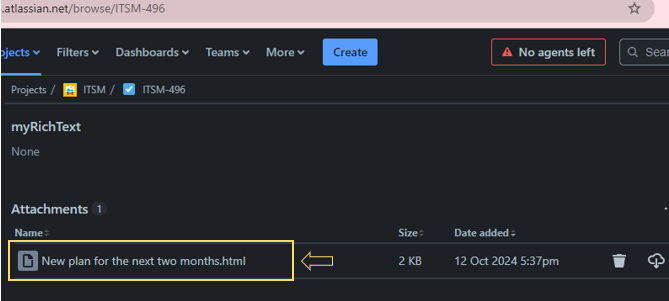
| 8 | Go to the created ticket, and you'll find the email added as an attachment |