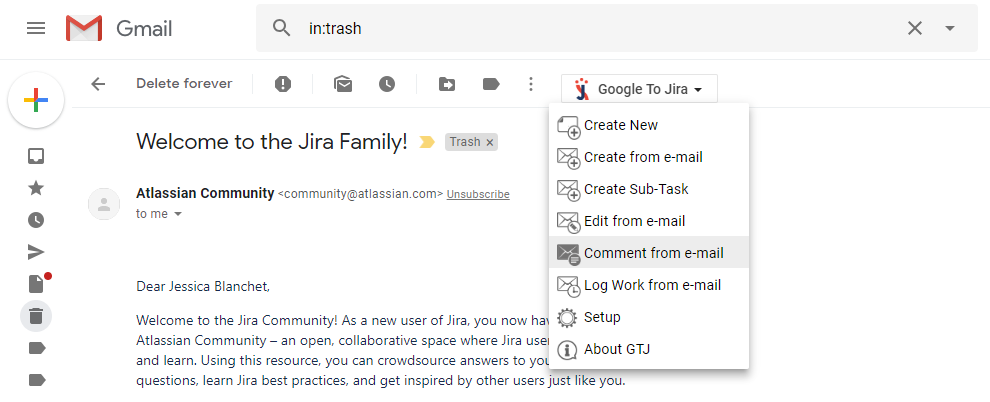
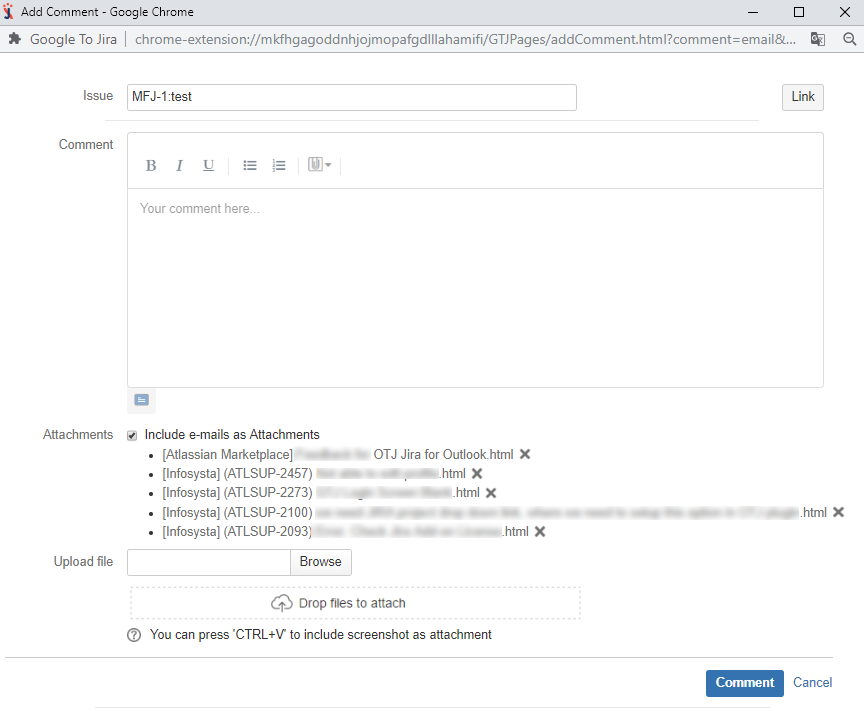
- Click on the “J” icon displayed in the Chrome menu in the browser
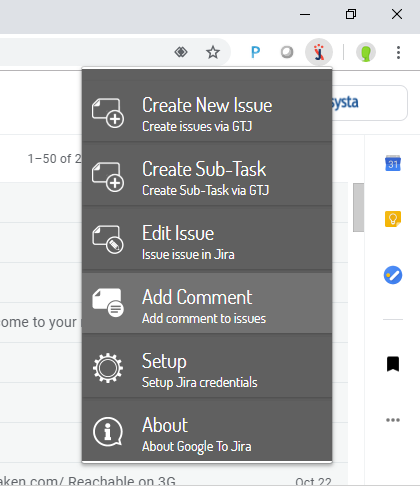
2. Click on "Add Comment" and search for your JIRA ticket
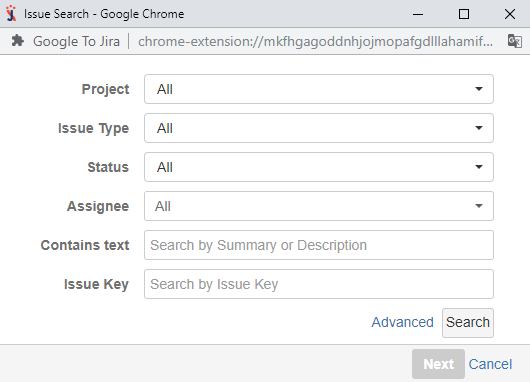
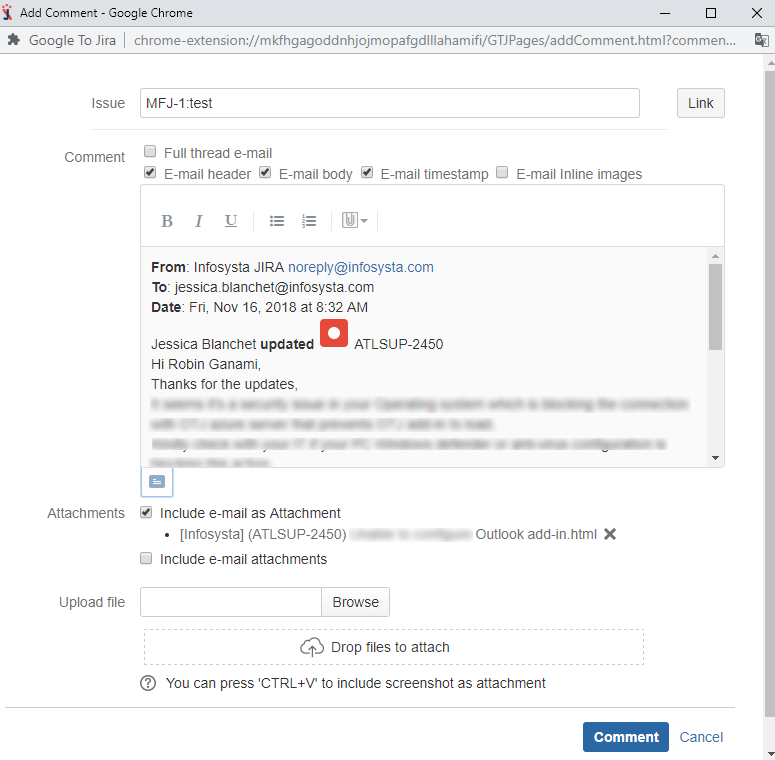
3. Fill in the required field
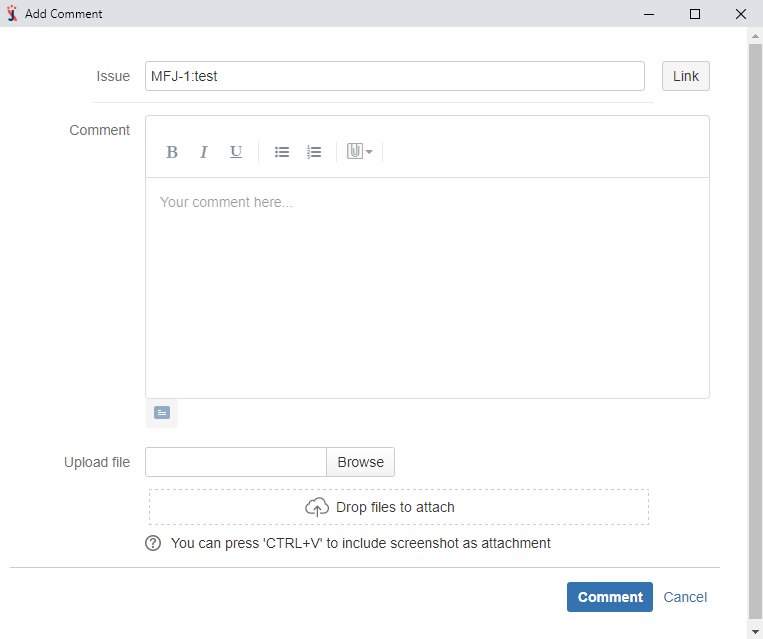
2. Click on "Add Comment" and search for your JIRA ticket 3. Fill in the required field
|
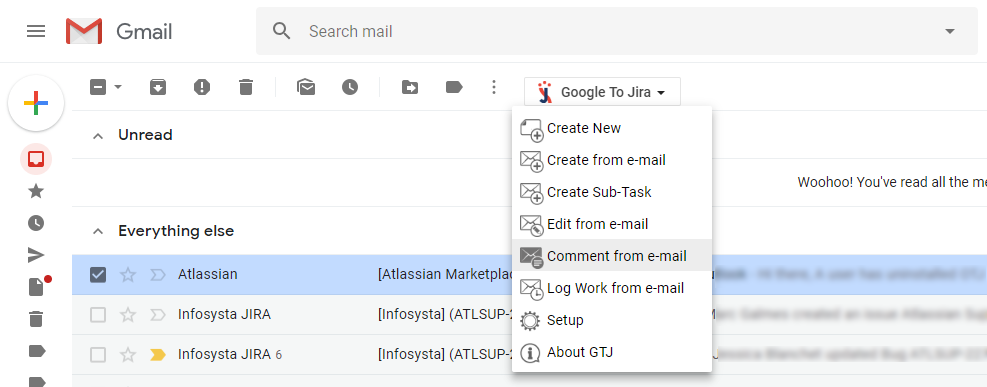
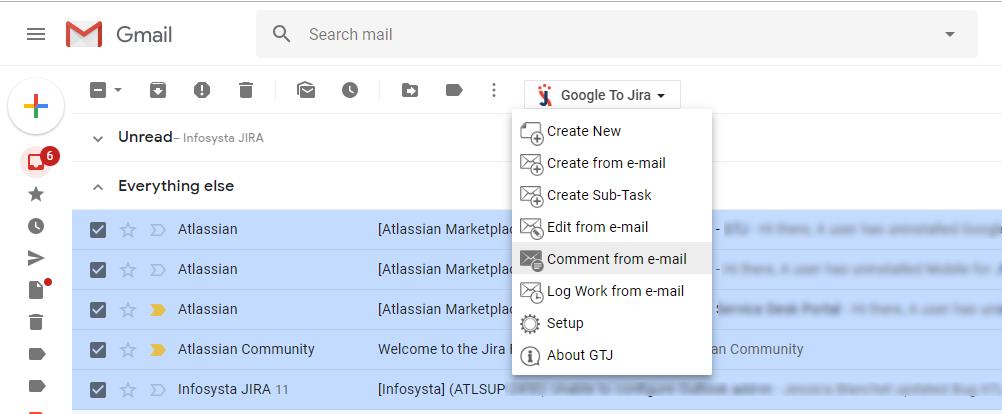
3. Click on“Comment from e-mail” and search for your ticket
4. Fill in the required field
|
3. Click on“Comment from e-mail” and search for your ticket
4. Fill in the required field |
Related articles appear here based on the labels you select. Click to edit the macro and add or change labels.
|