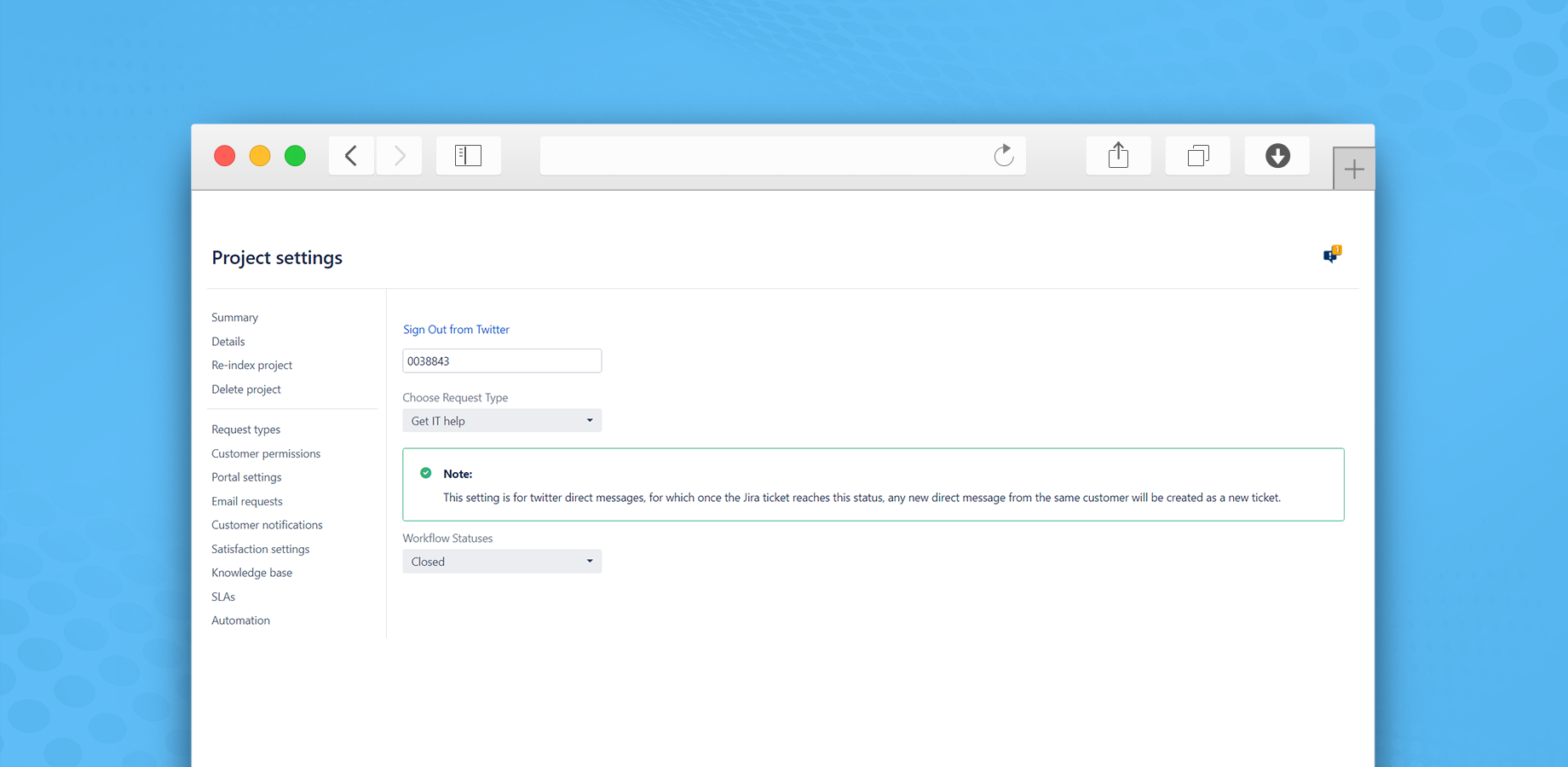
In order to link a twitter account to a Jira service desk project, follow the below steps:
2- It will navigate you to a new tab on the same browser to Authorize Twitter Connector for Jira to access your account
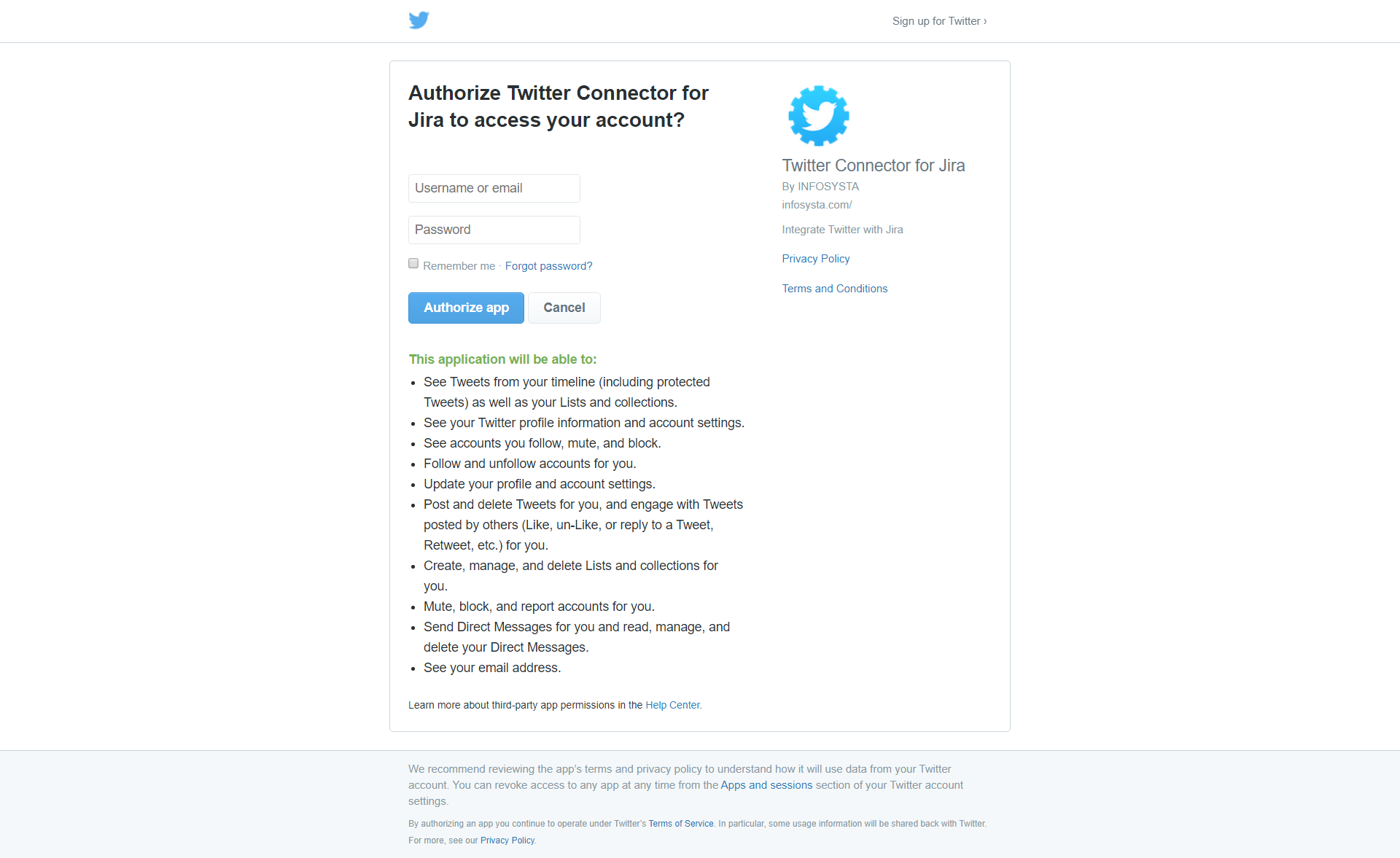
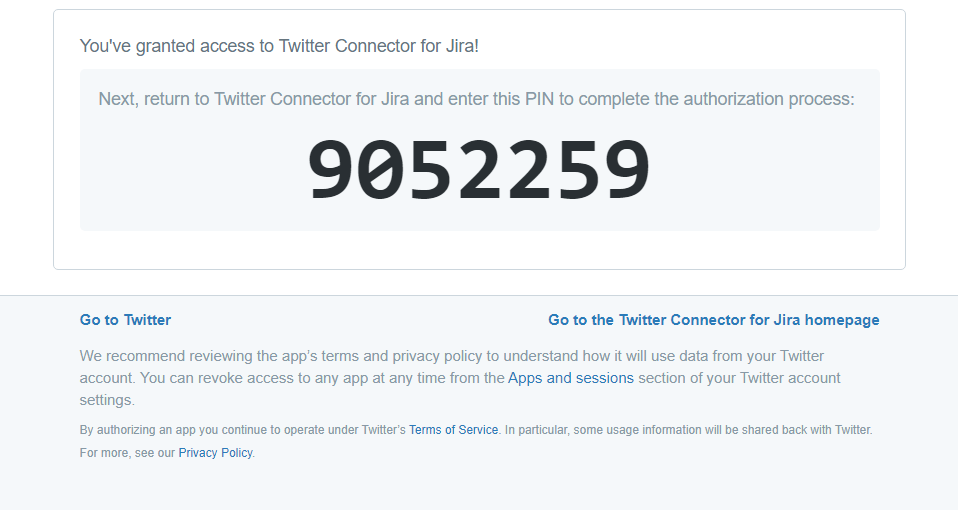
3- Once authorized in Twitter, return to Jira and enter the authorization code
4- Then, you will need to select request type where the new tickets will be created.
5- Choose your closure status.
Twitter connector will use status to define whether to add new tweets/messages as comments to the existing tickets or create a new ticket