You must follow the bellow steps:
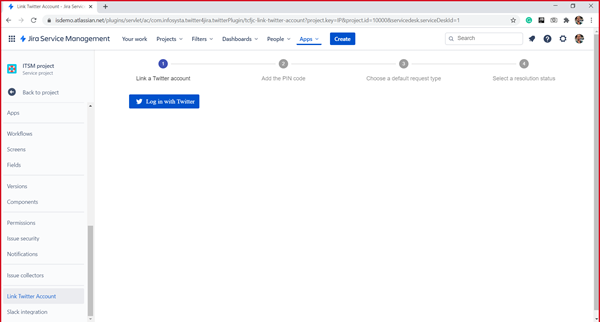
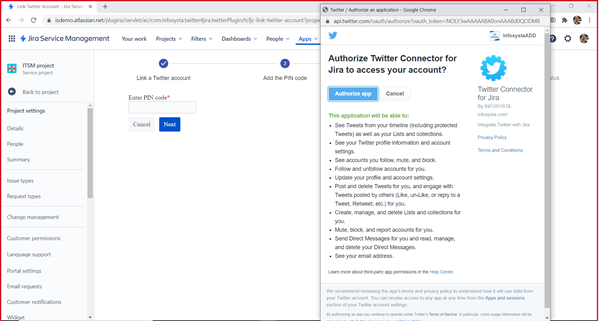
After that a popup dialog will appear asking to authorize the app to access the selected Twitter account you have to click on Authorize App
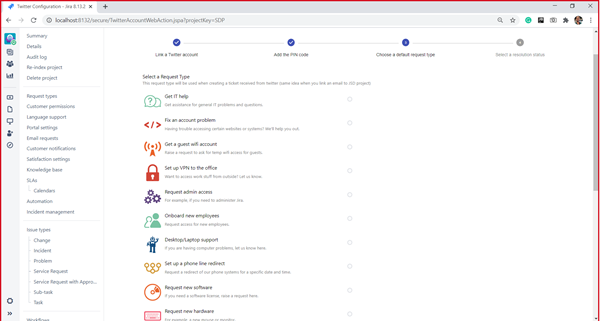
You must select a request type for client's request
You must select the resolution type that will be used for direct messages to create a new issue.
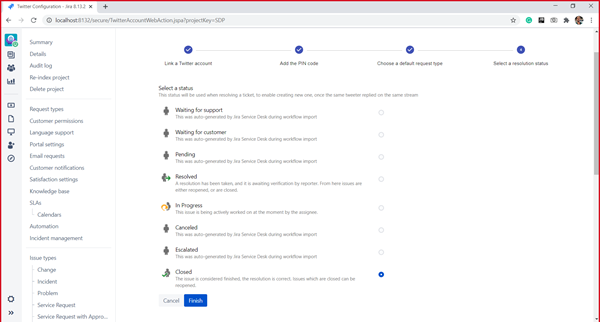
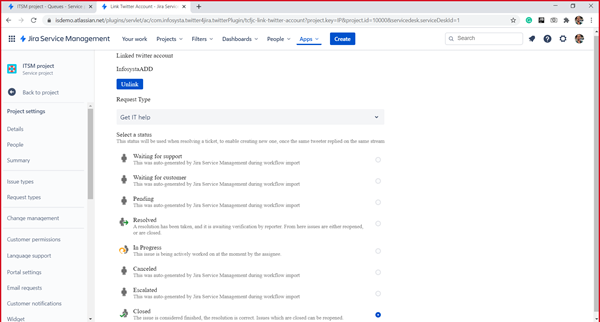
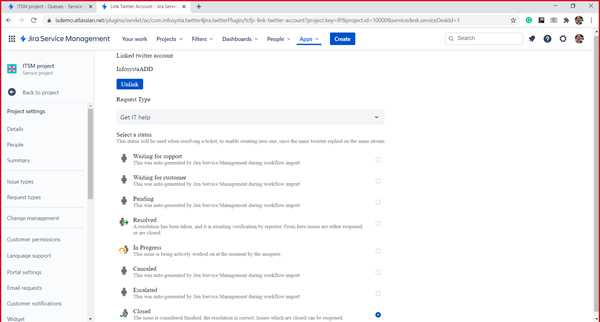
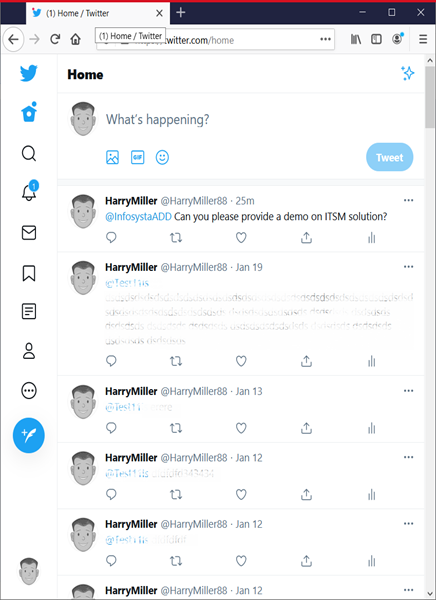
After the client mentioned or send a direct message to the linked twitter account, a new issue will be created, or a new comment will be added if the thread is already started, and in each time the system will check the resolution status before adding a comment, if the issue current status is the same as the select resolution state, then the system will create a new issue starting a new thread with the client
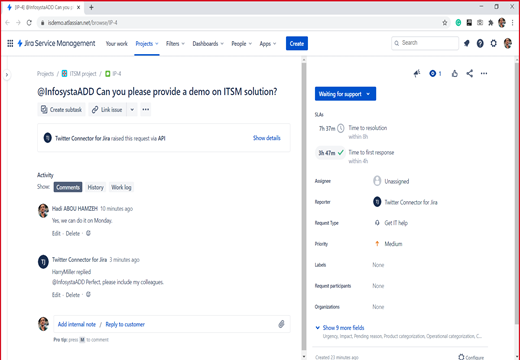
To reply to the client, you can add a comment from the issue and click on Share with customer, then this comment will be sent as a reply to the tweet or a reply to the direct message