
1- How to Login
1.1 Basic Login
1.1.1 Server or Data Center Login
Open the App
In Enter JIRA URL Field enter your Server URL (ex:infosysta.com)
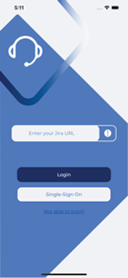
After that press login button. Login view will appear
Enter your Username and Password
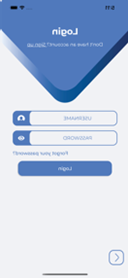
1.1.2 Cloud Login
Open the App
In Enter JIRA URL Field enter your Cloud URL (ex: infosysta-add.atlassian.net)
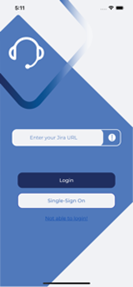
After that press login button. Login view will appear
Enter your Email and press Next
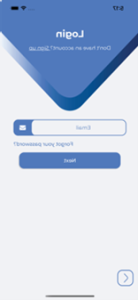
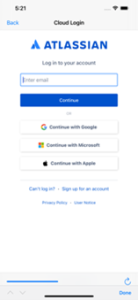
If you are Admin then you will be redirect to WebView to Login
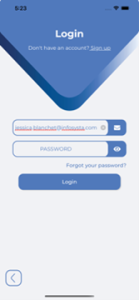
Else if you are Customer then Password field will Appear. Enter your Password and press Login
1.2 SSO Login
- Open the App
- In Enter JIRA URL Field enter your URL that you use in Web. The URL should start with HTTP/HTTPS (ex: https://css.infosysta.com).
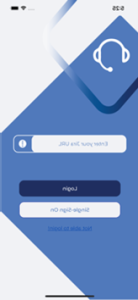
- Press Single-Sign-On Button, you will be redirected to WebView to Login
2- Portal Page
2.1 Switch sites in case of Refined Theme
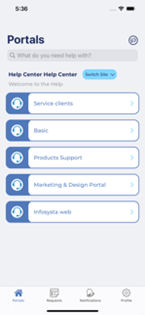
If you have Refined theme for Jira Add-on and you have sites then below how will display so you can switch between them
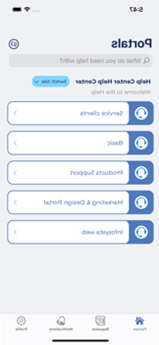
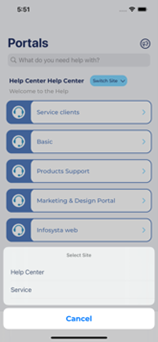
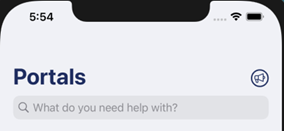
2.2 View Announcements
Below how Announcements added in Help center will appear in header of Portal screen
3- Two ways to search for KB knowledge articles
3.1 Search from Portal screen
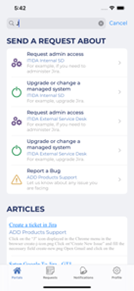
- In portals press on What do you need help with?
- Below screen will appear so you can search for confluence articles and Request Types
3.2 Search from Request type screen
- In request type screen press on What do you need help with?
- Below screen will appear so you can search for confluence articles and Request Types
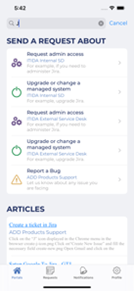
4- Request type screen
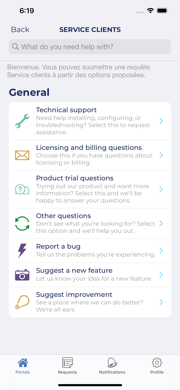
5- Create Issue
- Select a specific portal from Portal screen
- Then select the request type you want to create issue on
- After that create screen will appear that contains different fields
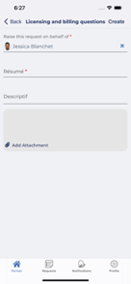
- Fill fields with data and then press Create. Detail screen with the issue created will appear
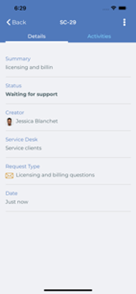
6- Three ways to view Detail screen
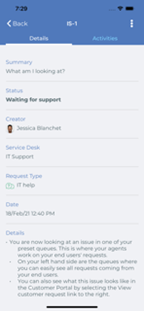
6.1 From Request List Screen
- Open Requests
- And select the Request you want to view its details. Below screen should be shown
6.2 From Notification Screen
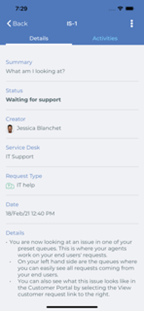
- Open Notifications Screen
- And select the Notification you want to view its details. Below screen should be shown
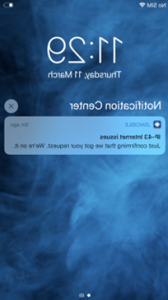
6.3 If you received a notification and you opened it
Suppose you received a notification, then when you press on it details screen will open
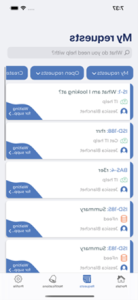
7- Request List Screen
7.1 Filters and search
7.1.1 For Filters
- In order to filter Requests check below filters
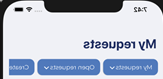
- Choose any filter and the list will update accordantly
7.1.2 For Search
- press on What do you need help with?
- And you can search the list and filter at the same time
7.2 Swipe Action
- Swipe the list to the left to view some actions
7.3 Share Link Action
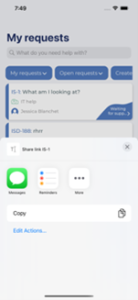
- Press on Share Link
- Below share action will appear to give ability to share your Request link with other Apps
7.4 More Action
- Press on More
- Below action could appear if exists
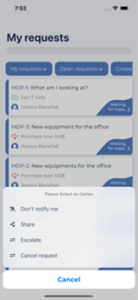
- First option allows you to enable or disable getting notifications on specific ticket
- Second option allow to share your issue with users in your organization
- Last option are Transition options
8. Four ways to do Transition action in the App
8.1 From Request list screen
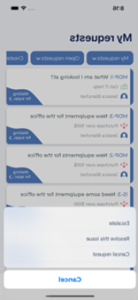
- From Request list view
- Press on the section pointed in below image
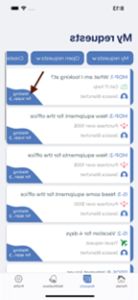
- Transition list will appear
8.2 From Request list, on swipe (More action)
- Swipe the view to the left
- Press on More
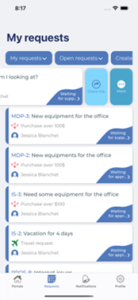
- Transition list with some actions should appear
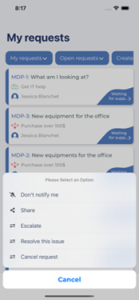
8.3 From Details Screen
- From the vertical ellipse at the top
- In Detail screen press on vertical ellipse
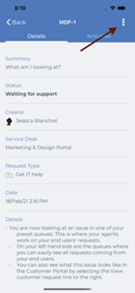
- Transition list with some Actions will appear
8.4 On pressing on status in Details section
- In Detail screen press on Status section
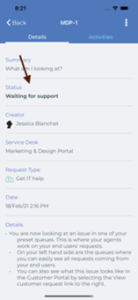
- Then transition list will appear