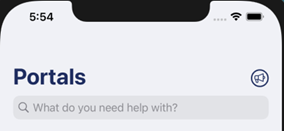
Open the App
In Enter JIRA URL Field enter your Server URL (ex:infosysta.com)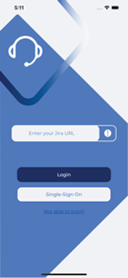
After that press login button. Login view will appear
Enter your Username and Password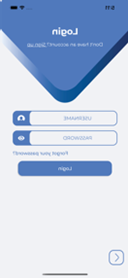
Open the App
In Enter JIRA URL Field enter your Cloud URL (ex: infosysta-add.atlassian.net)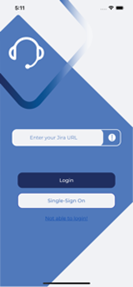
After that press login button. Login view will appear
Enter your Email and press Next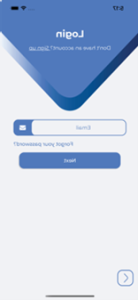
If you are Admin then you will be redirect to WebView to Login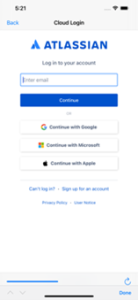
Else if you are Customer then Password field will Appear. Enter your Password and press Login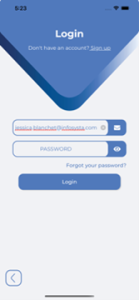
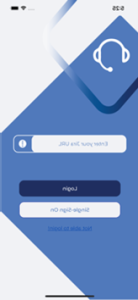
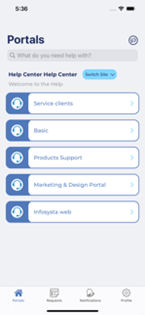
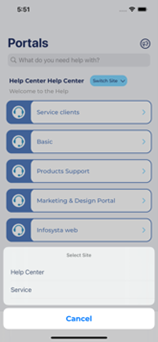
If you have Refined theme for Jira Add-on and you have sites then below how will display so you can switch between them
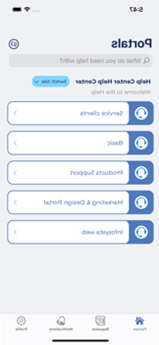
Below how Announcements added in Help center will appear in header of Portal screen