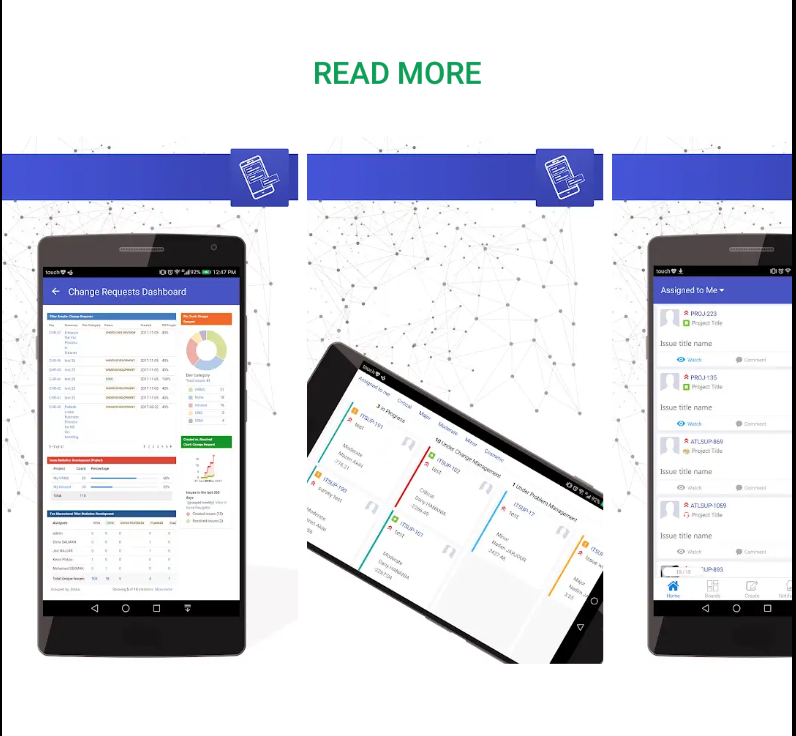

Click on the icon to view it
or
Forexample, https://css.infosysta.com is using Jira login only.
Other instances might use ADFS, OKTA, Onelogin or other login solutions
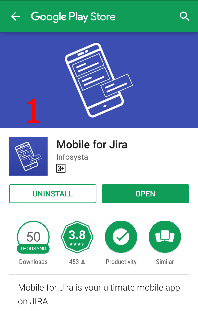
1: Title ex: Mobile for Jira
2: Subtitle ex: The ultimate solution to go mobile with Jira
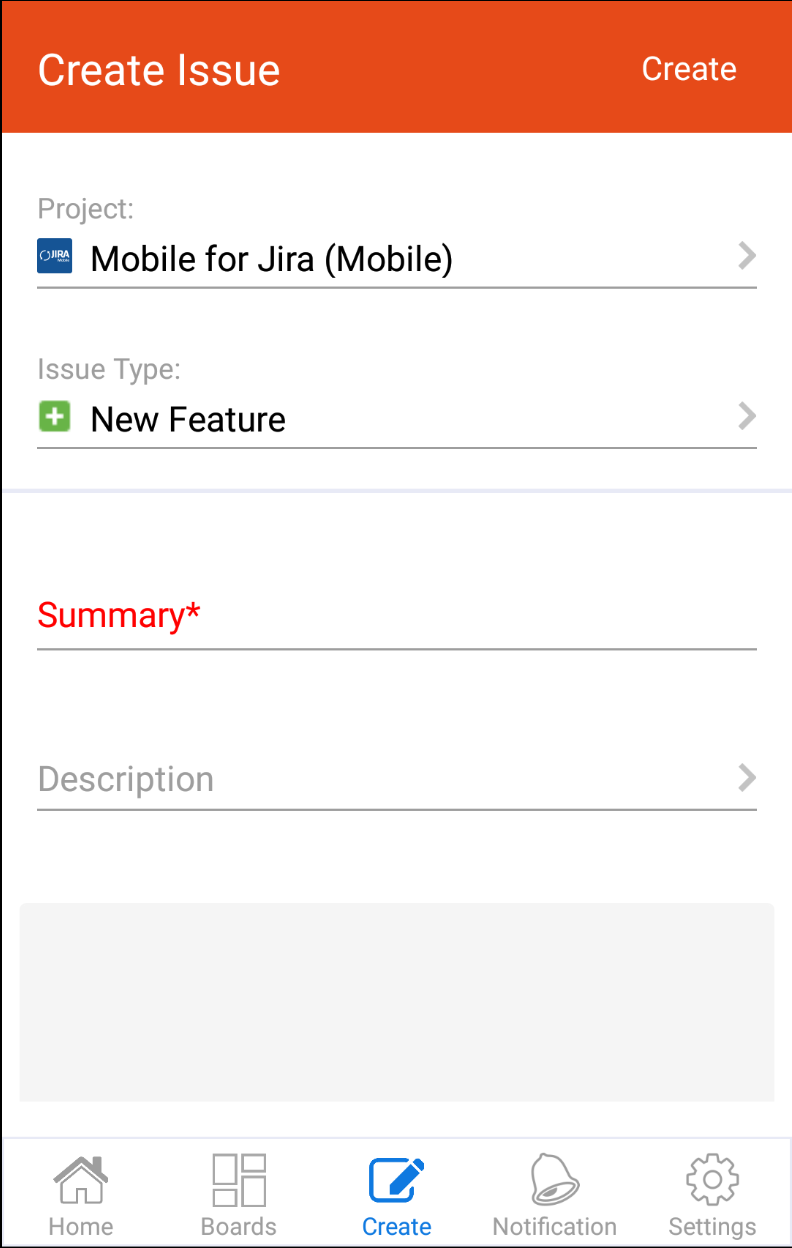
ex:
Mobile for Jira Enterprise for Android is the ultimate solution to use Atlassian Jira on your Android device. it works with Jira core, Jira software and Jira service desk.
Mobile for Jira requires Mobile for Jira App installed on your Atlassian Jira instance (Server or Cloud). You can download it from Atlassian Marketplace.
Mobile for Jira is designed to view and interact with your issues on the go with a user-friendly interface.
Collaborating faster than ever:
- Create, Edit, link, delete, Watch, Vote and Transition issues
- The best Kanban and scrum boards experience for your stand-up meetings.
- Add, edit and delete comments
- Edit, crop, rename and add multiple attachments to your issues
- Get notified of important updates
- Advanced Search by key, summary, assign, report, status, custom fields..
- Record the time spent working on issues (Log work)
- View your Favorite filters and add them to your home page
- Share issues via your email
- And much much more...
Feature Graphic
ex:
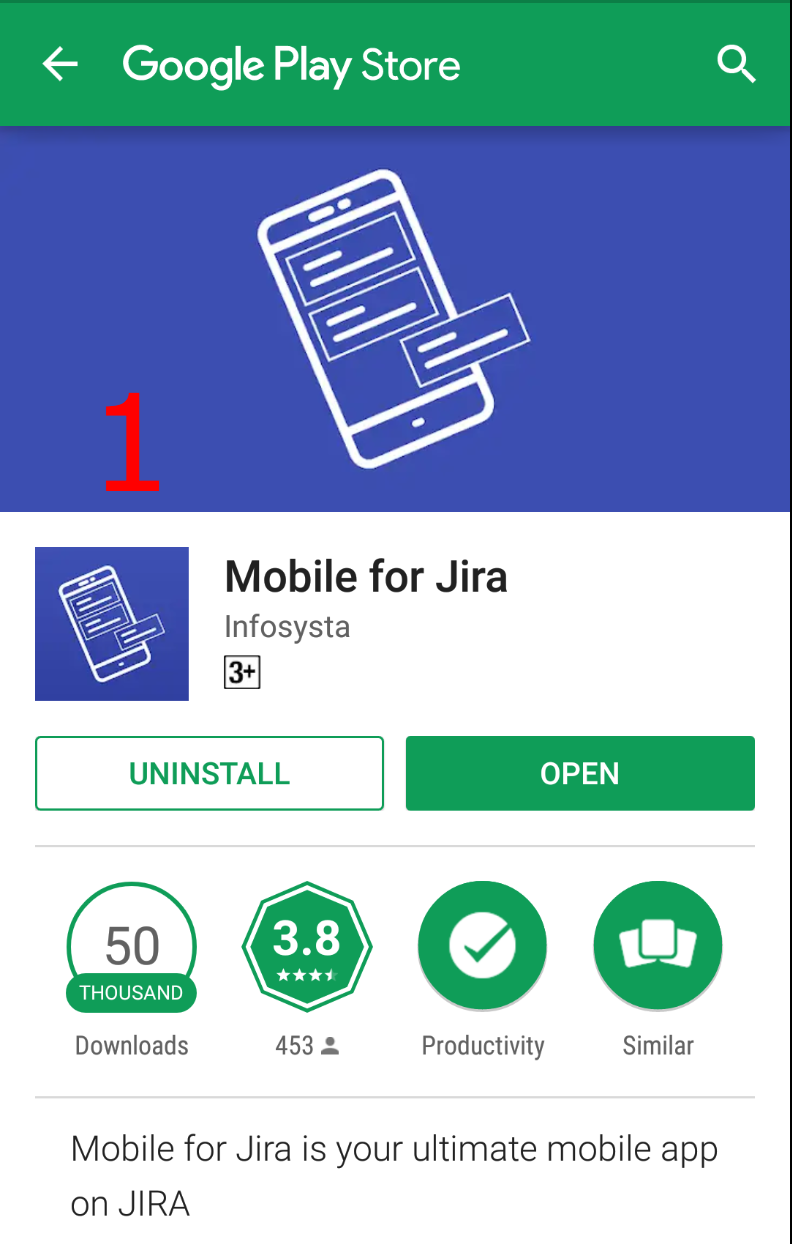
1: is the Feature Graphic
Screenshots
Screenshots displayed in App and play Stores with the below sizes:
- 5 images with the size: 1440 × 2560
- 5 images with the size: 1242 × 2208
- 5 images with the size: 2048 × 2732