New Features
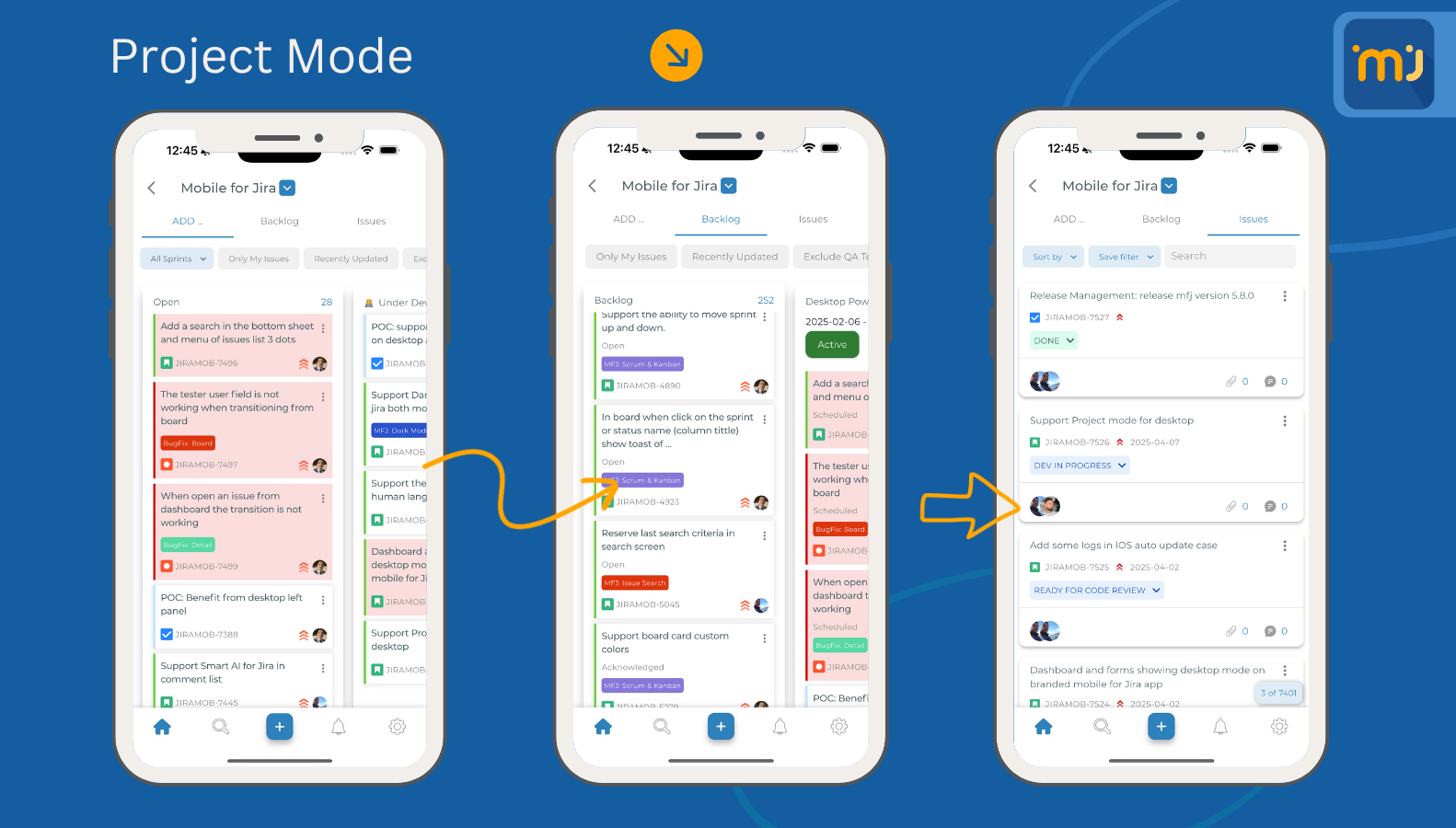
🚀 Introducing Project Mode — Built for Power Users!
Say hello to a smarter, faster way to manage your Jira issues on mobile. With Project Mode, you now get a laser-focused view tailored to your team’s structure and workflow. Whether you’re working from a board, backlog, or issue list, Project Mode lets you stay organized and in control.
✨ Why you’ll love it:
🔄 Seamless switching between boards, backlogs, and issue details.
🧠 Filters that make sense — only see what matters to you.
🛠 Designed for high-efficiency teams who live in Jira.
From planning sprints to crushing bugs, Project Mode transforms how you work on the go.
Improvements
Project List UI/UX Enhancements: Refined the user interface and experience for easier navigation and readability in the project list.
Boards and Backlog: Improved performance and usability for Active Boards and Backlog views.
Transitions Interface: Updated transitions UI for a smoother and more intuitive user experience.
Cloud Epics Migration: Migrated to the new cloud-based epic structure for better reliability and future compatibility.
Bug Fixes
Issue Transition from Dashboard: Fixed a bug where transitioning issues from the issue details screen (accessed via the dashboard) was not possible.