Try the New Chrome Extension Design
Learn how to create a sub-task from Jira issues directly from your Gmail or Google Calendar.
Step # | Action |
|---|---|
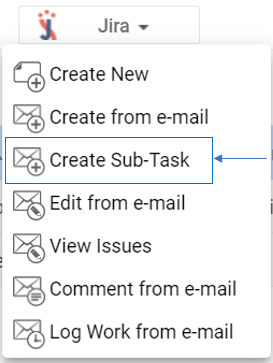
| 1 | Go to the Jira Extension in Chrome extension and select Create Sub-Task |
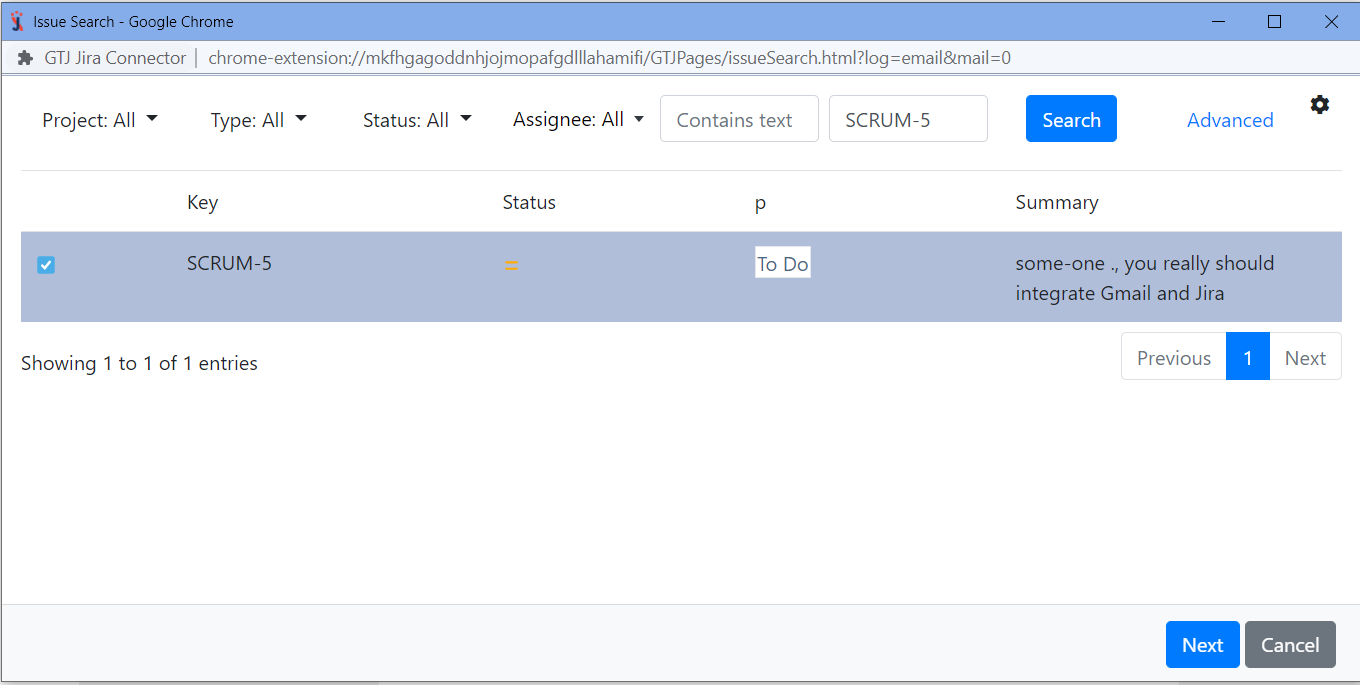
| 2 | Search and select a Parent issue and click Next |
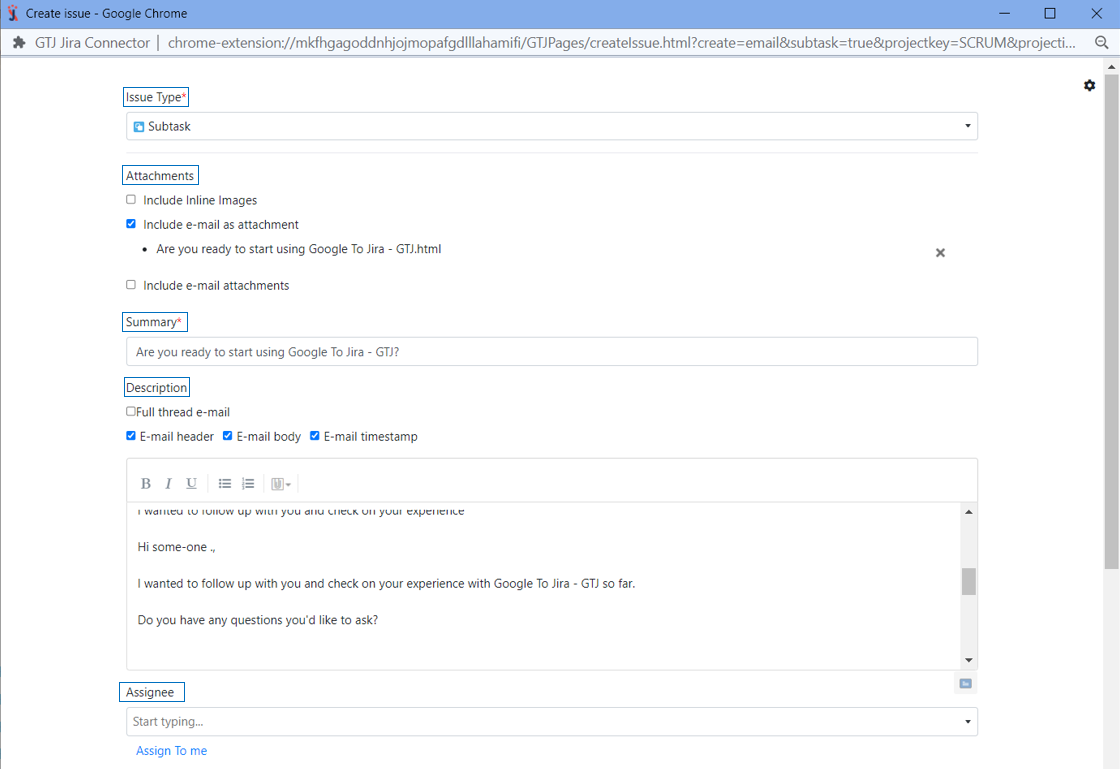
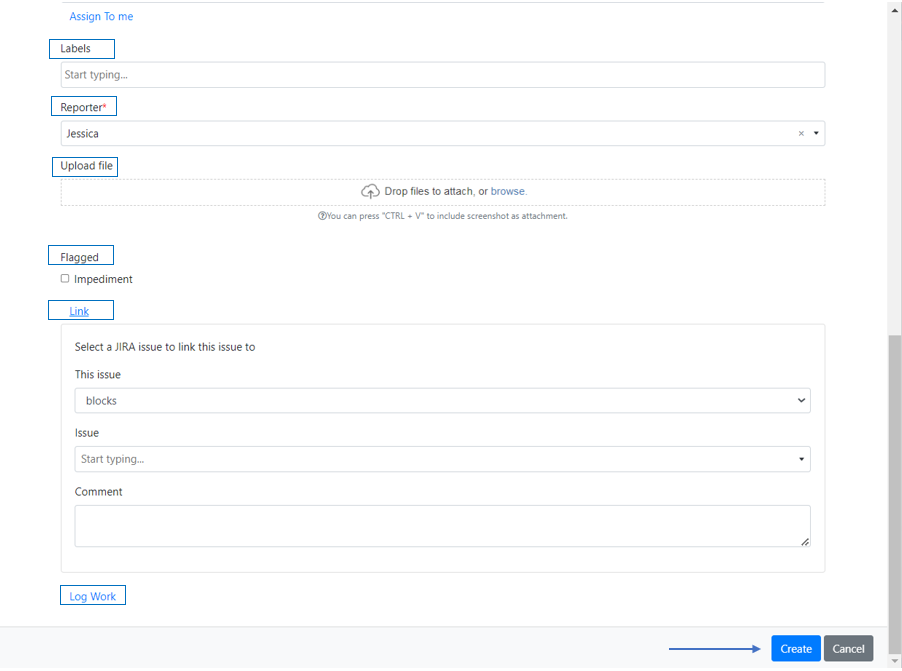
| 3 | Fill in the requested fields, such as Issue Type, Summary, Reporter |
| 4 | Select email content to include to your ticket from the check boxes |
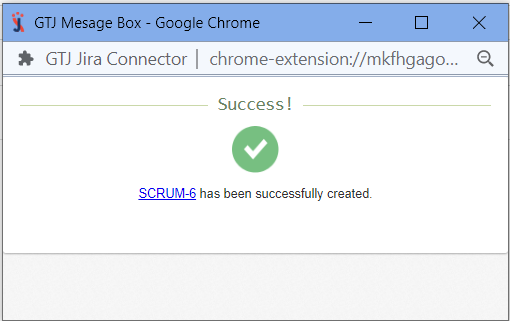
| 5 | Click on Create |
Search and select a parent issue, then click Next
| If you didn't find your desired issue in the table, follow this link and check how to search for an issue. |