Try the New Chrome Extension Design
Learn how to upload files as attachments to Jira tickets directly from your Google Drive.
| You can also add attachments by adding a comment or editing an issue. |
Step # | Action |
|---|---|
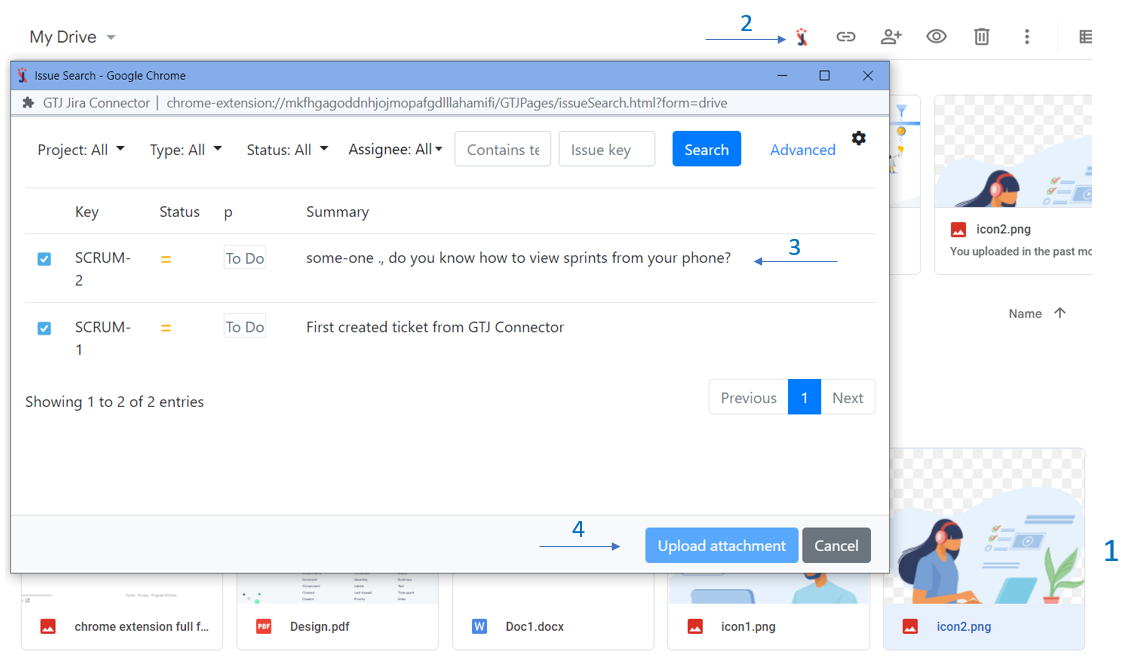
| 1 | Go to your Google Drive account |
| 2 | Select the files you want to attach |
| 3 | Click on the Jira Extension in Chrome icon |
| 4 | Search and select the issue you need to attach the files to |
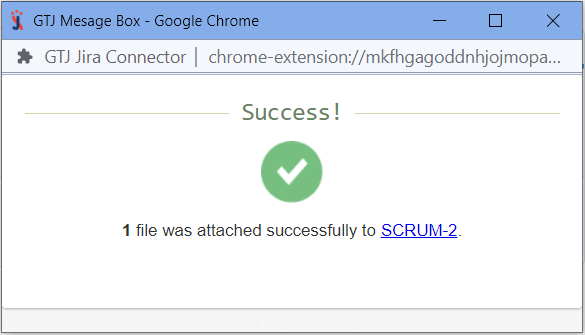
| 5 | Click on the Upload attachment button |
Select the files you want to attach
| If you didn't find your desired issue in the table, you can follow this link and check how to search for an issue there. |