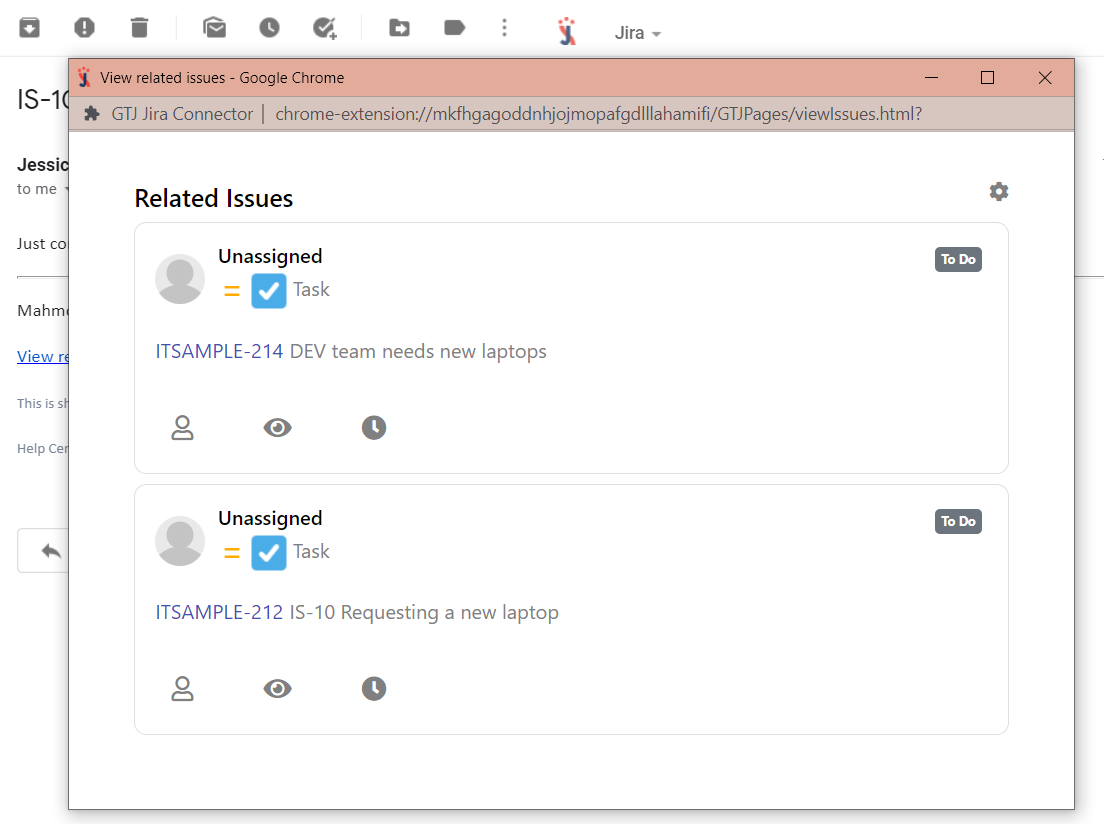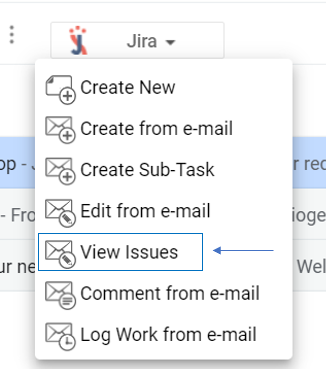
After selecting an e-mail, you can view all the issues created from that e-mail. You can also perform various actions on the viewed issues, such as log time, add or remove assignee, and watch or unwatch an issue.
Step # | Action |
|---|---|
| 1 | Go to your Gmail, select an e-mail |
| 2 | Go to the View Issues screen |
| 3 | All issues related to the selected e-mail will be returned |
| 4 | You can perform quick actions( add/remove assignee, watch/unwatch, log work), by just clicking on the action icon |