Learn how to log in to Mobile for Jira using 2FA for Jira: U2F & TOTP.
Follow these steps:
- Head to the login screen
- Enter your URL

- Click on SSO, then SSO Login
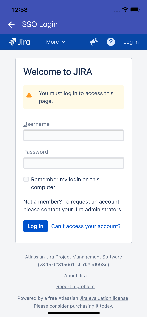
- Enter your credentials (username and password)
- Click on Log in
- Enter the verification code generated by the Authenticator mobile app
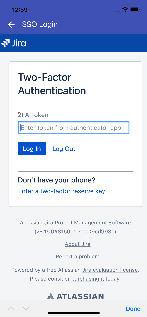
- Click on Log In, you will be redirected to Mobile For Jira