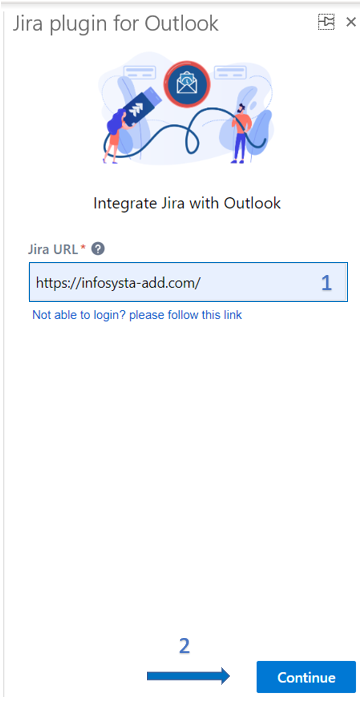
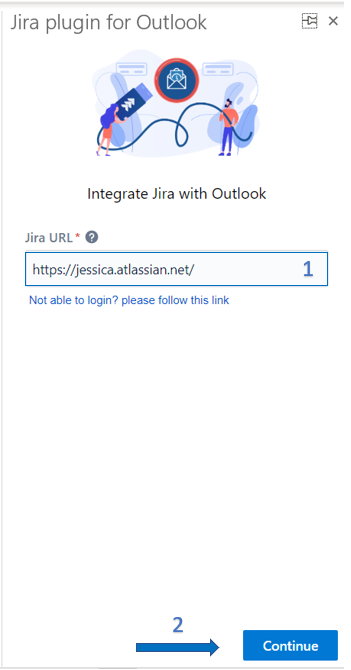
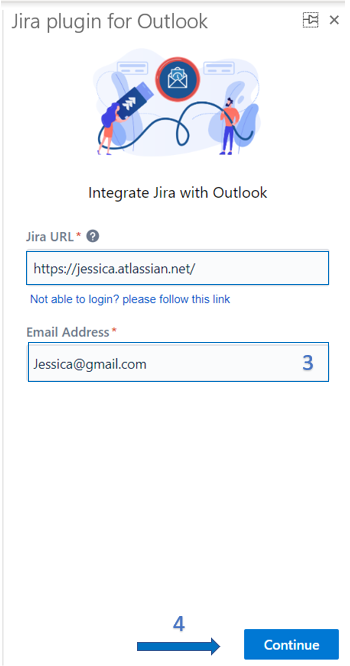
- Enter your Jira URL
- Click on Continue
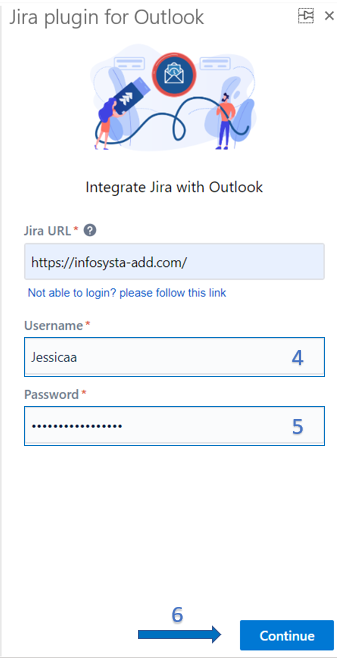
- Enter your Email Address - Username
- Click on Continue
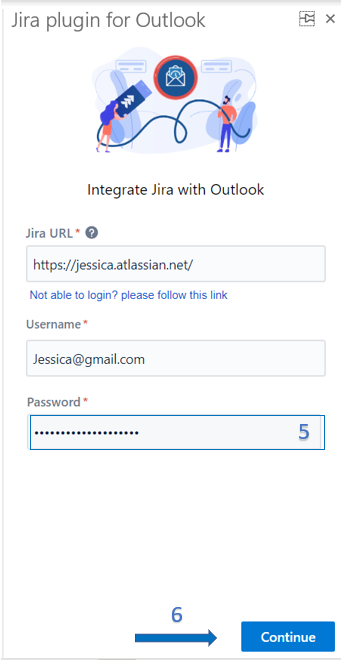
- Enter your Password
- Click on Continue
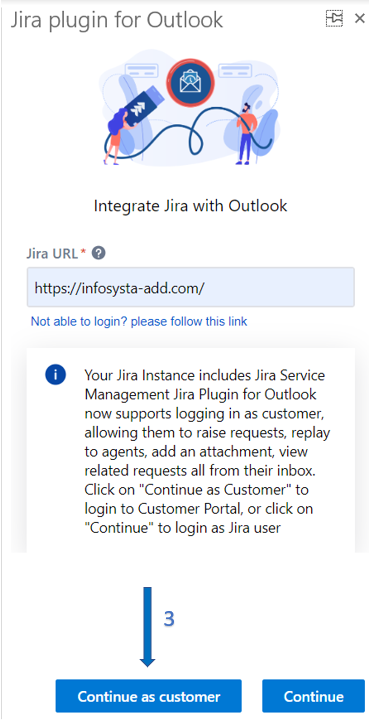
In this guide, you will learn how to connect to your Jira instance and login as Customer into the app.
The login steps will differ for the different hosting types: Cloud and Server. |
|
|