Learn how to upload an attachment on AMJ - Attachments Manager for Jira.
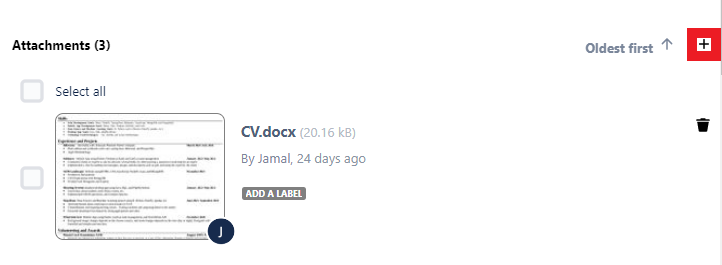
You can upload an attachment using the "+" icon beside the sorter
You get a success message if the attachment is successfully uploaded, and then you can deal with it and manage its labels like all attachments

You get a failure message if an error occurred ( e.g. attachment size is bigger than the limit )