Learn how to filter attachments using AMJ - Attachments Manager for Jira.
You can search for attachments by labels, uploader and file name. You can also filter by all 3 fields at the same time using one search operation. |
1. Head to the issue you'd like to filter
2. Go to "Filter"
3. Type the name of the labels you'd like to add
(Example: accepted, logo)

4. Once done, click on the search button to filter attachments
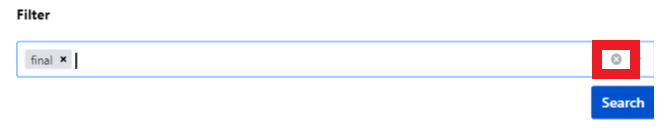
To reset attachments, just click on the "x" icon.