- Click on the “J” icon displayed in the Chrome menu in the browser
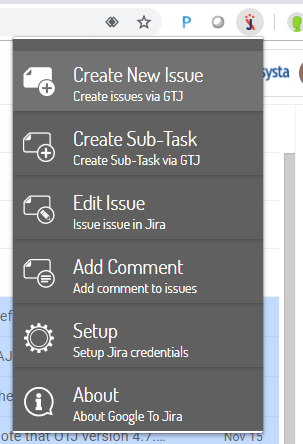
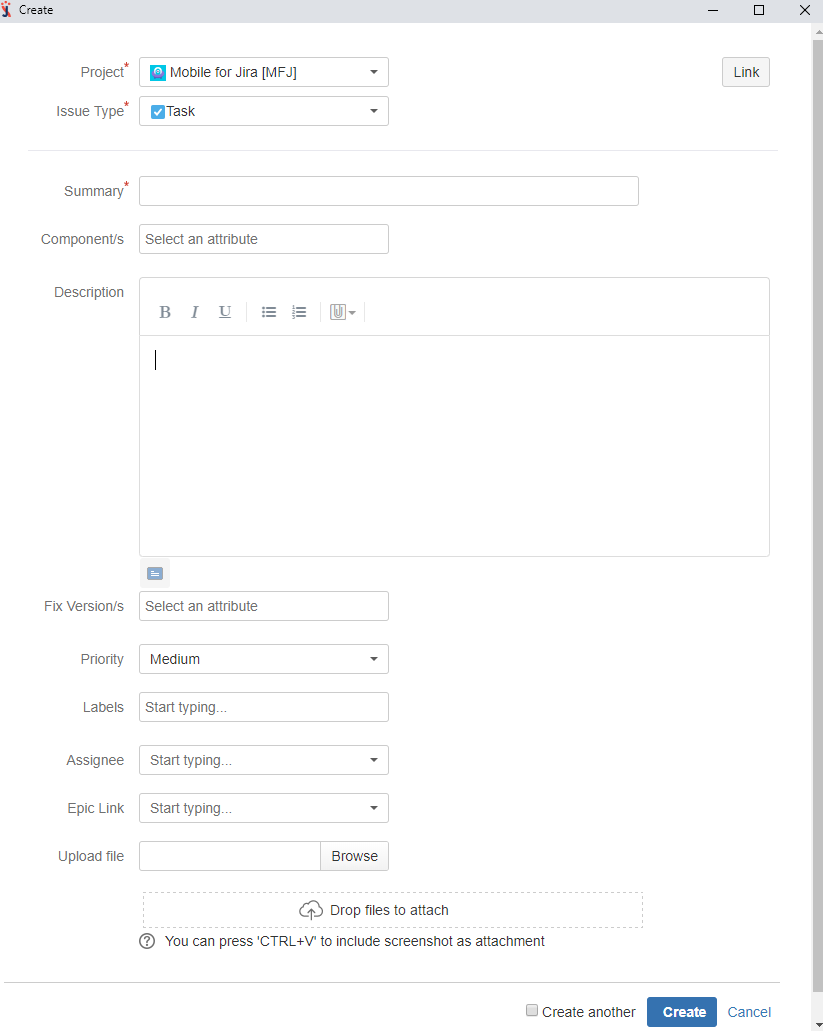
- Click on“Create New Issue” and fill the necessary field
|
- Open Gmail and click on the 'Google To Jira' menu
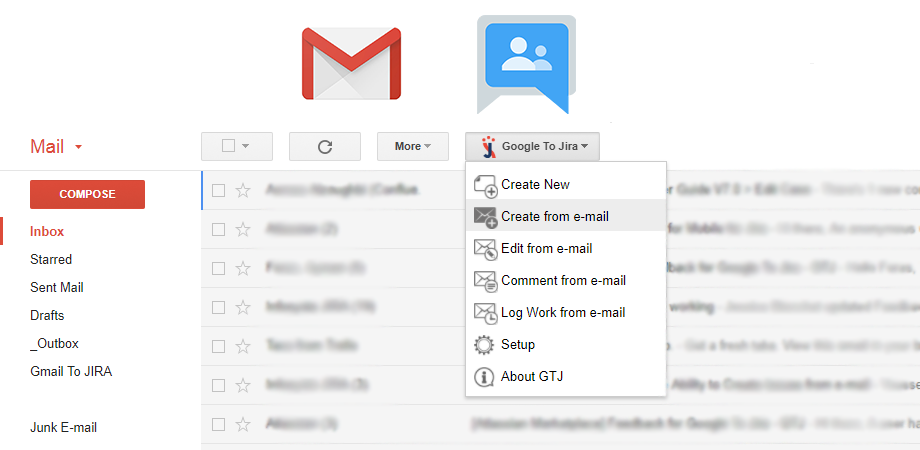
- Select "Create from e-mail" and fill the necessary field
|
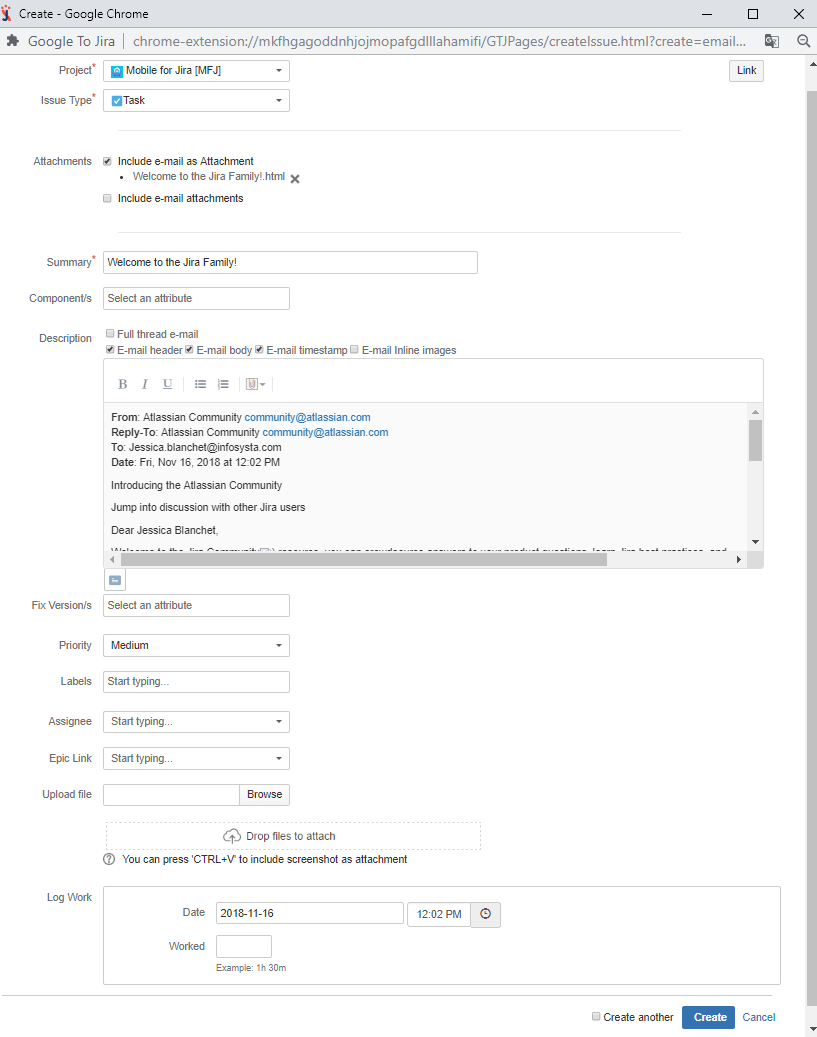
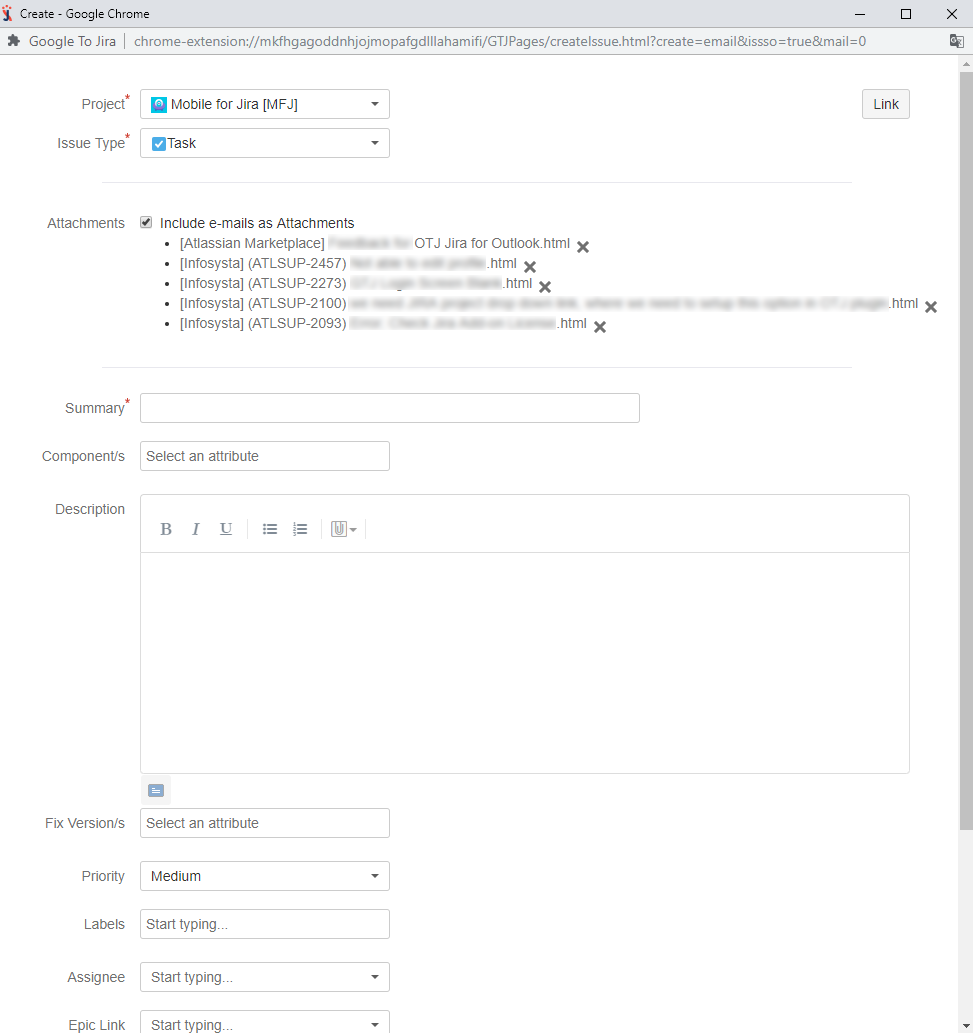
- Open Gmail select E-mail you want to attach then click on the 'Google To Jira' menu
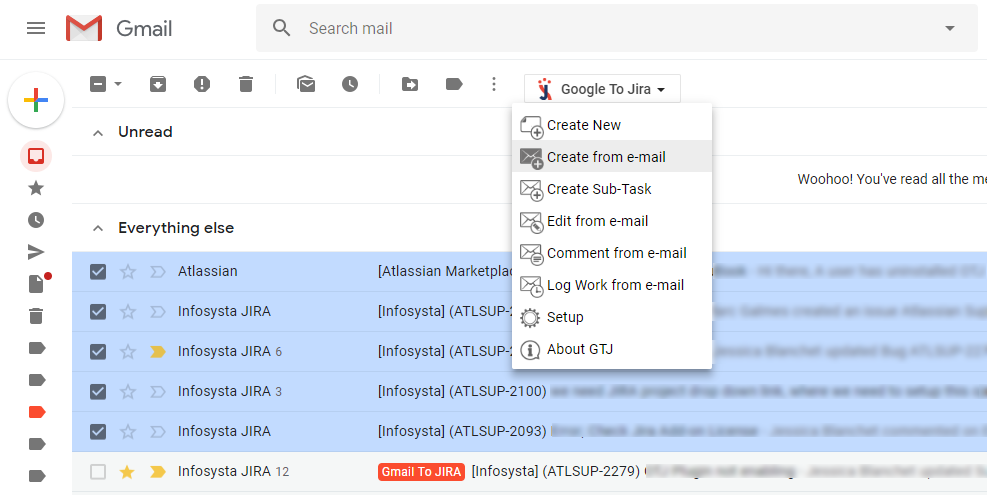
- Select "Create from e-mail" and fill the necessary field
|
Related articles
Related articles appear here based on the labels you select. Click to edit the macro and add or change labels.
