Learn how to install License Checker for Jira.
Similar to all marketplace add-on we need to:
- Navigate to the Find New Apps page and search for License Checker for Jira.
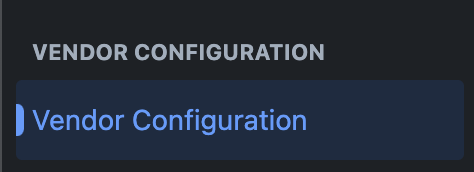
- Once installed, a Vendor Configuration section is added to the manage apps side menu. As shown in the image below
- The page should open up a form that you need to fill in order to activate the add-on. The form is shown below
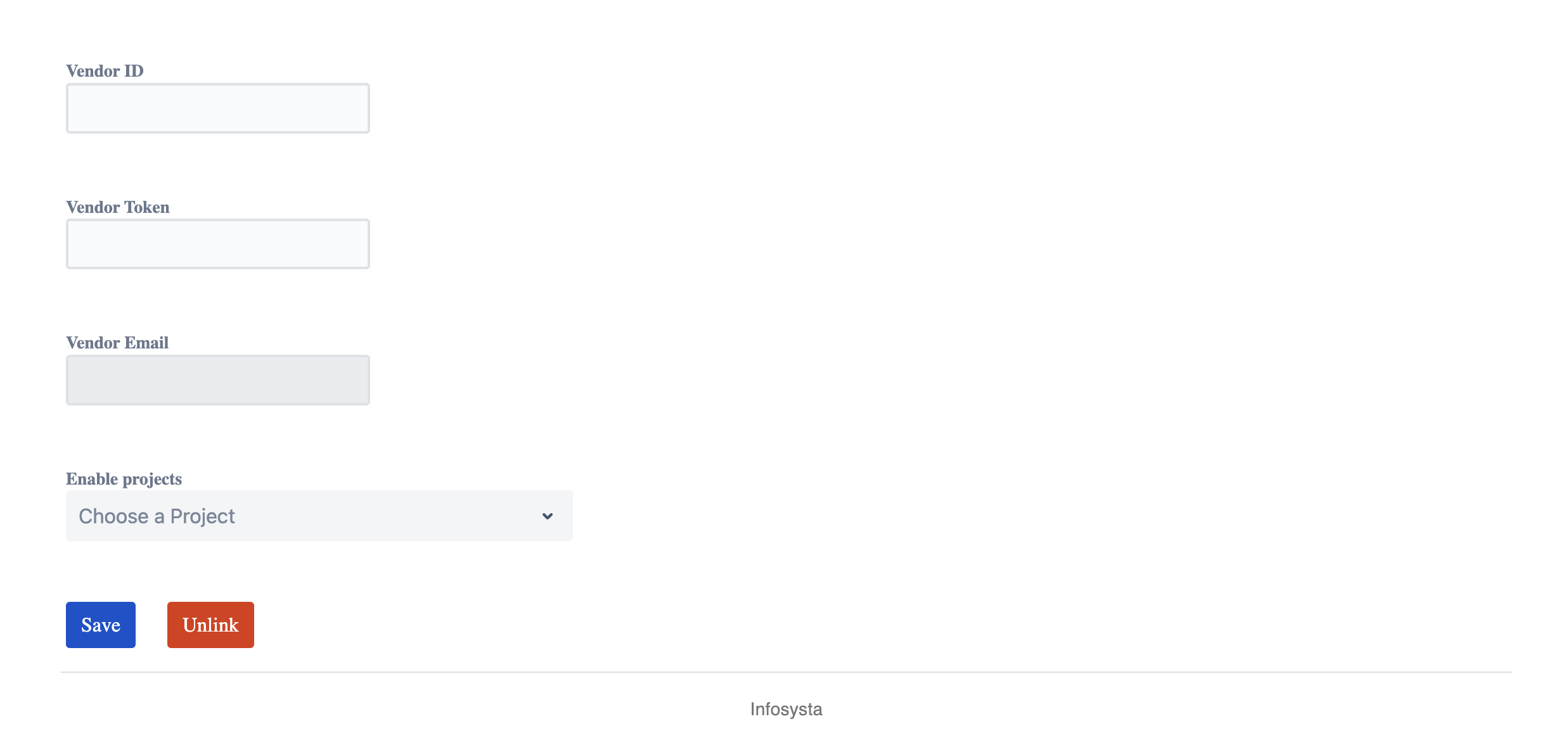
- Once the form is filled and saved, you can move on to the user guide section to see the add-on in action.