Learn how to link your OpenAI token with these steps.
Steps
- Start by creating an OpenAI developer Account here
- From your Jira instance head over to your Admin section
- Select OpenAI Integration Setup
- Get your OpenAI API token from OpenAI, insert it and then select you GPT model (follow this link to get OpenAI API token)

- Click on save to confirm and connect your account
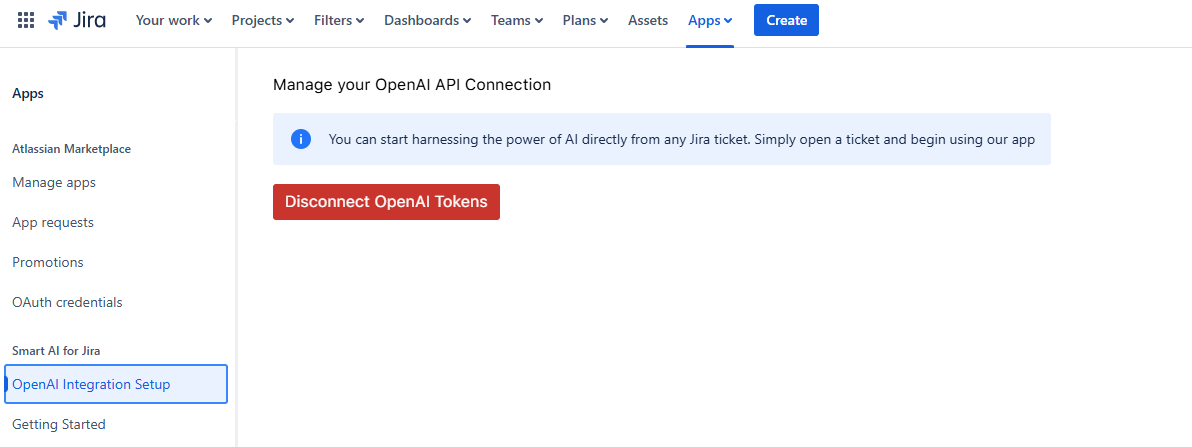
|
- Start by creating an OpenAI developer Account here
- From your Jira instance head over to your Admin section
- Select OpenAI Integration Setup
- Get your OpenAI API token from OpenAI and insert it (follow this link to get OpenAI API token)

- Enter your openAI API Token
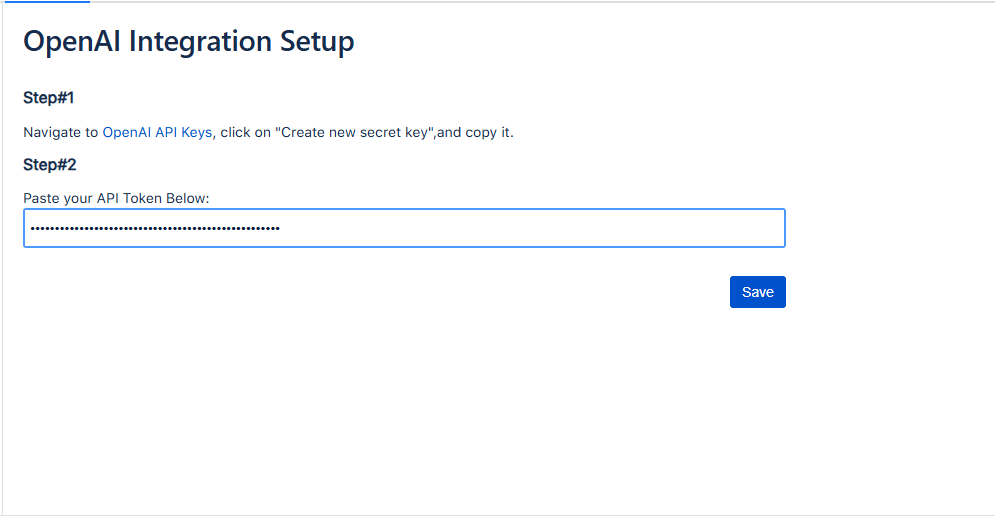
- Click on save to confirm and connect your account
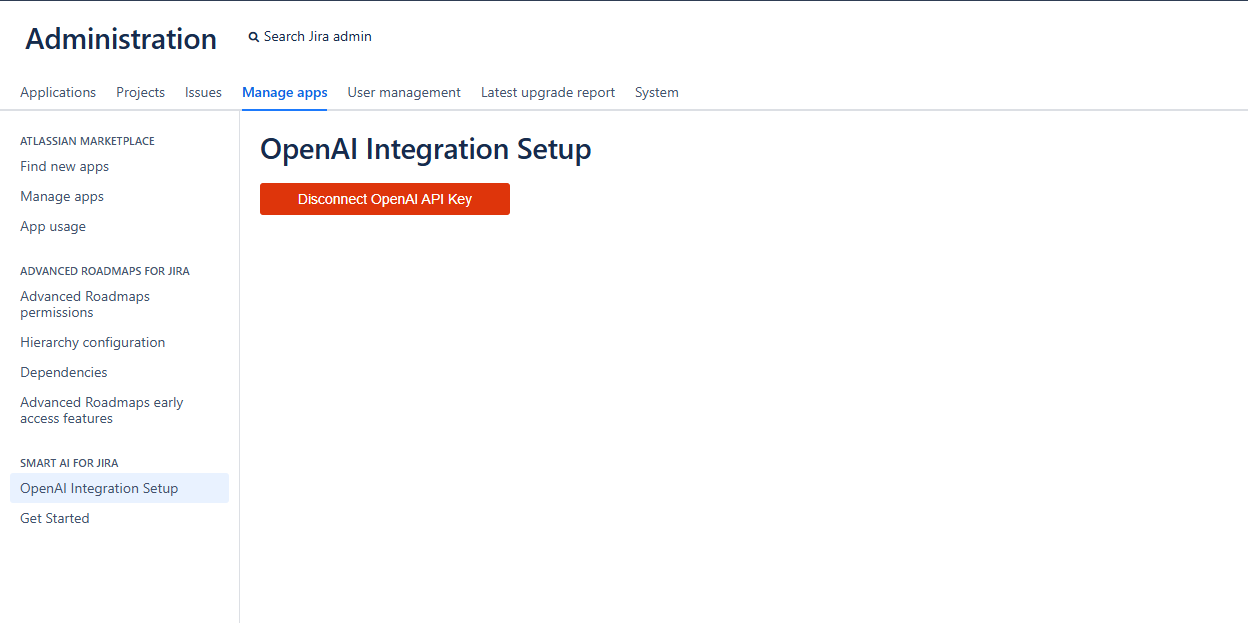
|
To learn how to remove your OpenAI API Token you can click on this link here.
Related articles
