Learn how to upload files to a connected folder.
Step # | Action |
|---|---|
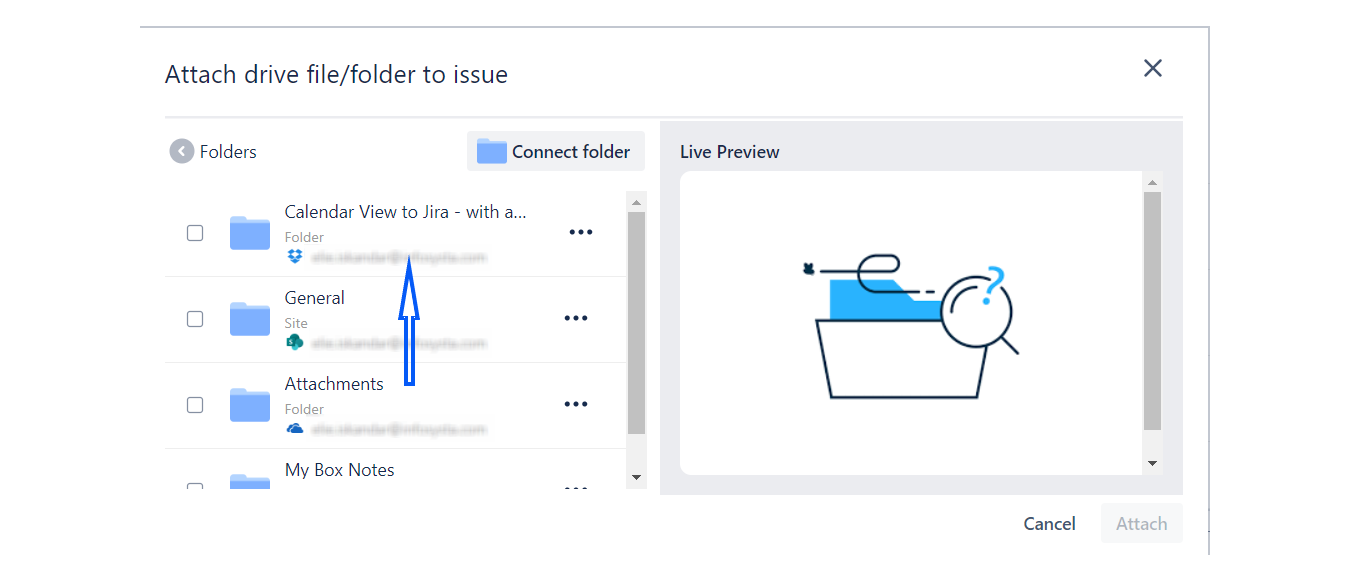
| 1 | Open a connected folder by simply clicking on it. |
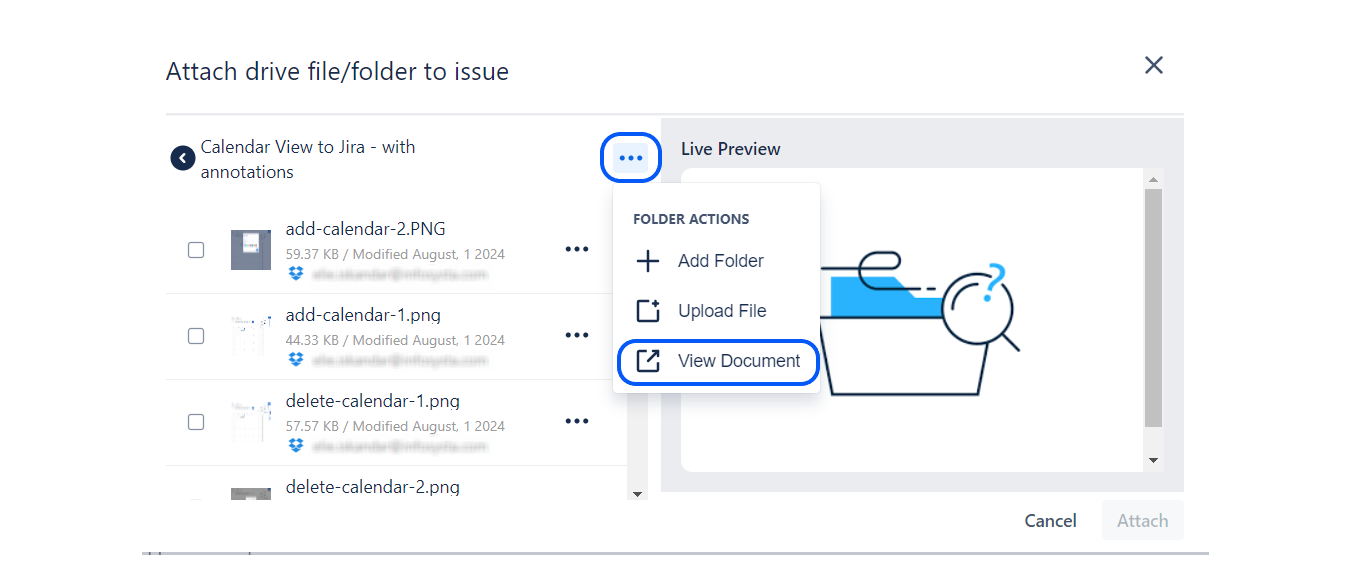
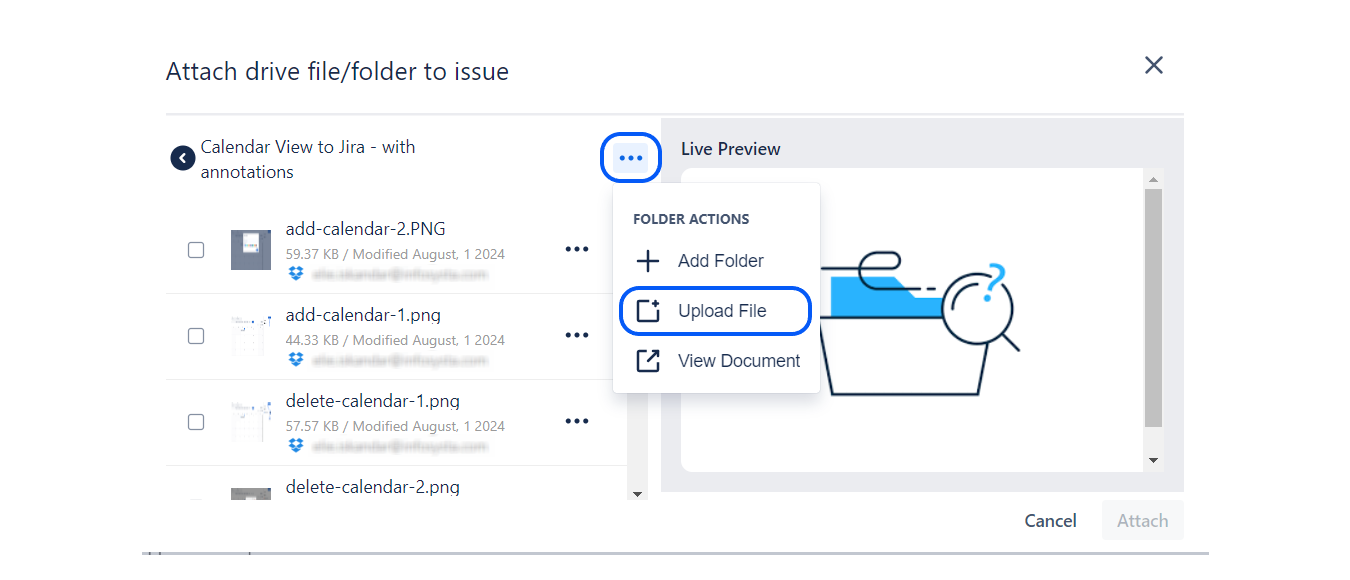
| 2 | Click on the three dots at the top right and select the Upload File option, and choose the file you want to upload. |
Step 1: Open a connected folder by simply clicking on it.
Step 2: Click on the three dots at the top right and select the Upload File option, and choose the file you want to upload.
|