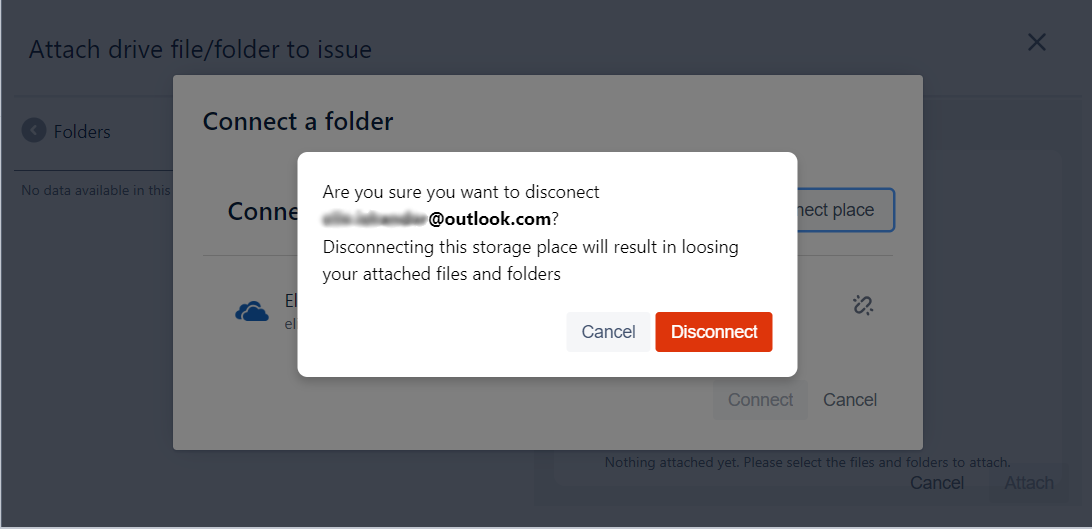
Learn how to disconnect a connected place.
Step # | Action |
|---|---|
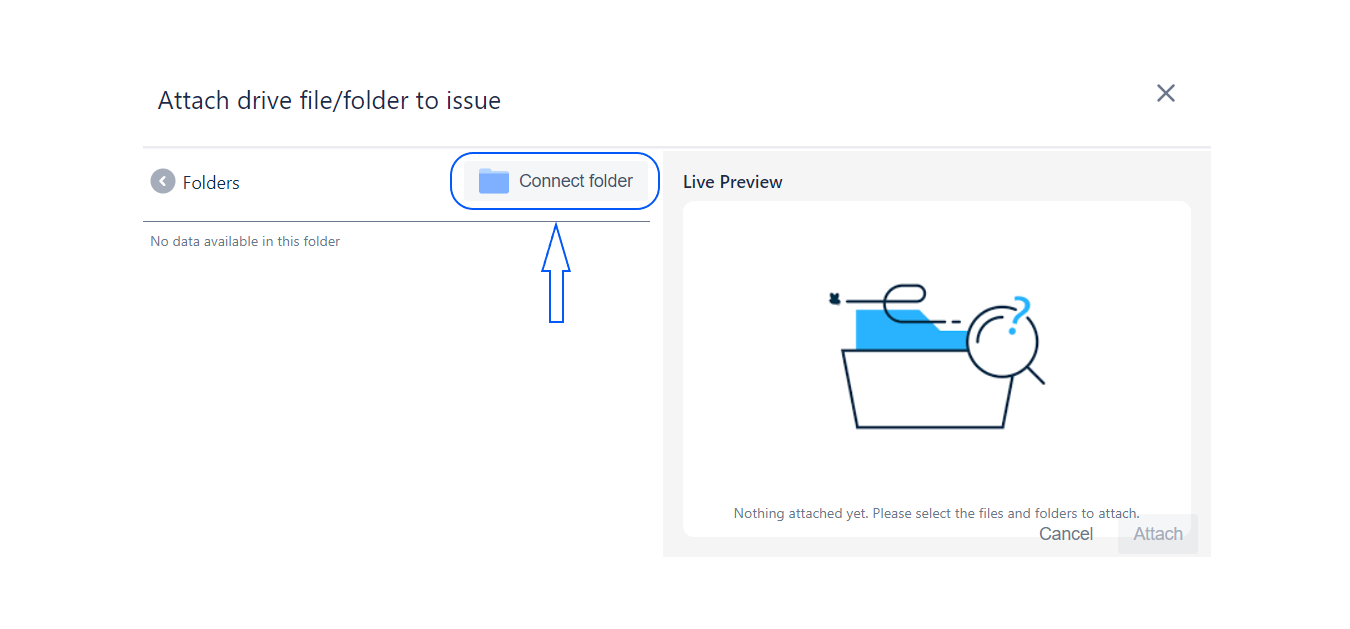
| 1 | Click on connected folder. |
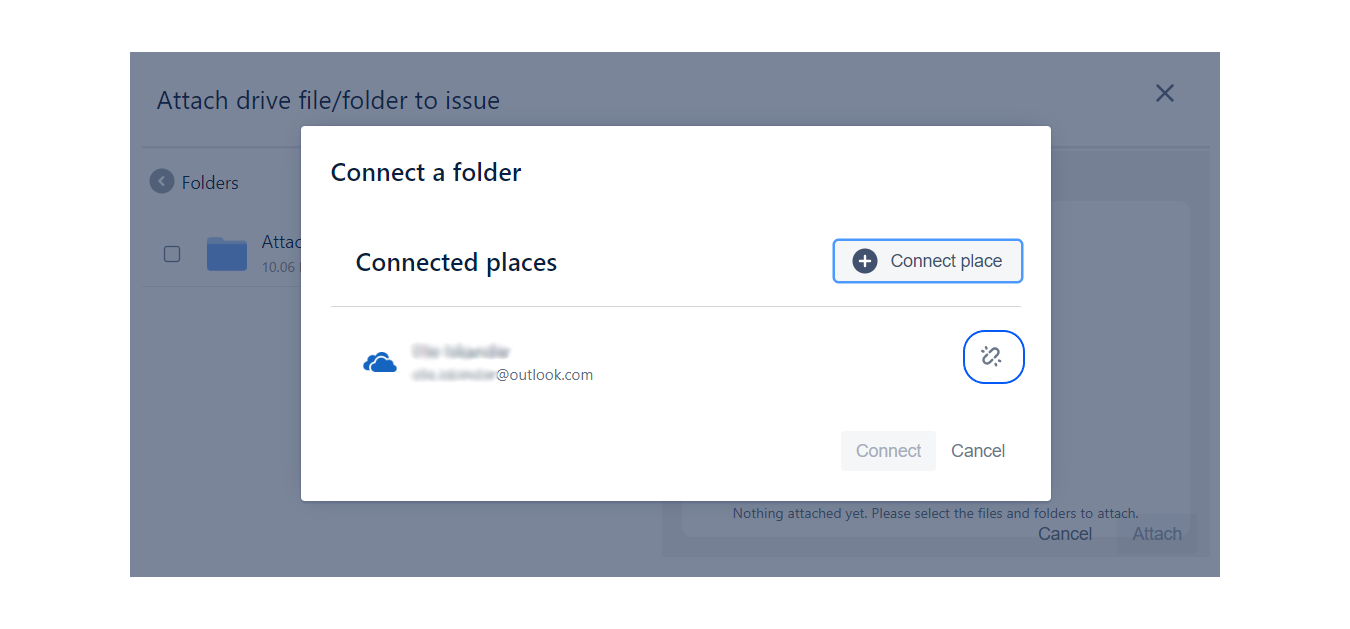
| 2 | Click on the disconnect icon located on the right side of the connected place. |
Step 1: Click on connected folder.
Step 2: Click on the disconnect icon located on the right side of the connected place.