

1- How to link Facebook page
After successfully installation of FCFJC, you can navigate to the service project in which you want to link the Facebook page for it and then go to project settings a new link will be added with the label text “Link Facebook Page”. when the link is clicked you will see the form wizard below unless you do not have a License or free trial.
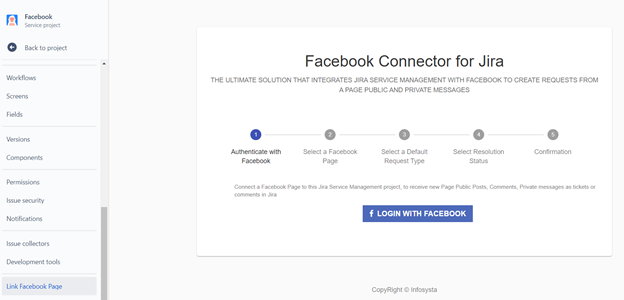
1.1 Login to Facebook
As our addon FCFJC need to fetch the changes from the linked Facebook page it requires permission like listen to new feeds, interact with page posts and comments, handle direct private message from Facebook messenger. Clicking on login will open Facebook login dialog and ask user to enter the Facebook user name and password, next the dialog wizard as user to grant the addon the needed permission and to select the Facebook page that the addon will manage.

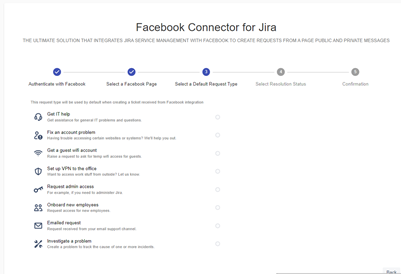
1.2 Select a Default Request Type
Our next step after link Facebook page is to select the default type. This request type will be used by default when creating a ticket received from Facebook integration.
1.3 Select Resolution Status
This status will be used to identify that the ticket is marked as resolved. So any new Facebook feeds (comments on post, new message) on a feed that already have an ticket and marked as resolved (i.e. the ticket status equal to this selected status) the those feeds will create new tickets.

1.4 Confirmation step
In this step the addon configuration wizard list to the user what he had select to save them.
2- Facebook Post
When any Facebook user posts on the selected Facebook page the post will be transferred into ticket handling the post.
Facebook post Jira Ticket
-------→ 

3- Facebook Comment
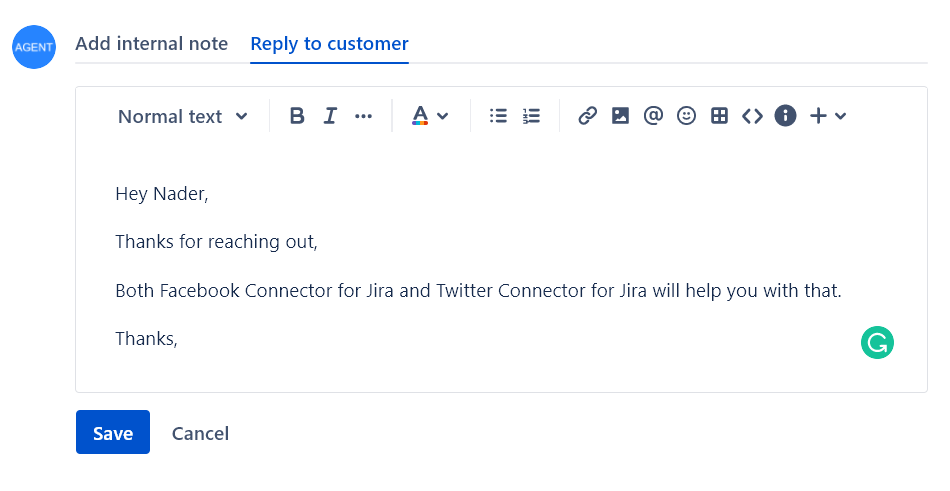
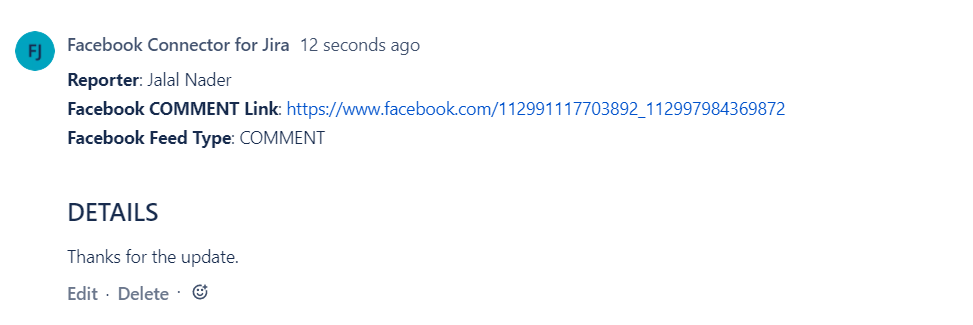
Adding comments to Facebook post will be transferred into Jira comments unless the post ticket is marked to be resolved then the new comment will be a new Jira ticket.


4- Facebook Direct Message
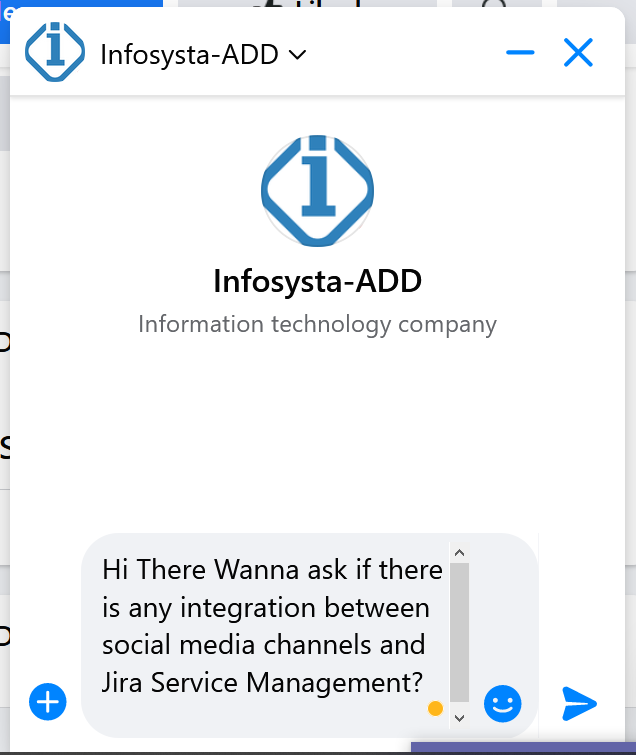
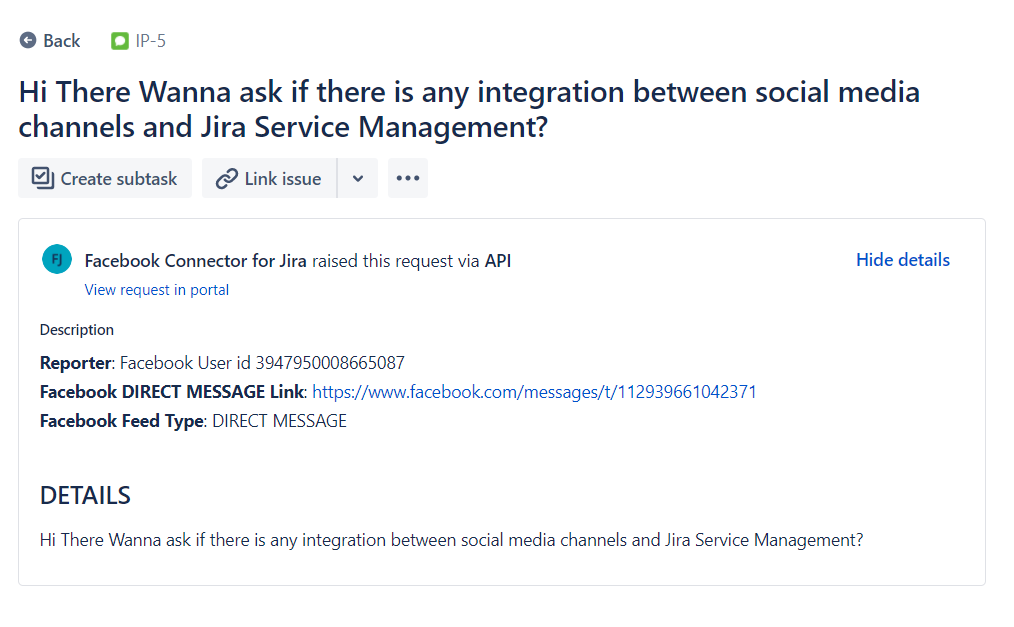
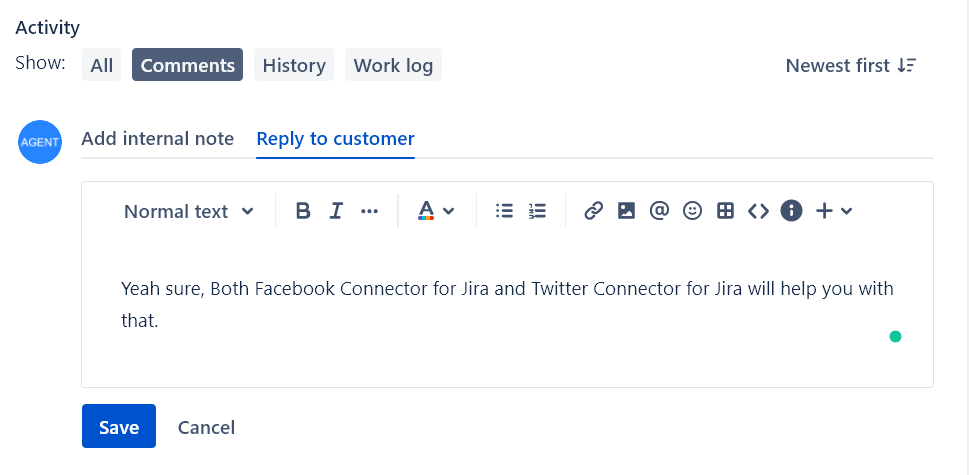
Facebook direct message from the user will be created directly as a new ticket and any new messages from this user will be transferred as comments on Jira ticket unless the ticket is set to be resolved then the first message after the ticket is resolved will create a new ticket.

5- Facebook Mention
Facebook mention is transferred into Jira ticket but as Jira agent, we can not interact with this Jira ticket because of Facebook API limitation.

