Feature Overview
Improve your description or comment using AI.
Quick Steps
Step # | Action |
|---|---|
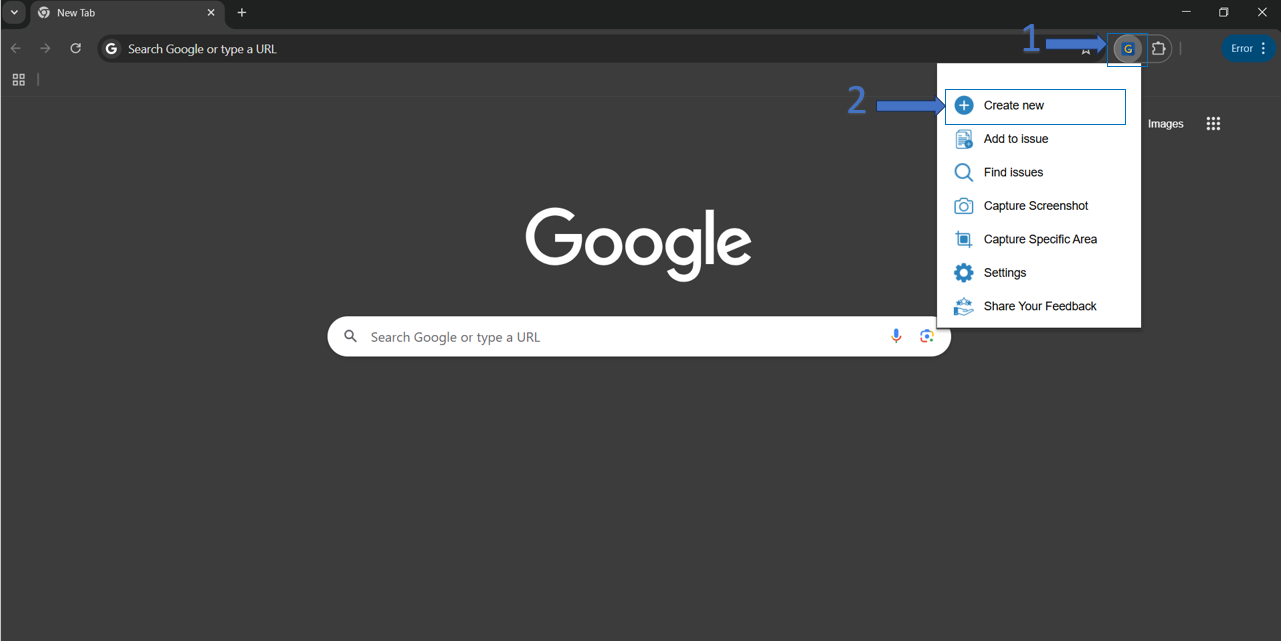
| 1 | Click on the Create Issue or Add to Issue from the GTJ options menu from the Gmail or the google extension |
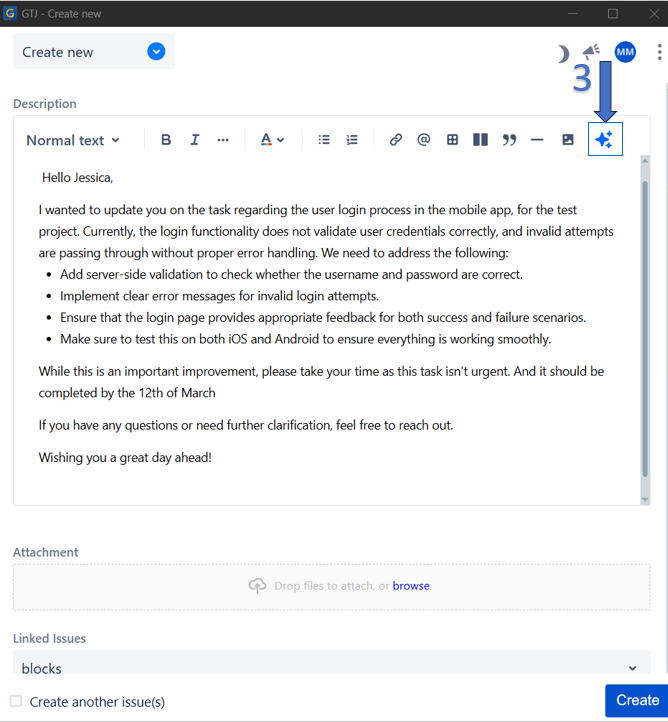
| 2 | In the comment or description field click on the AI content refiner icon |
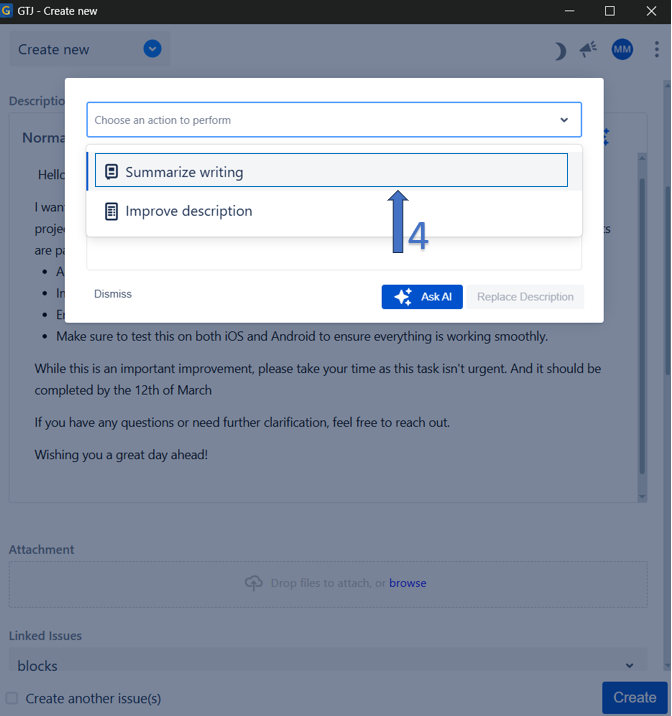
| 3 | From the select dropdown, choose summarize writing |
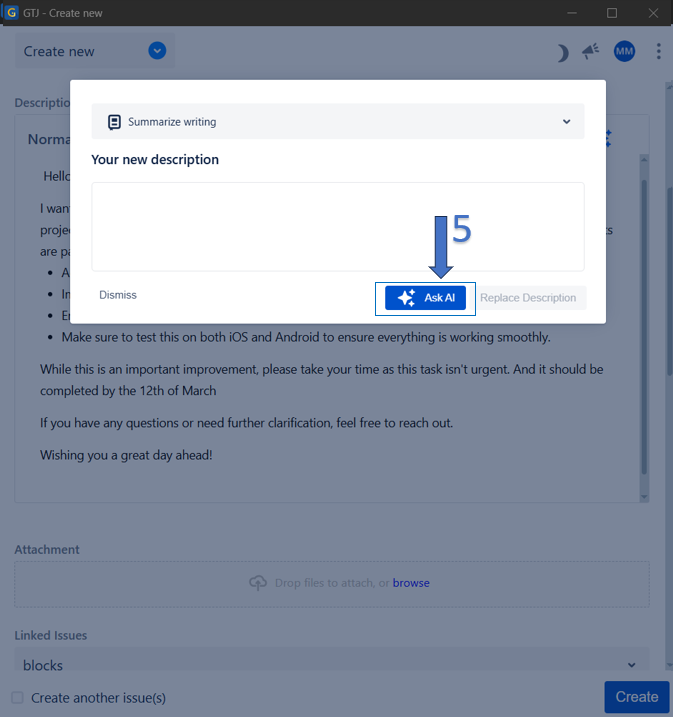
| 4 | Click on Ask AI button |
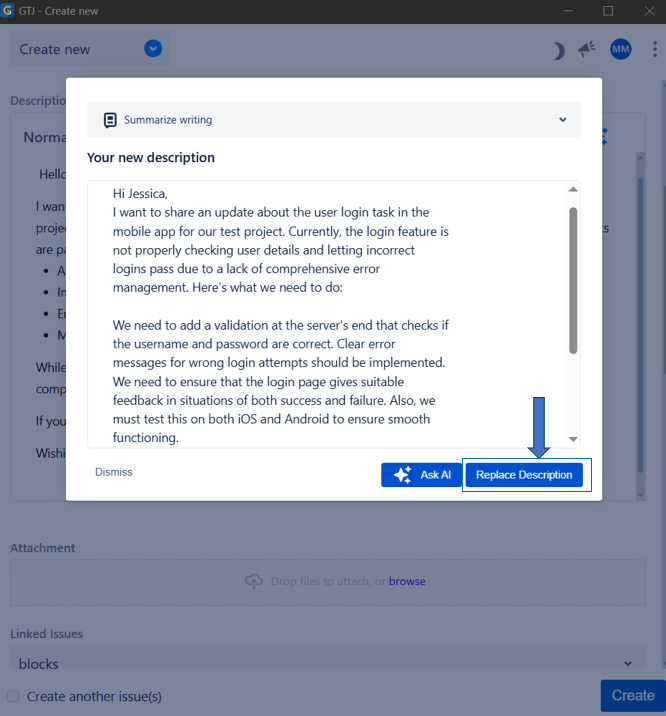
| 5 | Wait for the AI to generate your new content and click on Replace description button |
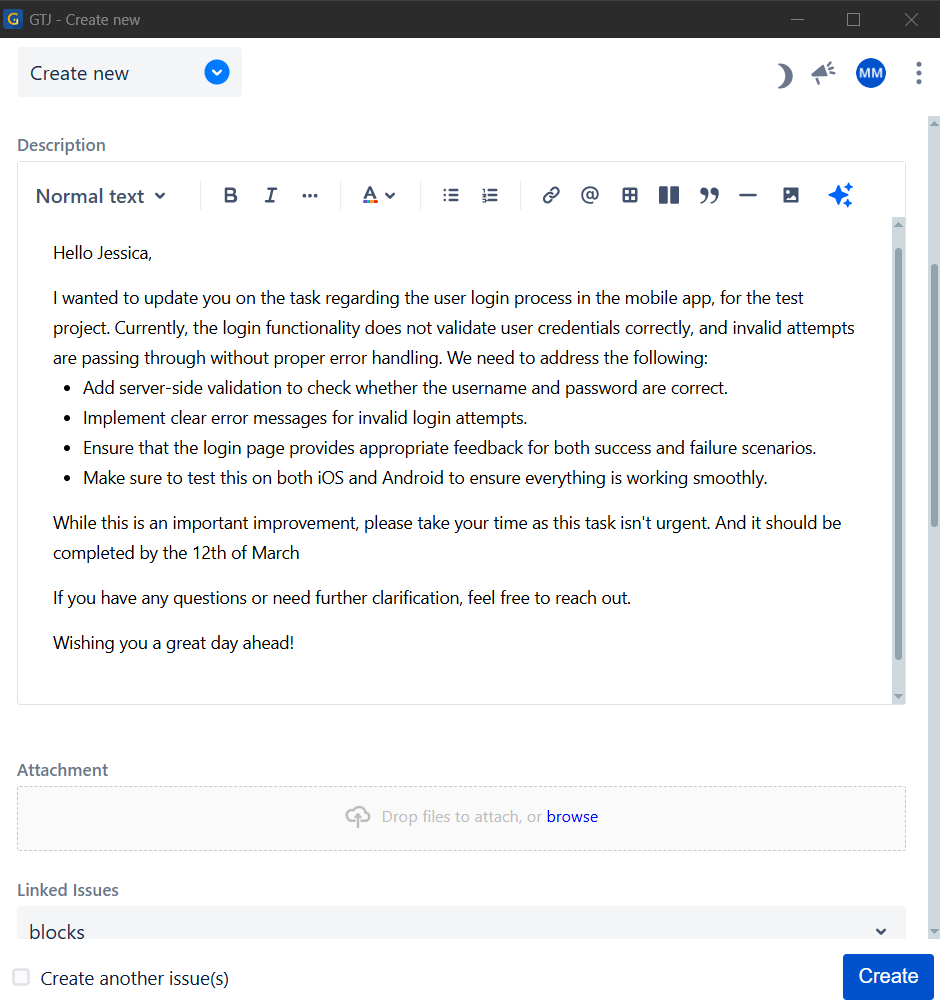
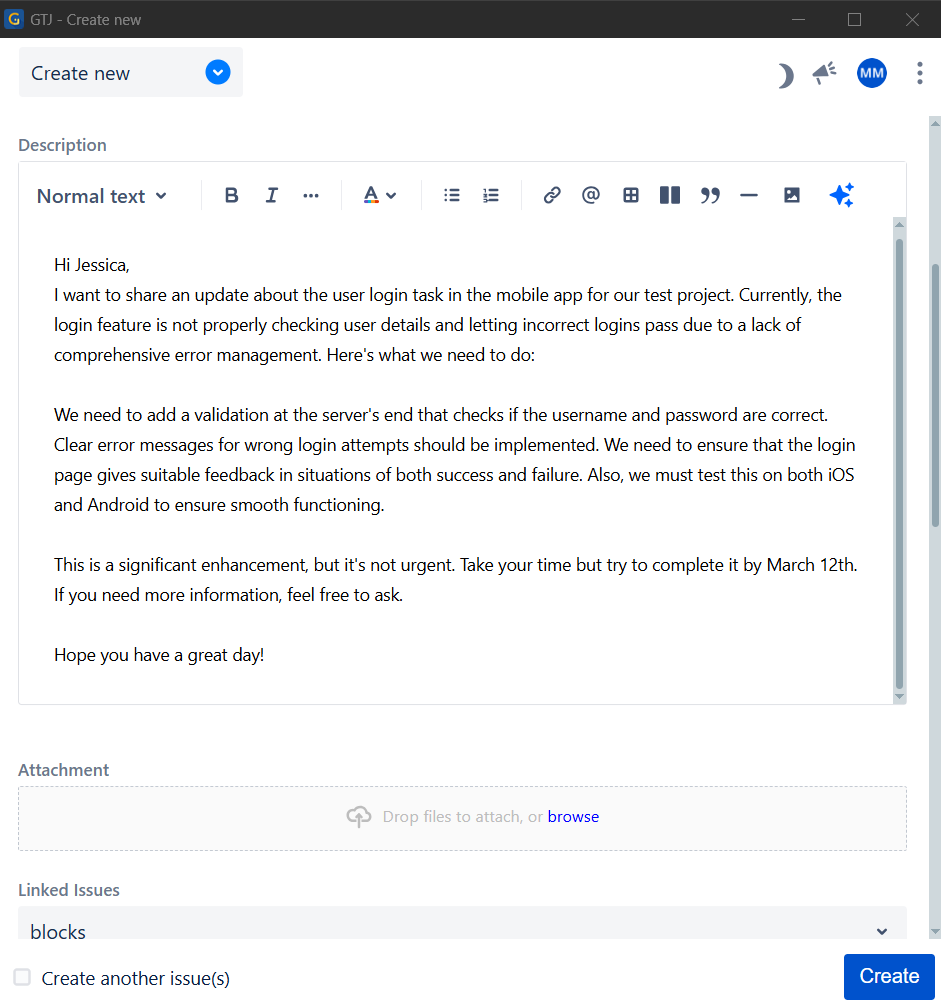
| 6 | The content is replaced by the new one generated from the AI |
- Click on Create Issue
- Click on the AI content refiner icon
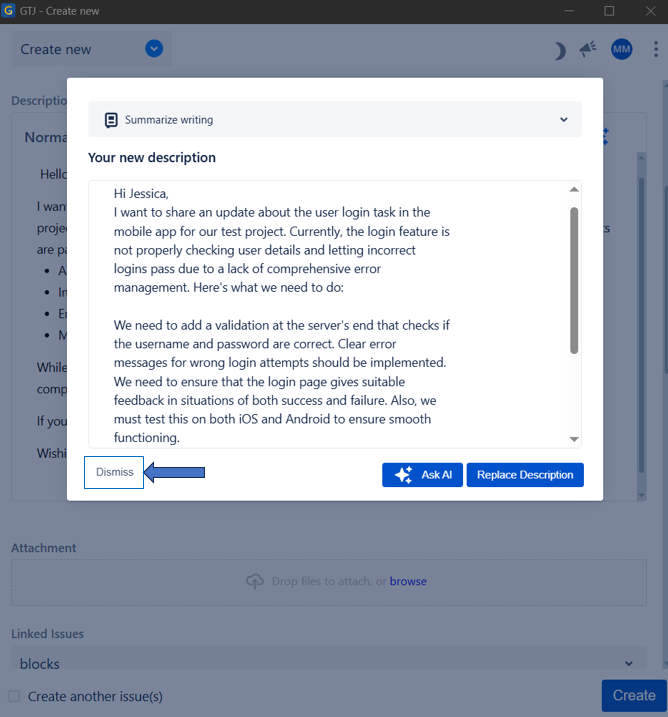
- Select summarize writing from the select item, then click on Ask AI button
- After the new content is generated click on Replace description button to take the new content and replace it.
- Or click on Dismiss button to disregard the changes