Feature Overview
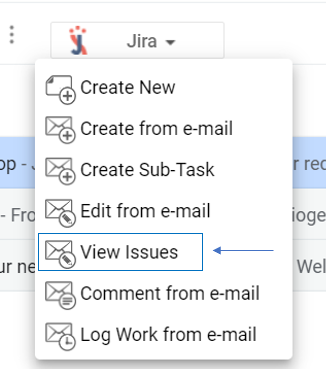
After selecting an e-mail, you can view all the issues created from that e-mail.
Quick Steps
Step # | Action |
|---|---|
| 1 | Go to your Gmail, select an e-mail |
| 2 | Go to the View Issues screen |
| 3 | All issues related to the selected e-mail will be returned |