Learn how to write JQL queries.
Follow these steps:
1. Go to issues
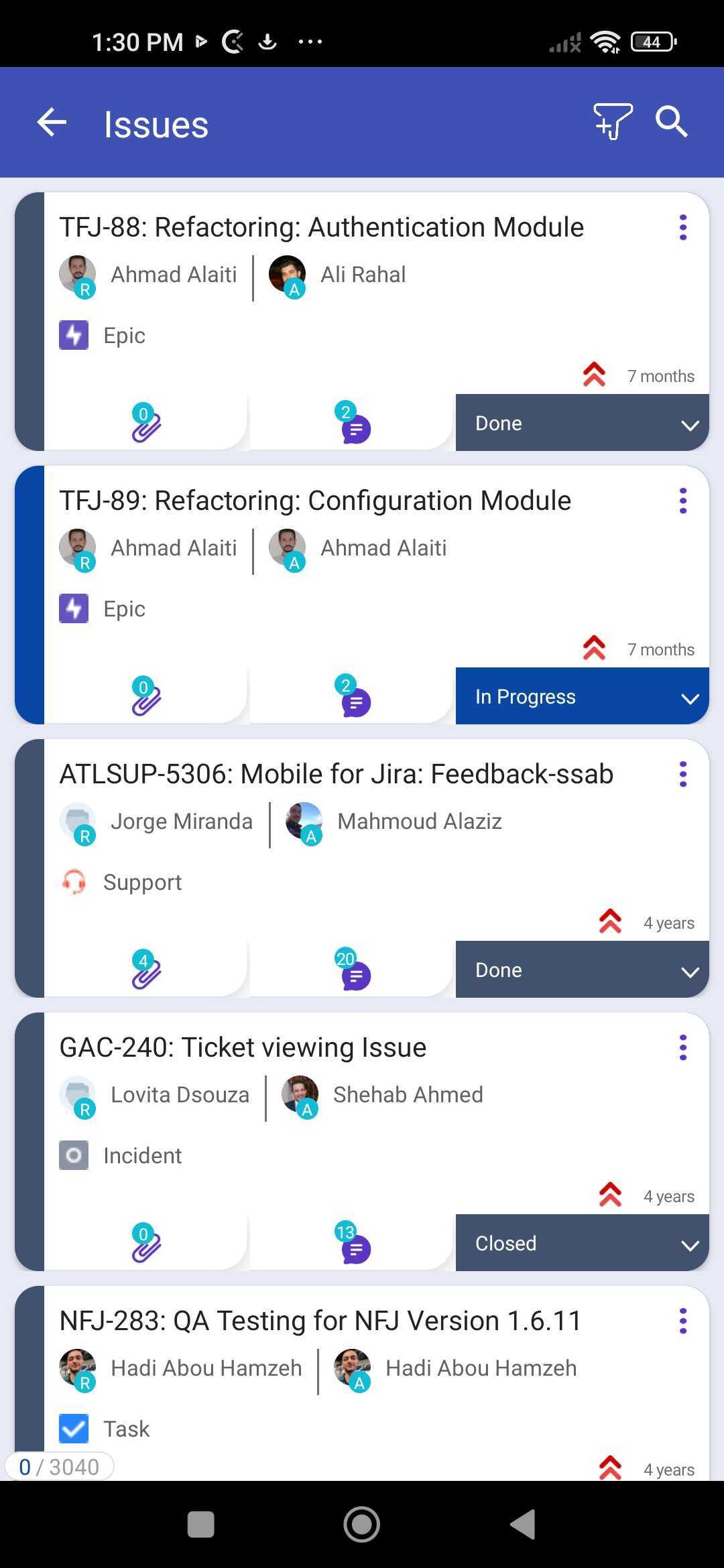
2. Click on the search icon on the top right
3. You can either search for Issues or go to more advanced by clicking on More
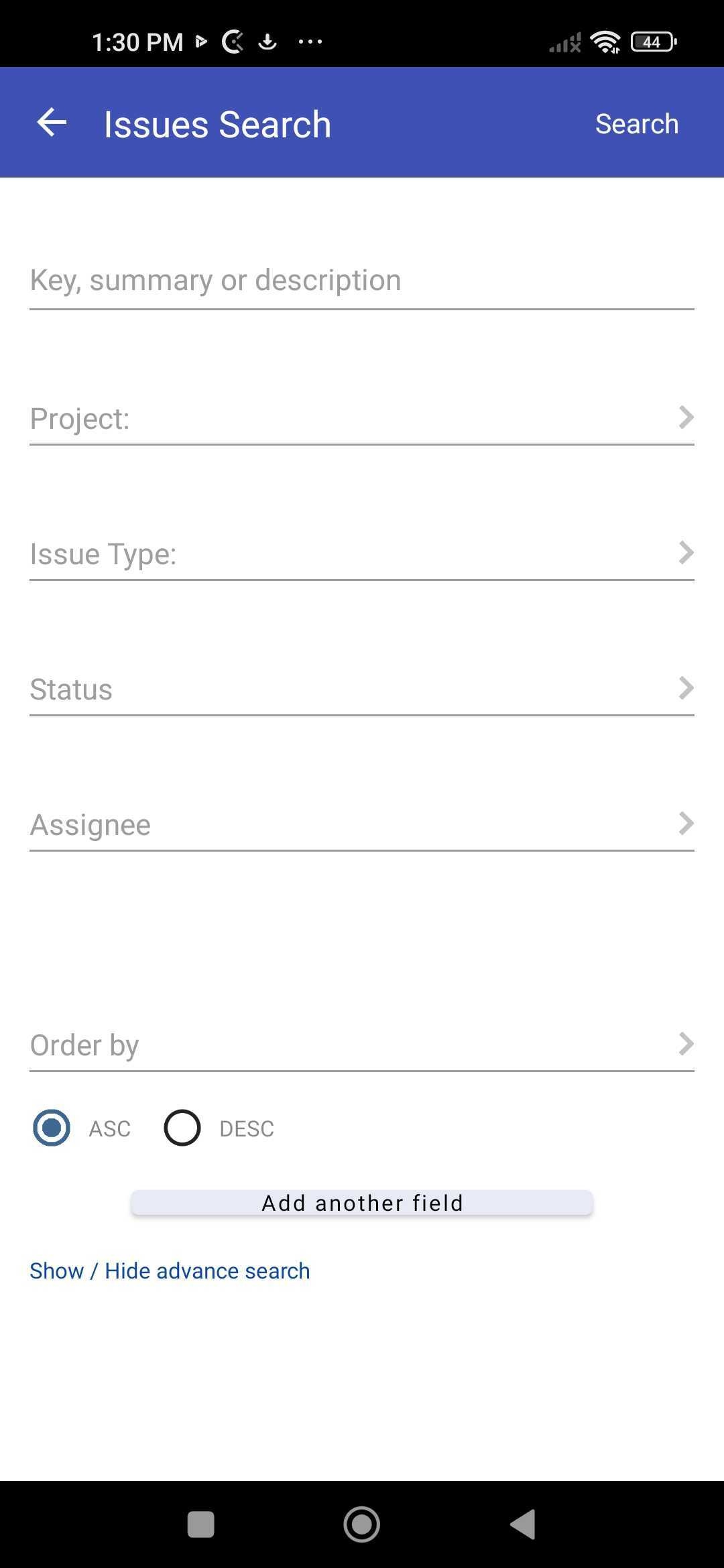
4. Let's say you want to search for tasks assigned to you
5. Choose that option
6. Click on Search
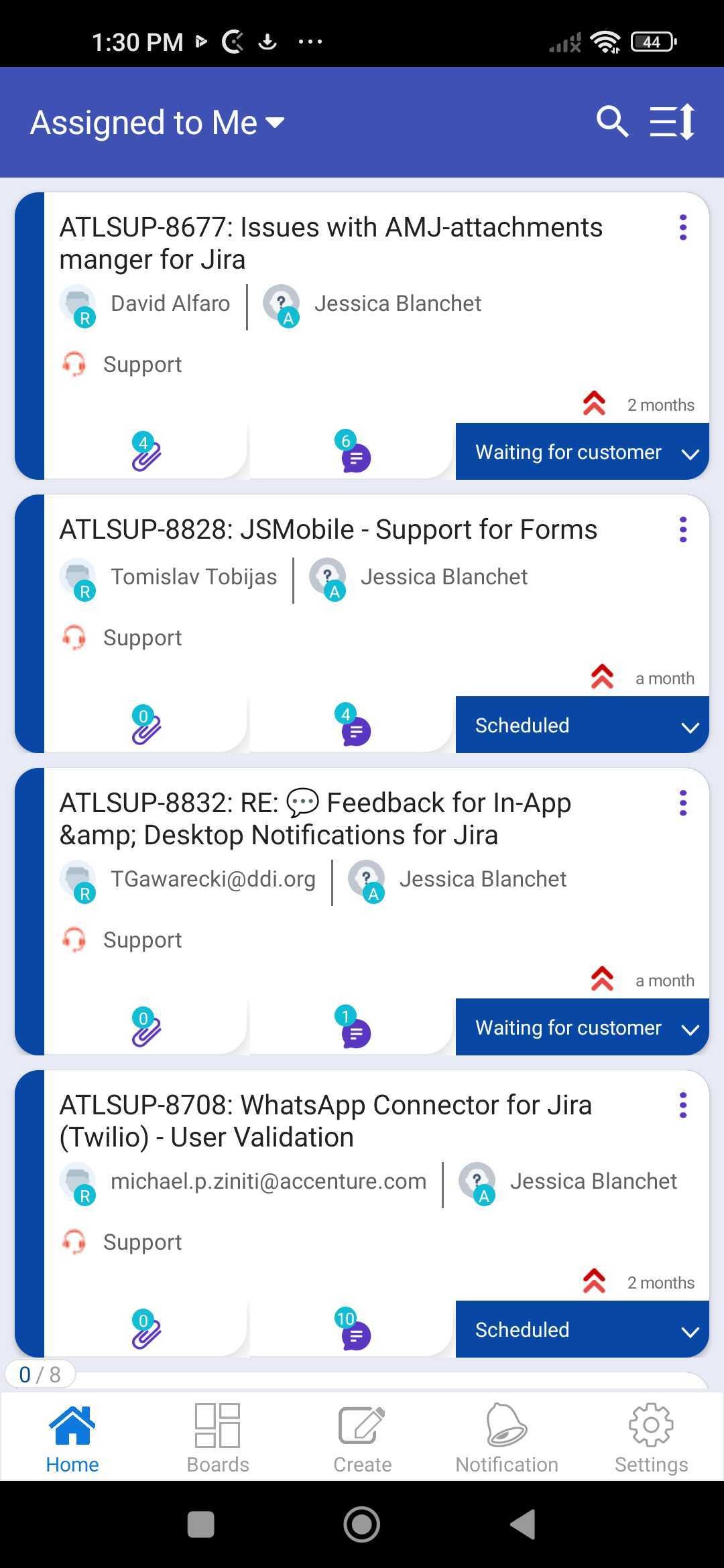
7. If you would like to save the result, just click on the save icon.