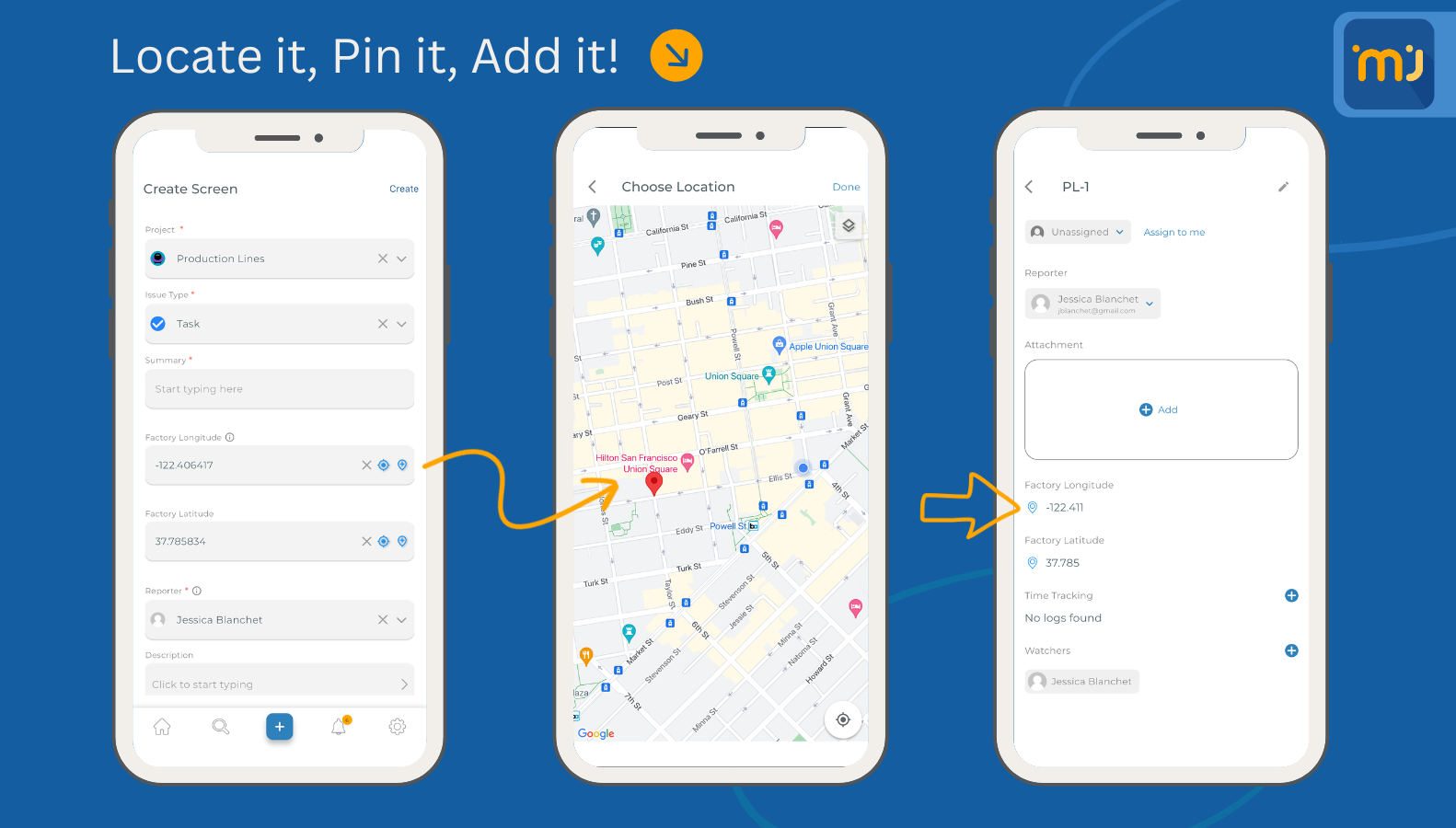
Installing the latest version of the add-on will add the config page of the GPS feature, to enable it you must follow the video below:
From mobile it is very simple, open the screen where the fields are added and follow the below steps:
- Enable GPS & Location in your device.
- When the permission to use the location prompt, make sure to allow MFJ to use your device location.
- enjoy the feature.