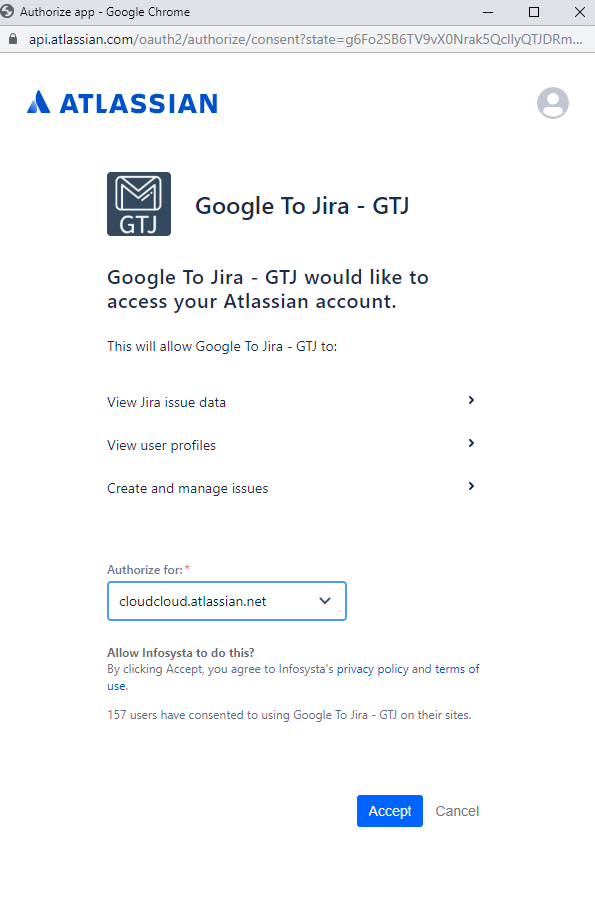
To login successfully through Google to Jira, you need to follow the below steps
Login Steps
Login through BASIC authentication for Jira Server:
- From login screen Select Server Login.
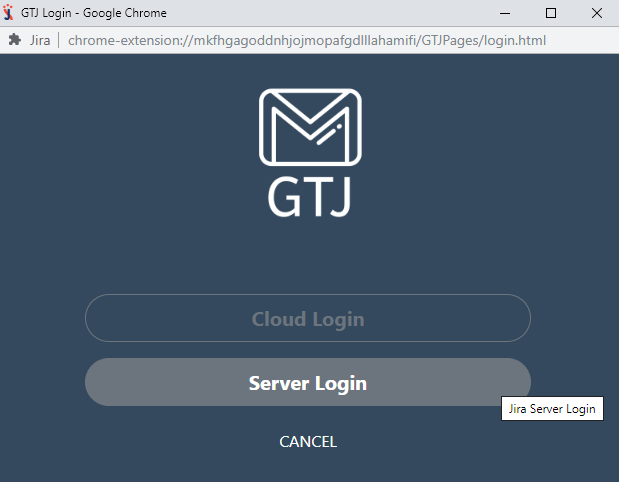
- Enter your site URL that could be for example:
- You can copy/paste the URL displayed in your browser for example in our case it is https://css.infosysta.com/secure/Dashboard.jspa.
- You can enter your base URL as jira.exmple.com or https://jira.exmple.com.
- Your site might contain context path so you need to enter it as jira.exmple.com/jira or https://jira.exmple.com/jira.
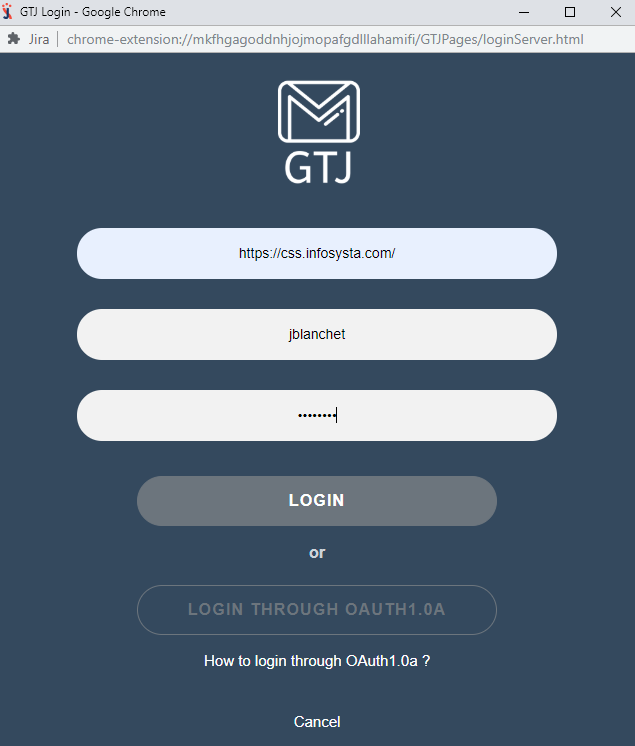
- Enter your username and password that you usually used in your Jira site.
Login through OAuth1.0a:
- First Create Application link from Jira side.
- From GTJ login screen Select Server Login.
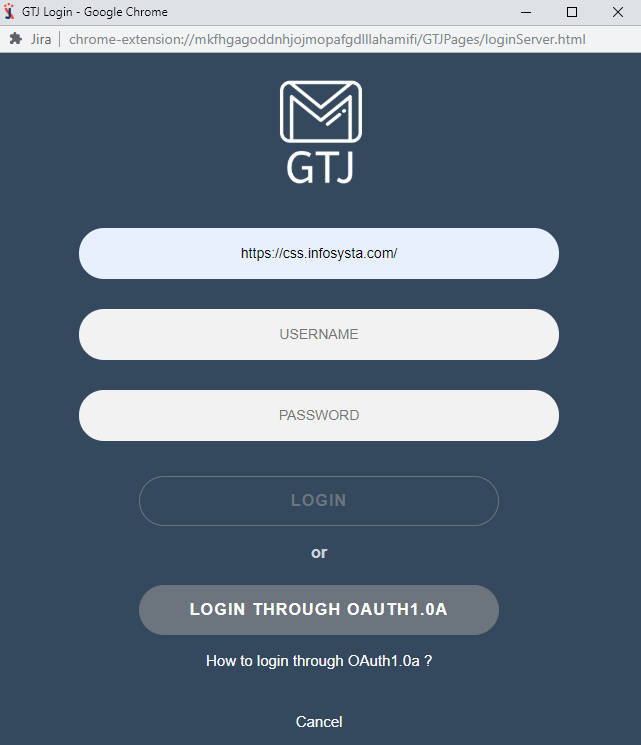
- Enter your Jira URL instance
- Click Login through OAuth 1.0a
Login through OAuth2.0 for Jira Cloud:
- From GTJ Login screen click on Cloud Login
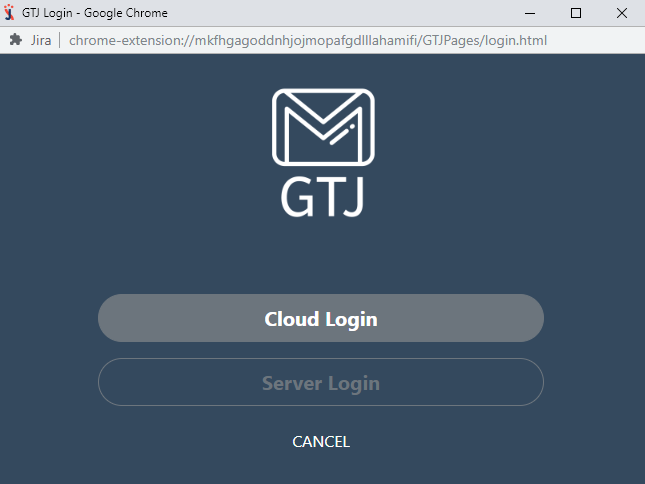
- Select your URL Jira instance from the drop-down
- Click Accept