Overview
Learn how to connect a folder to Cloud Storage to Jira.
Quick Steps
Step # | Action |
|---|---|
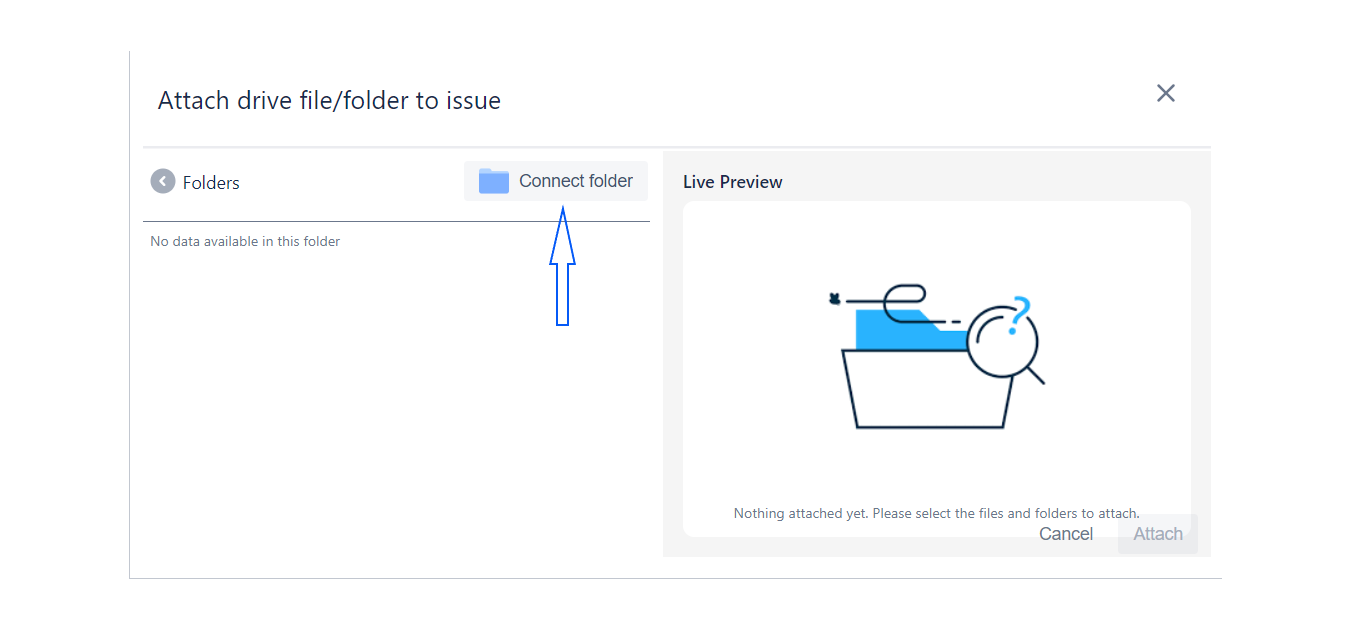
| 1 | Click on Connect folder button |
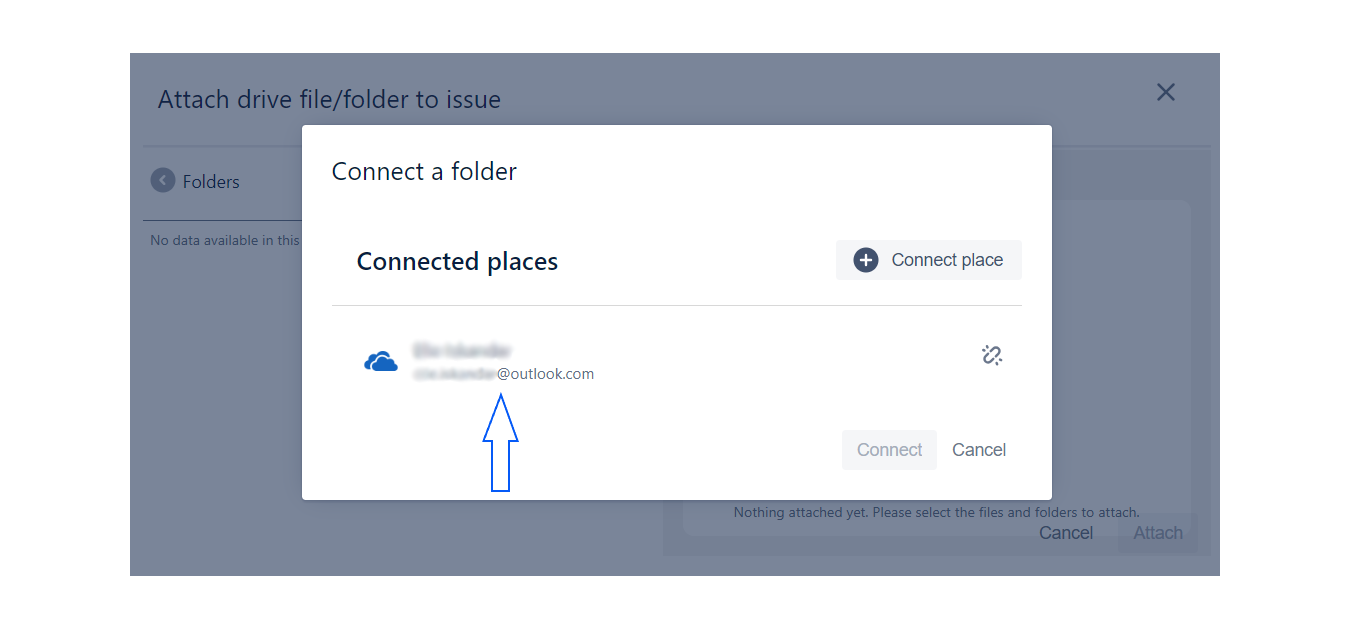
| 2 | Choose the account you have used to log in |
| 3 | Choose a storage option (My files/Shared) to select a folder from |
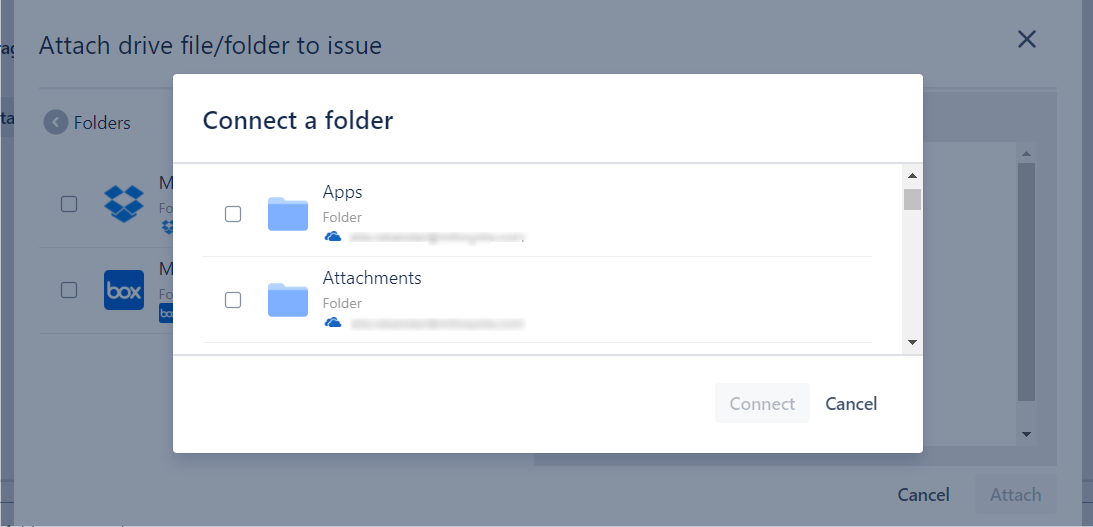
| 4 | Select the folder you want and click the Connect button |
Step 1: Click on Connect folder button
Step 2: Choose the account you have used to log in
Step 3: Choose a storage option (My files/Shared) to select a folder from

Step 4: Select the folder you want and click the Connect button