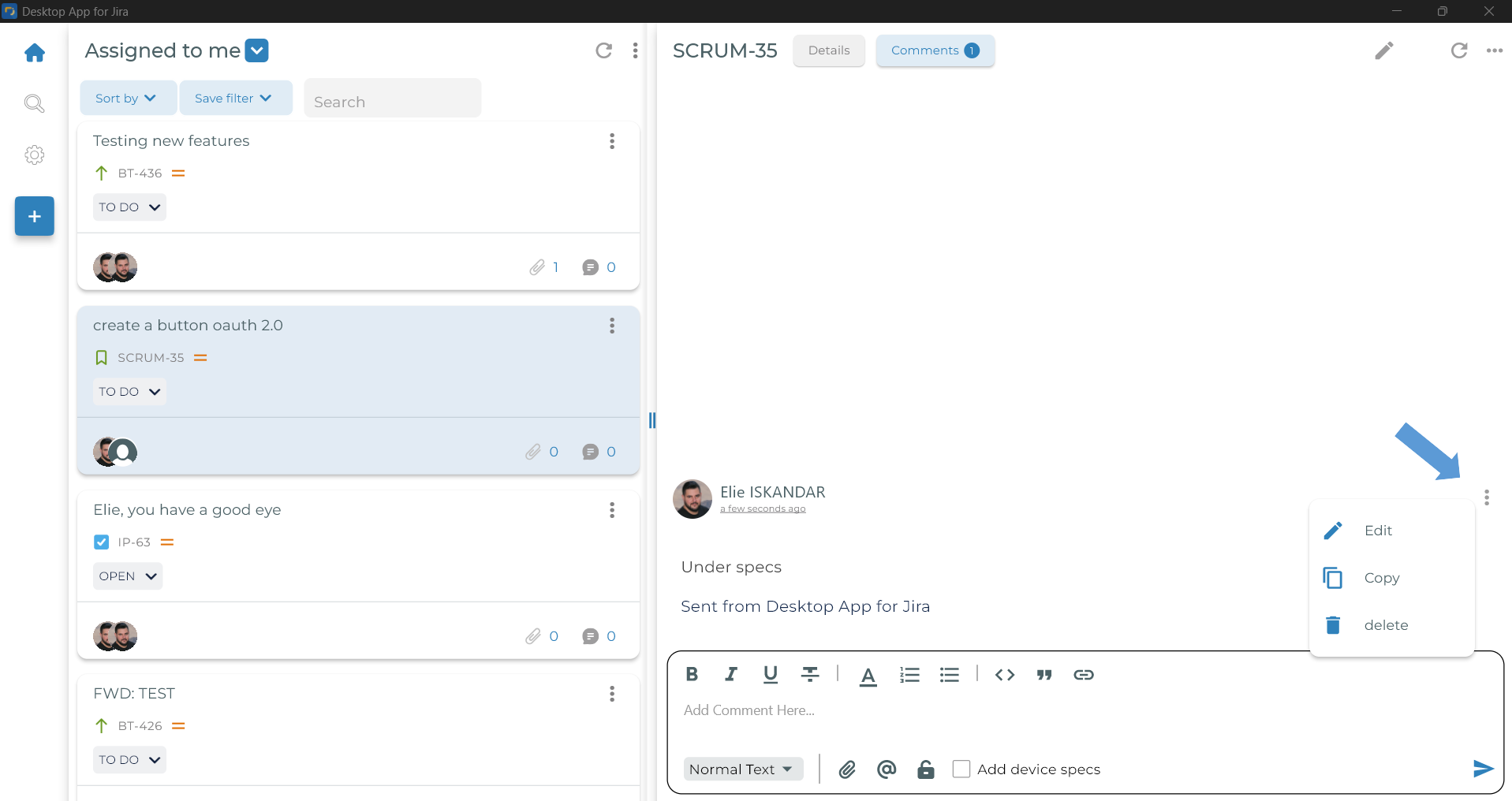
- In the issue screen view, click the Comment button and write your comment in the rich text editor
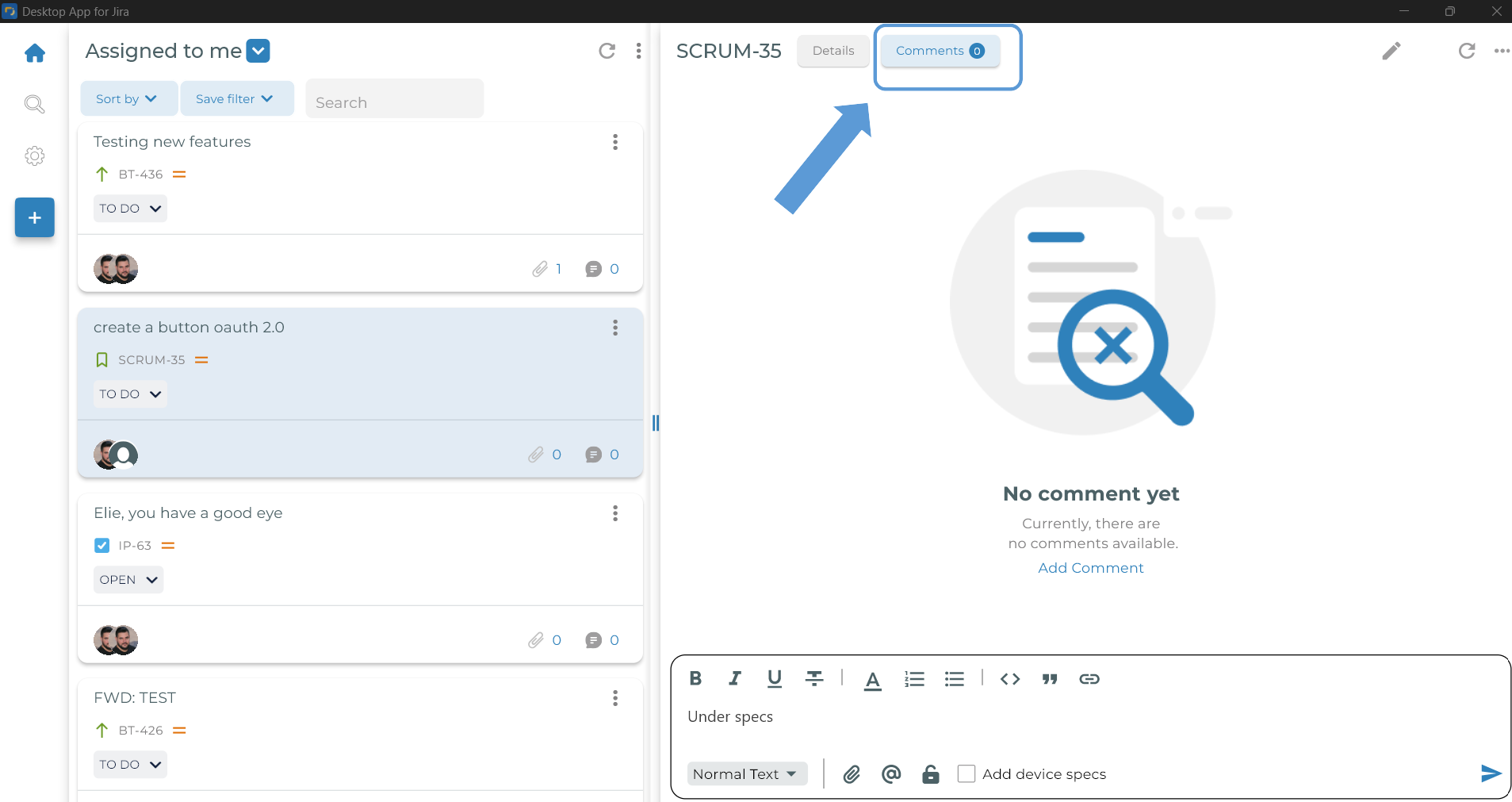
- Alternatively, you can add a comment by clicking the comment icon on the issue card
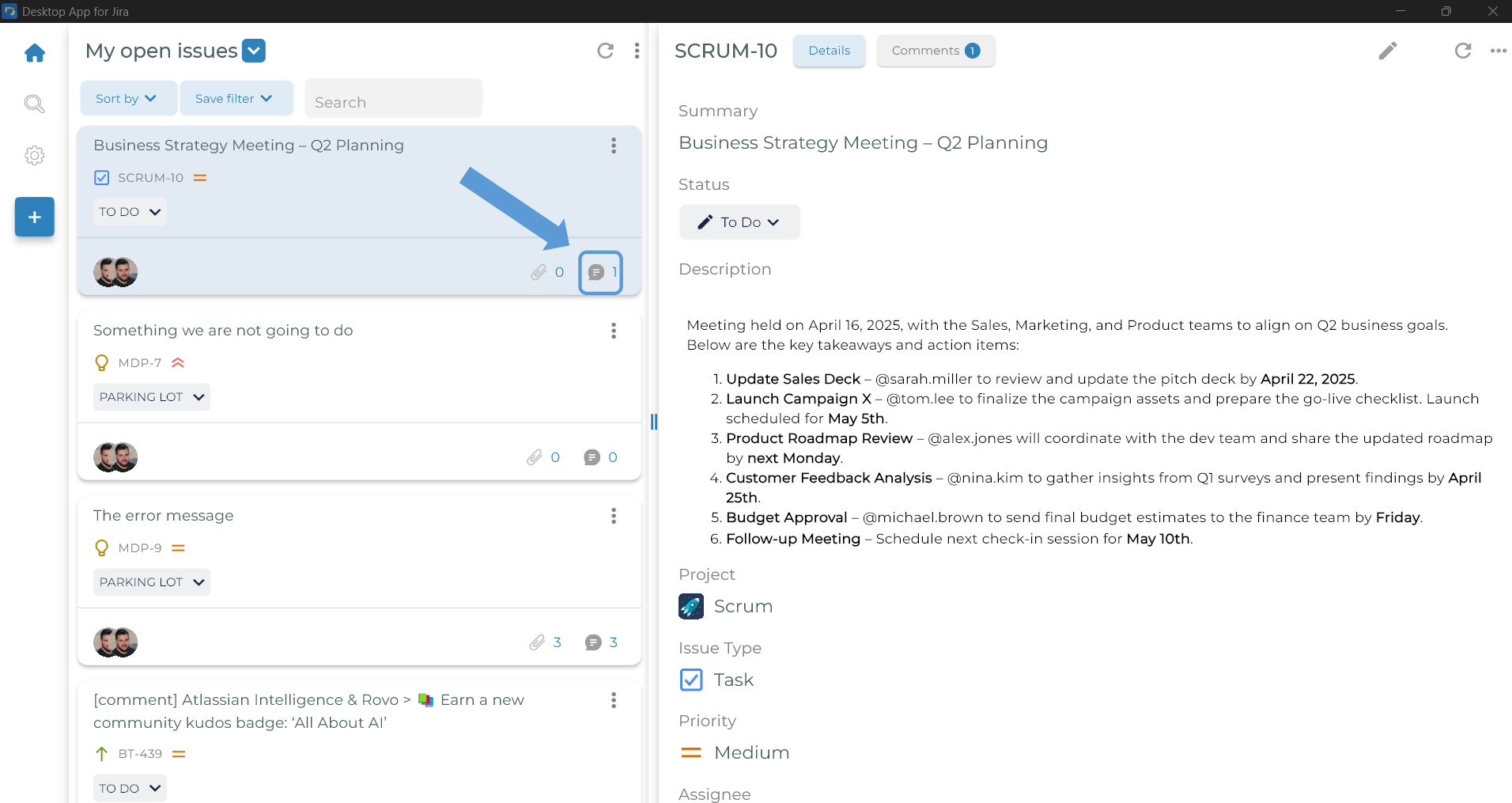
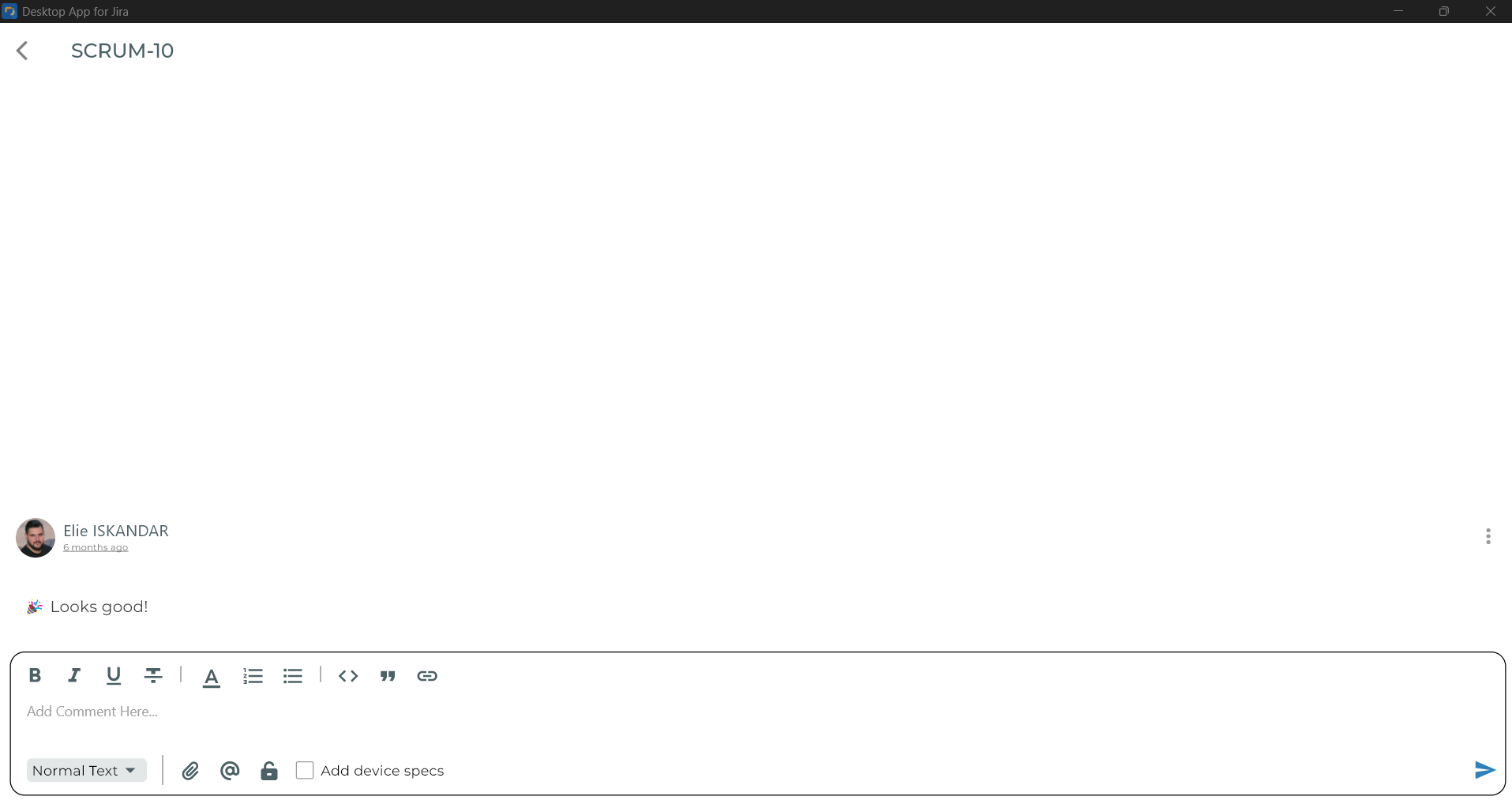
- You can Add, Edit, or Delete a comment by clicking the three dots associated with it