Feature Overview
Within the Attachments section of Microsoft Outlook for Jira, you can preview files on both the Create and Add to issue screens.
Follow these steps
1. Navigate to the Create or Add to issue screen.
2. Within the Attachment section, click on the image of your choice.
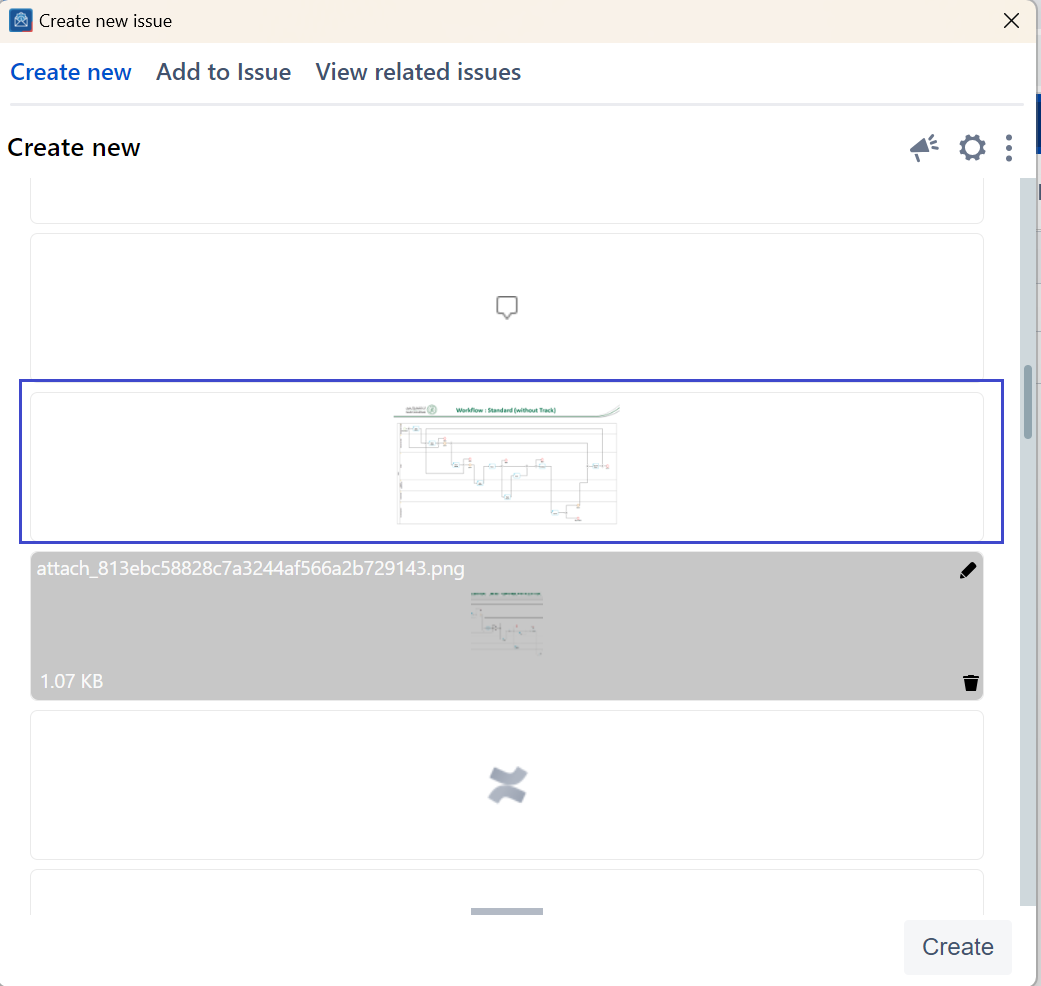
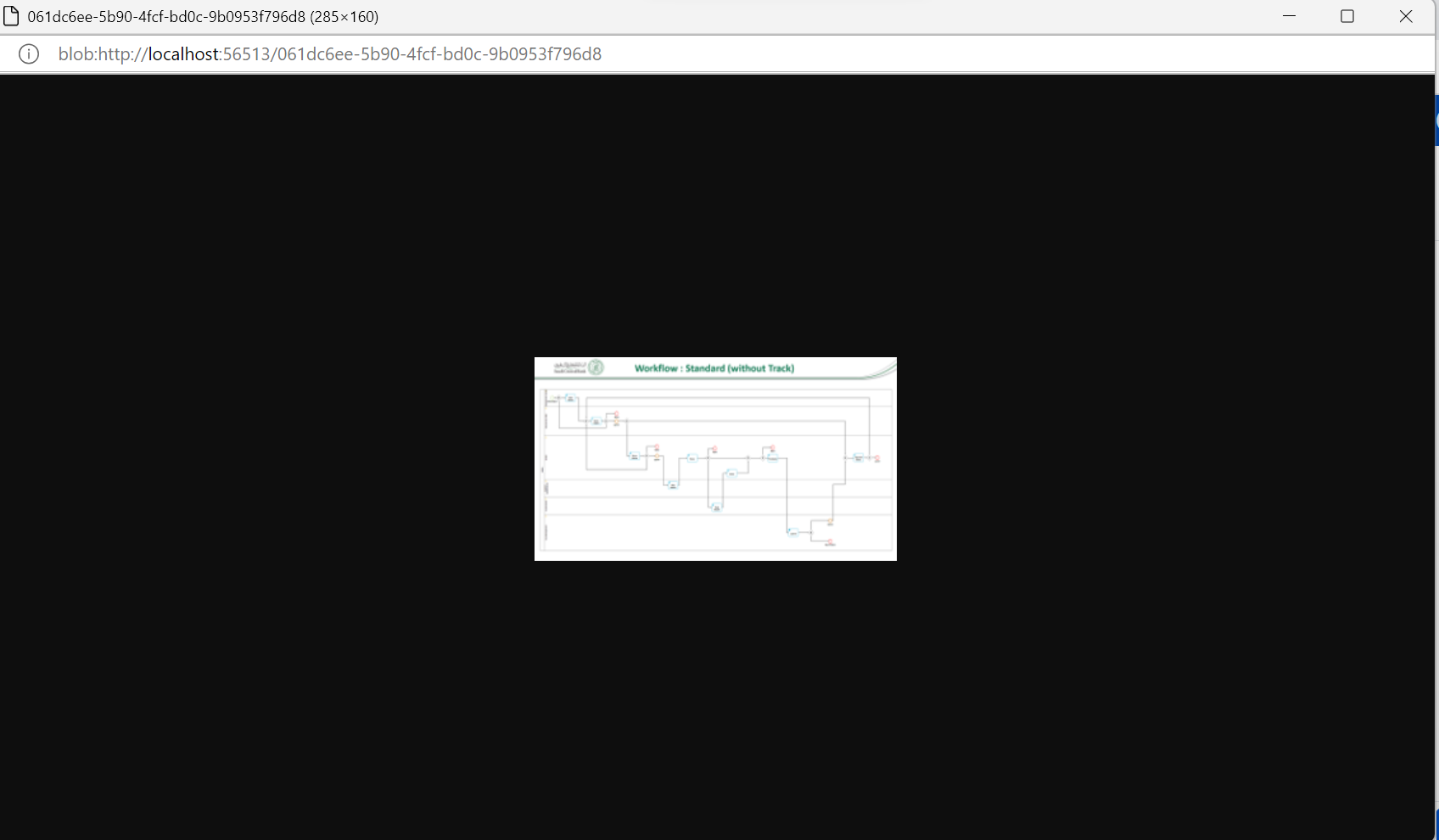
The selected image will open in a new window using the Edge Web View, providing you with a closer look and easy accessibility.