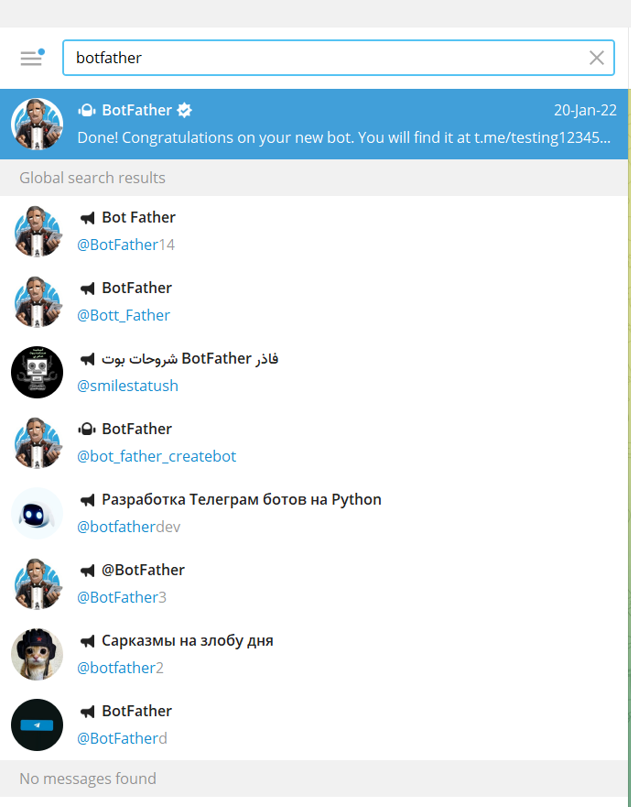
1- Search for the BotFather (the verified account)
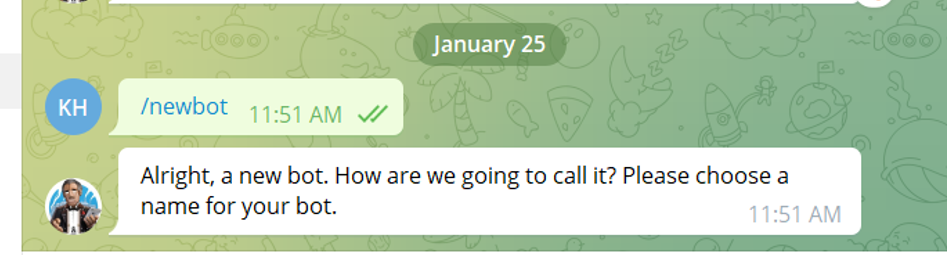
2- Initiate the chat with the bot and enter the following command (/newbot):
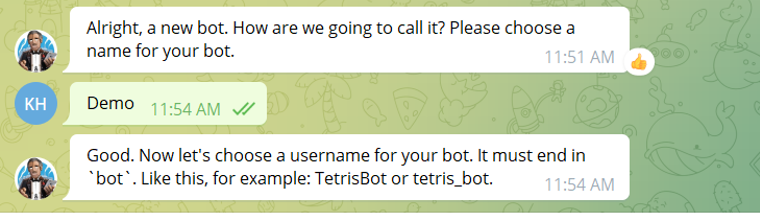
3- Name your bot (whatever name you want) Note: this is not the name that the users can search for it's the appearance name of the bot (example: Infosysta support)
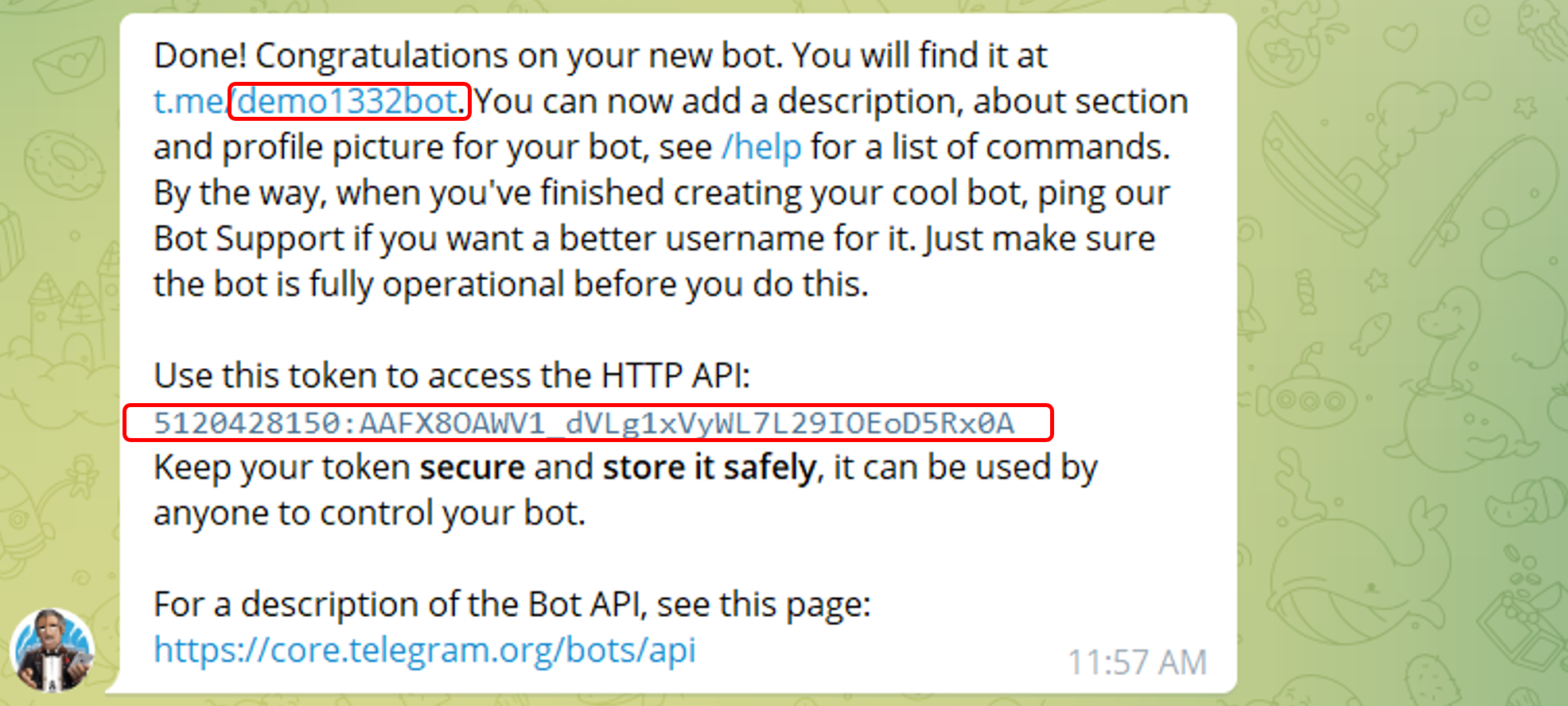
4- Choose the username for your Bot (this is the one that users will search for)
Note: It has to end with a " bot" or "_bot"
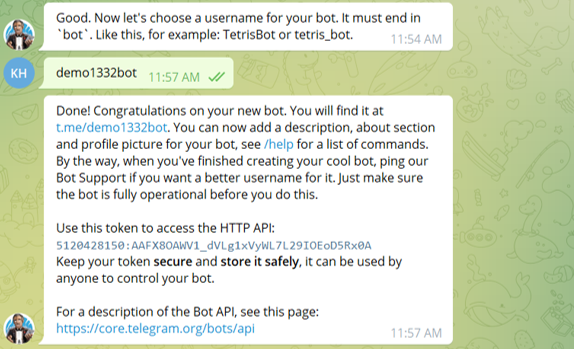
5- You Now have the needed Token and the username to continue with your bot registration 
Related articles
| Content by Label | ||||||||||||||||||
|---|---|---|---|---|---|---|---|---|---|---|---|---|---|---|---|---|---|---|
|