Learn how to configure a Telegram bot to use with Telegram to Jira Connector.
With Telegram, you're given the option to create a Telegram bot for free. This can be done with the following steps.
The steps can be followed using either Telegram's mobile version or desktop version.
1. Go to Telegram.
2. Search for BotFather, ensure it's the verified account.
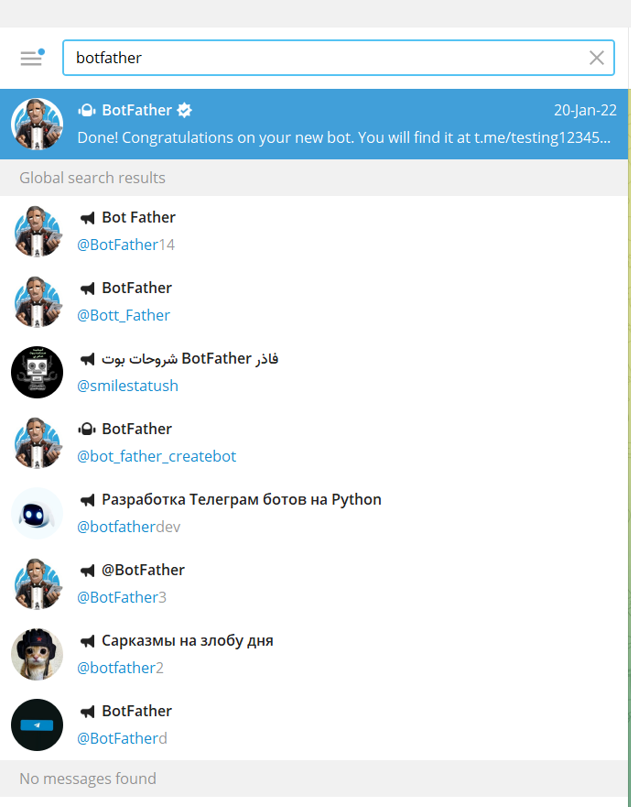
3. Initiate a chat with the bot by typing in the command (/newbot).
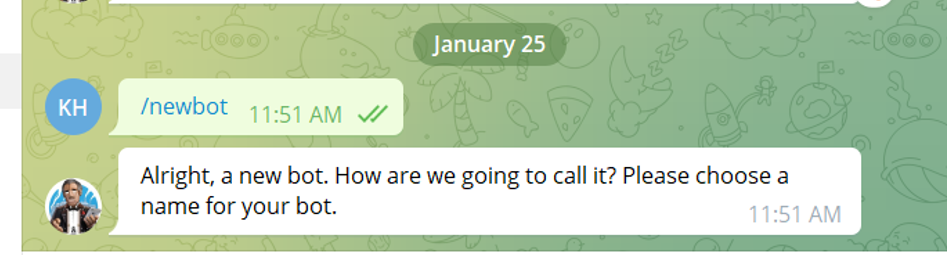
4. Choose a name for your bot.
Note:
1- Search for the BotFather (the verified account)
2- Initiate the chat with the bot and enter the following command (/newbot):
...
this is not the name
...
the users
...
will be searching for, it's the
...
name
...
that will appear with the bot (example: Infosysta support).
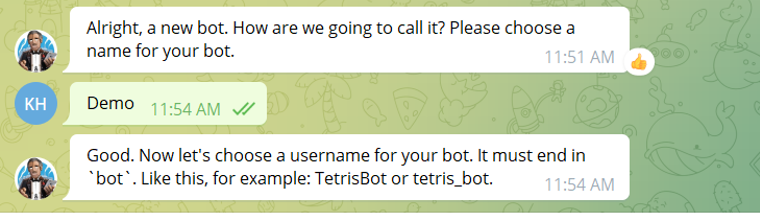 4- Choose the
5. Create a username for
...
the bot, ending in 'bot'.
Note: It has to end
...
in " bot" or "_bot".
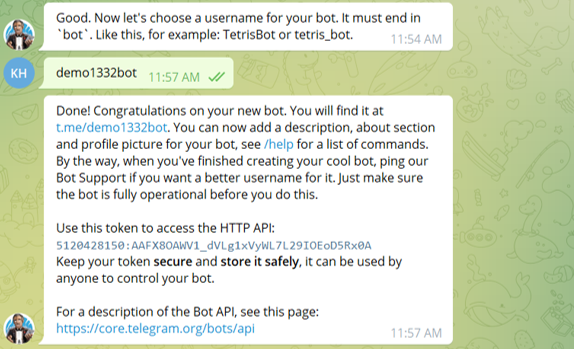
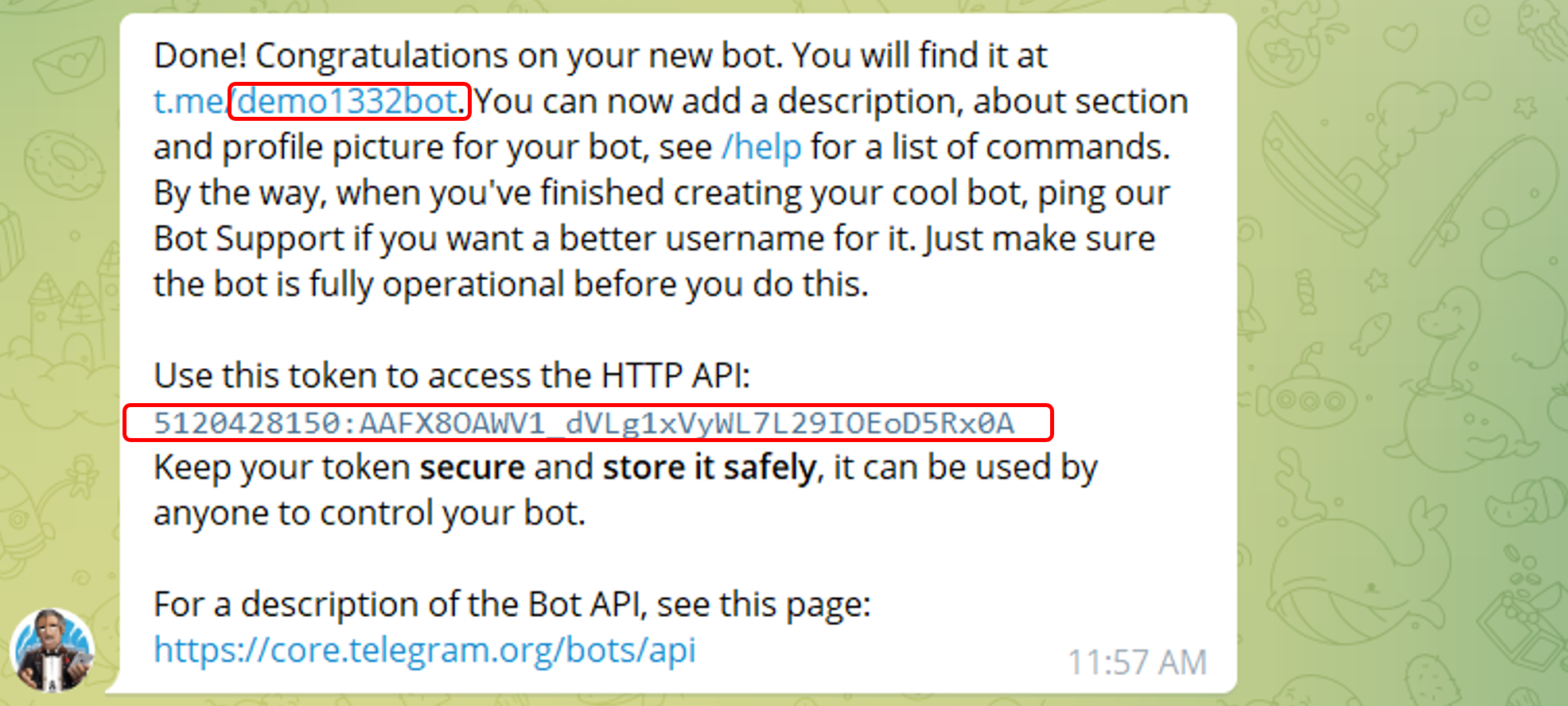
5- You Now have the needed Token and the username to continue with your bot registration 
You can also follow this video to help you see the steps in action.
| Widget Connector | ||
|---|---|---|
|
...
...