...
| Note |
|---|
| You can also create a subtask from the View issue screen, to find out more, go to this link. |
Quick Steps
| Step # | Action |
|---|---|
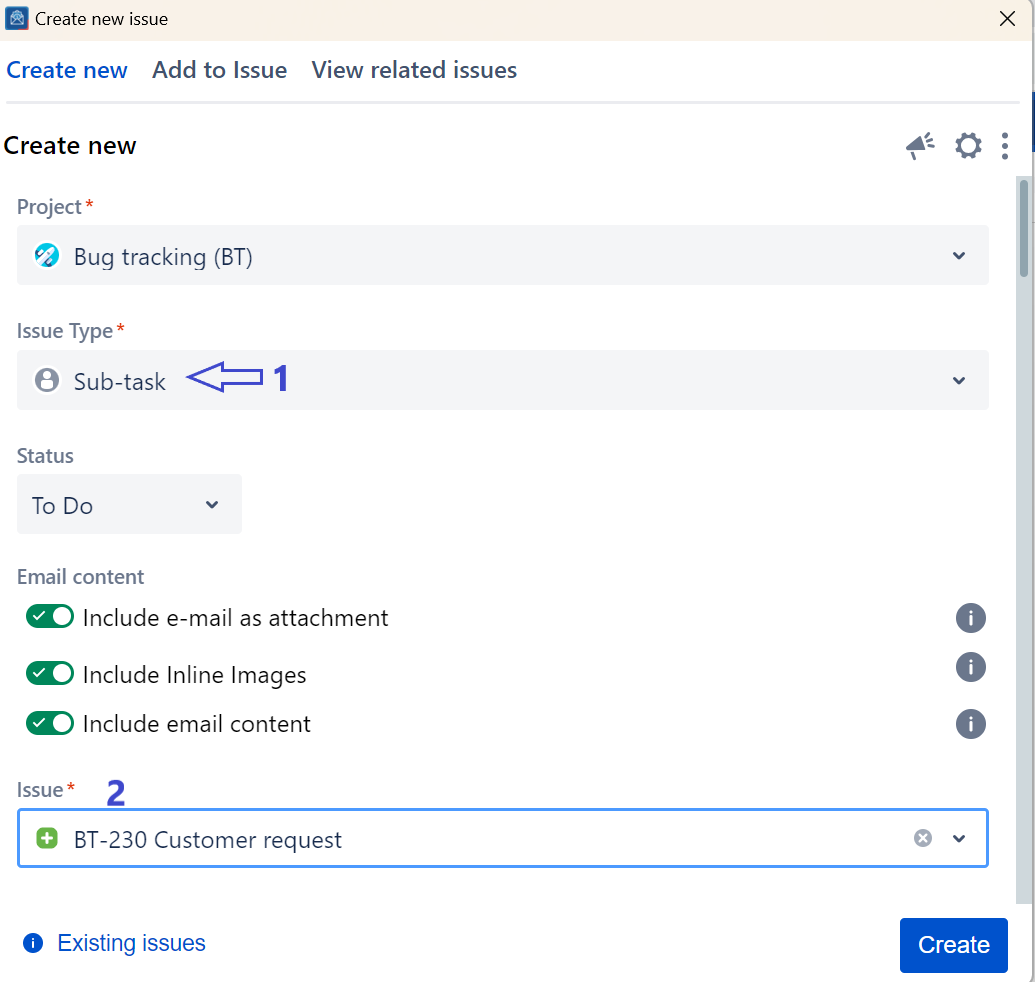
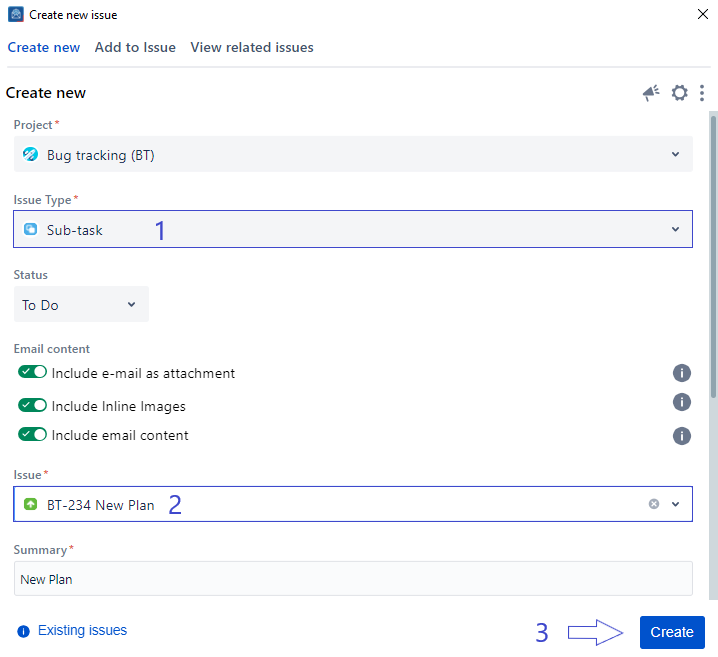
| 1 | Go to your Outlook toolbar and choose Create issue |
| 2 | Fill in the requested fields and choose Subtask under Issue type |
| 3 | Search for Search for the issue parent |
| 4 | Click on the Create button |
| Content by Label | ||||||||
|---|---|---|---|---|---|---|---|---|
|