Feature Overview
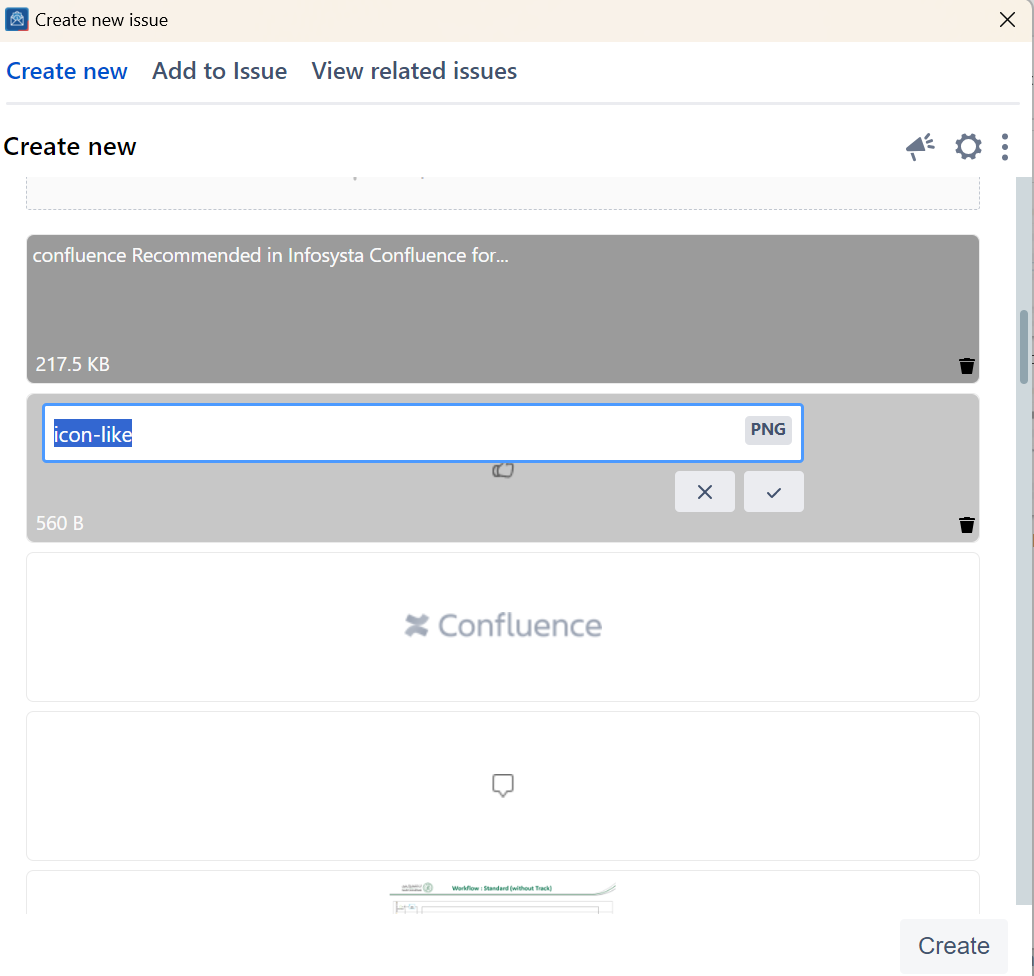
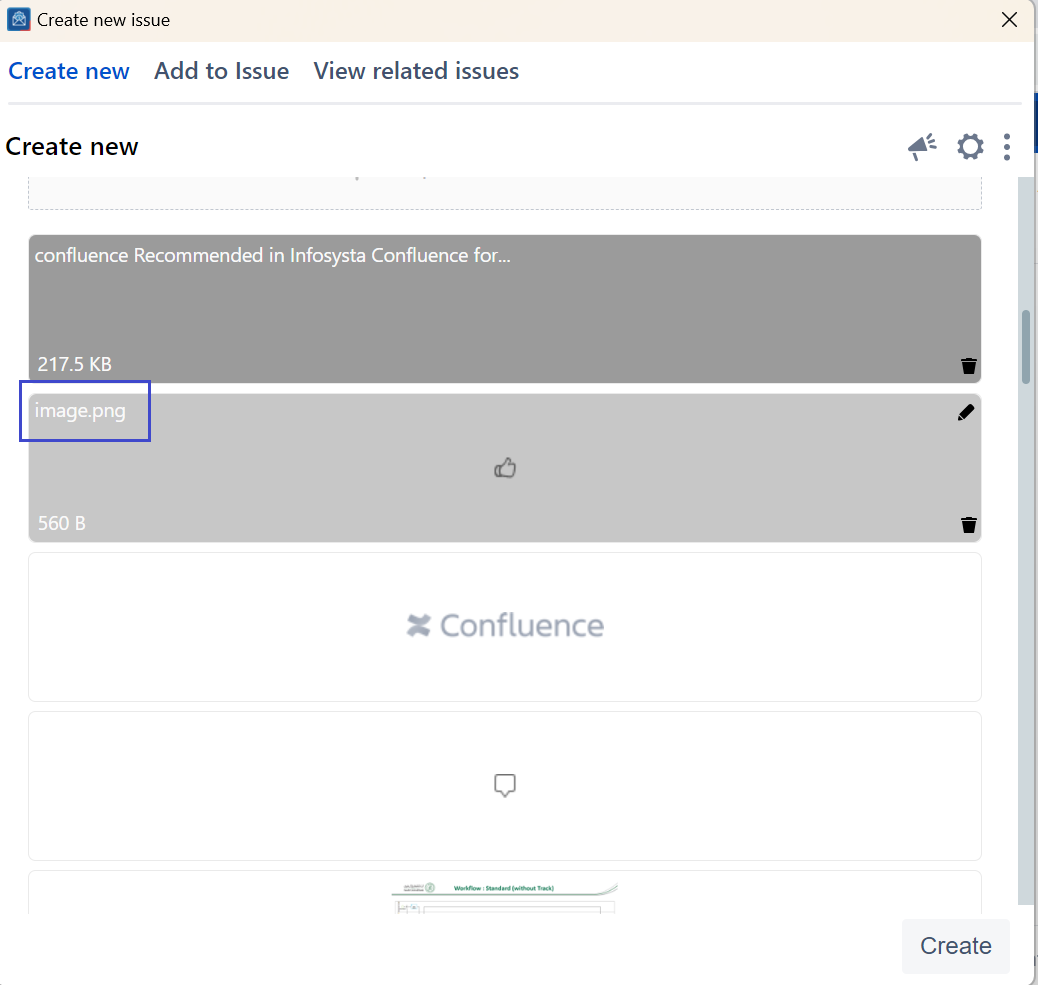
In the Attachments section of OTJMicrosoft Outlook for Jira, you can Rename rename files in the Create and Add to issue screen screens.
Quick Steps
...
Step #
...
Action
...
Follow these steps
1. Open Create or Add to issue
...
screens
2
...
. Head to the Attachment section
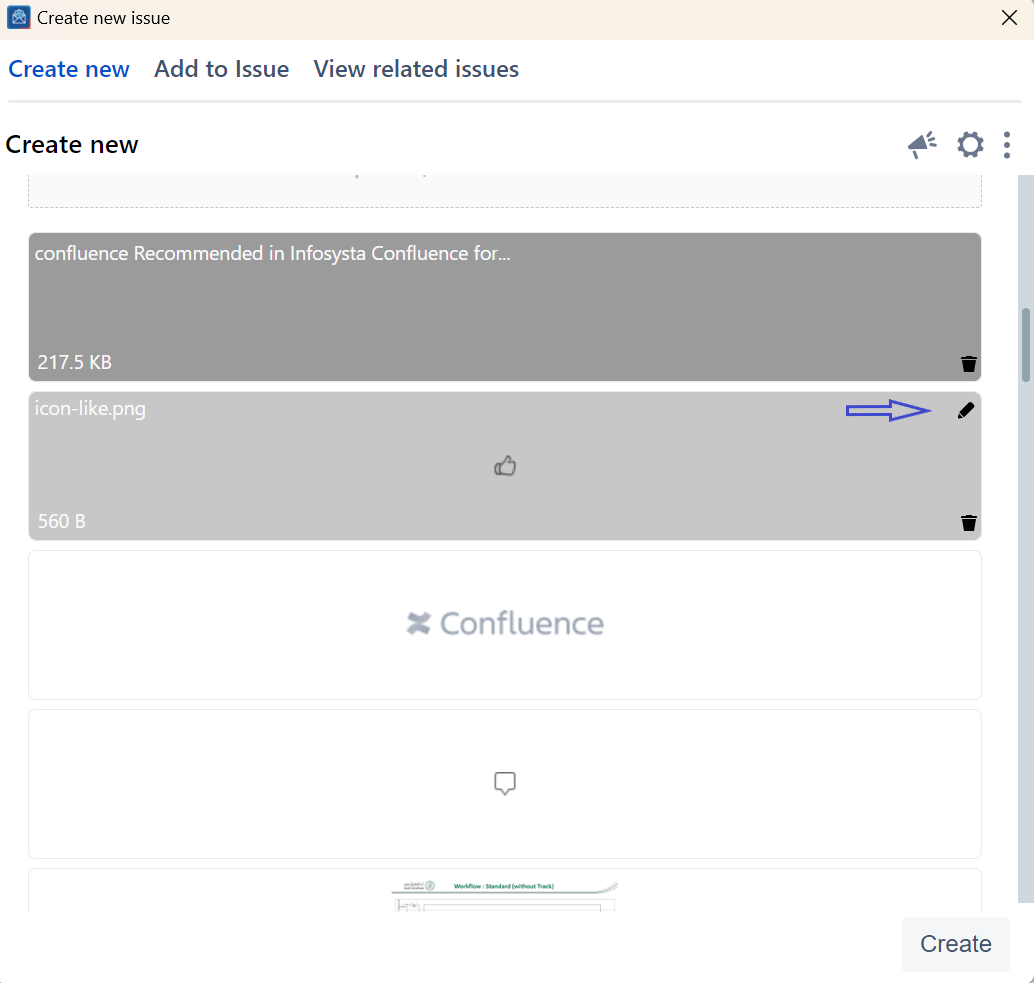
3. Click on the Edit icon displayed on the image
...
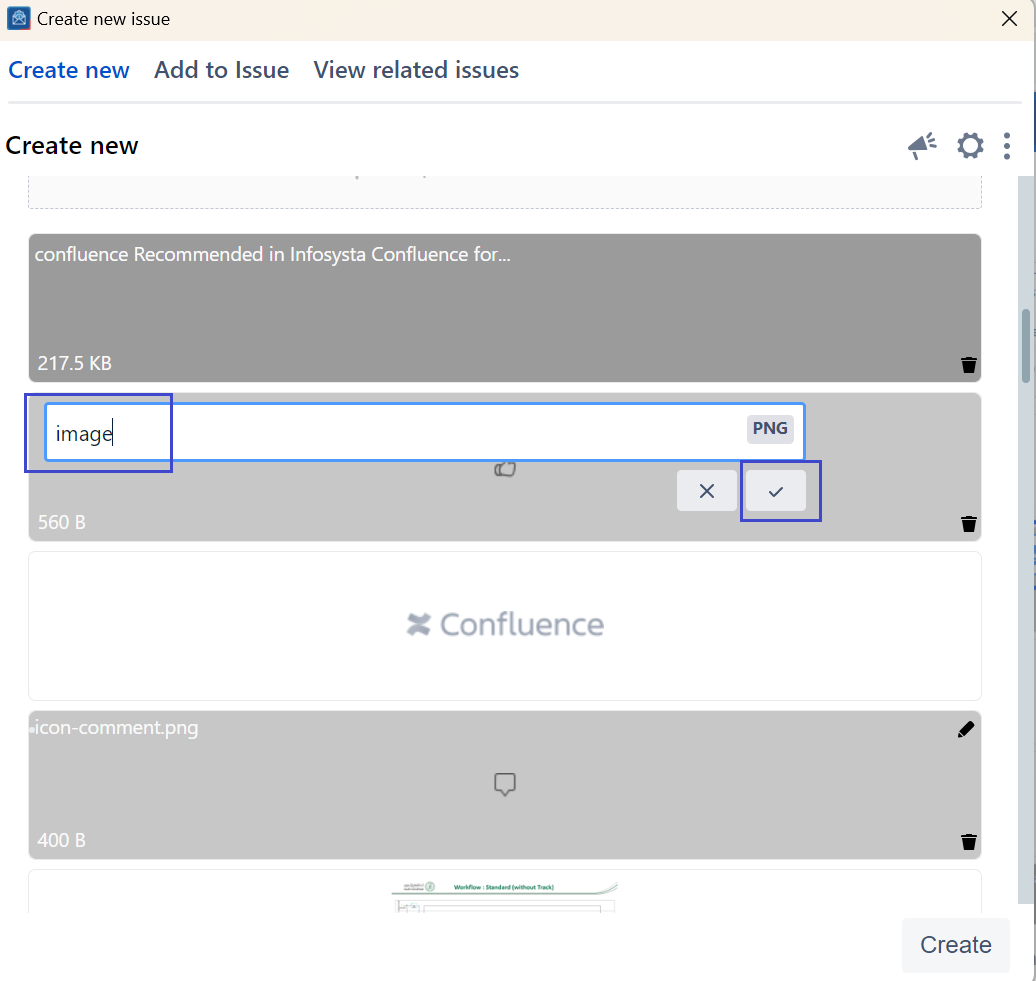
4. Change the file name and save it
...