To Learn how to manage the labels on an attachments using AMJ - Attachments Manager for Jira.
Follow these steps:
1. Click of an attachment, just click on any label assigned to the attachment or on the default gray label and this
2. This will direct you to edit the labels
3. By default, you will get the latest last 2 labels created by you as options after opening the app.
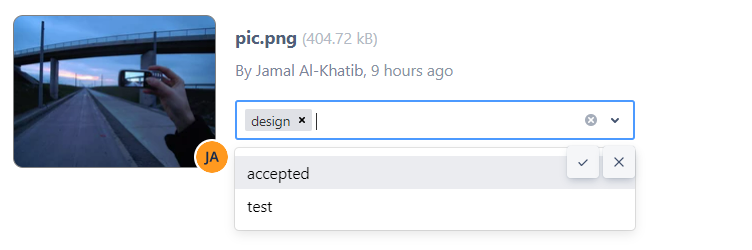
To search 4. Search for labels just start typing by typing them out
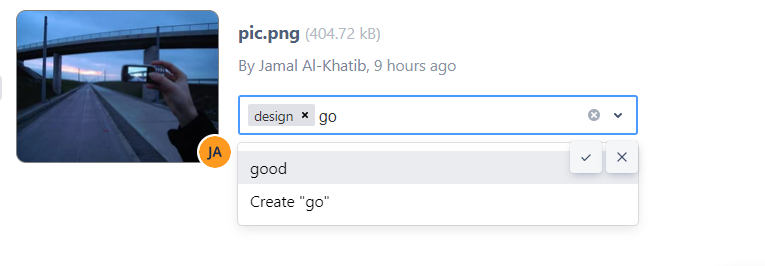
To create 5. Create a new label , by type its name and you the name
6. You will be given the option to create it if no a label with this that name already exists. if one doesn't already exist

7. When finished done editing the labels, just click on the done icon to save. save

| Info |
|---|
| Note |
...
| : As you |
...
| edit the labels, you can click on the |
...
| " |
...
| x" icon to cancel any changes you made, and you will |
...
| go back to the old state of |
...
| the labels. |