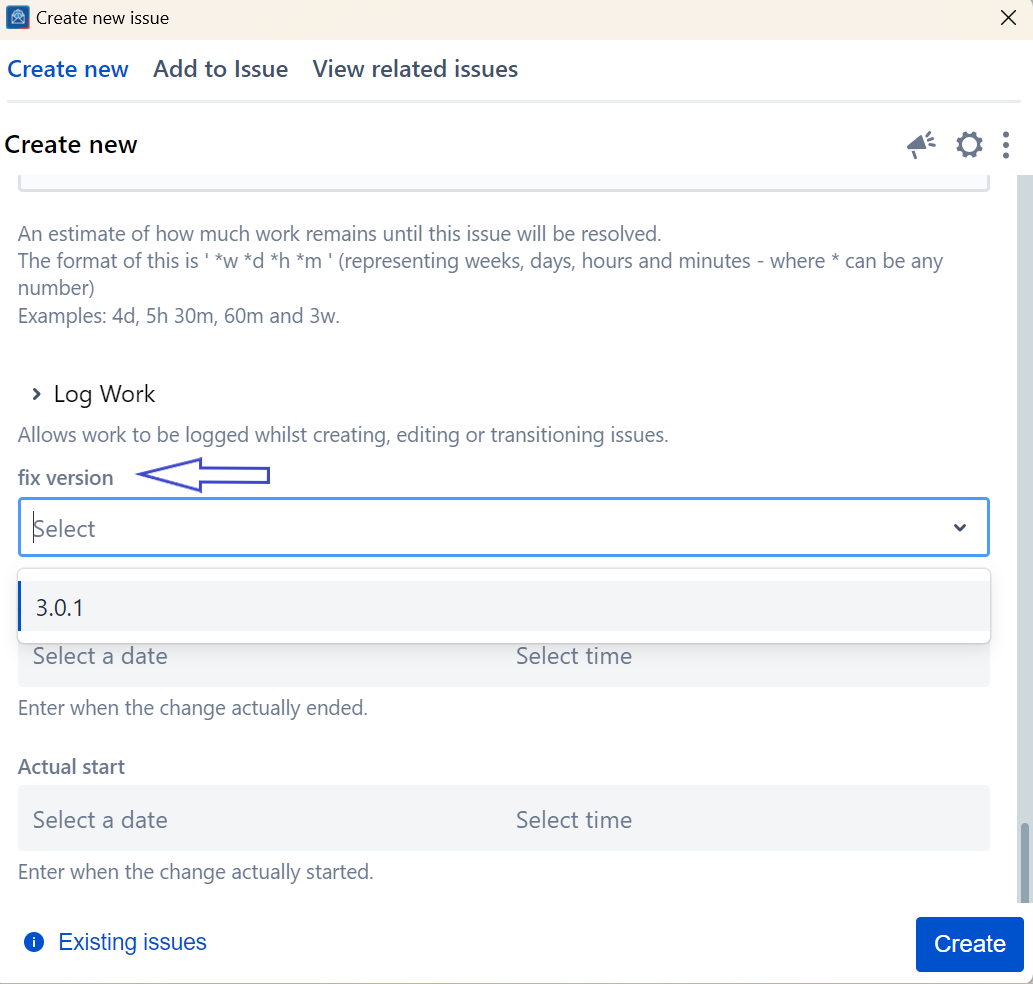
This guide will show you how to create a new fix version directly from the create screen.
| Step # | Action |
|---|---|
| 1 | From the create screen, scroll to the Fix version field and click on the '+' button |
| 2 | From the Dropdown,select your Fix version |
You need to have the correct Jira permissions to be able to create a new fix version. |
If you can't find the field you are looking for, you might need to show/hide it from the Configure field option. Learn more here. |